
September 14, 2023
Question

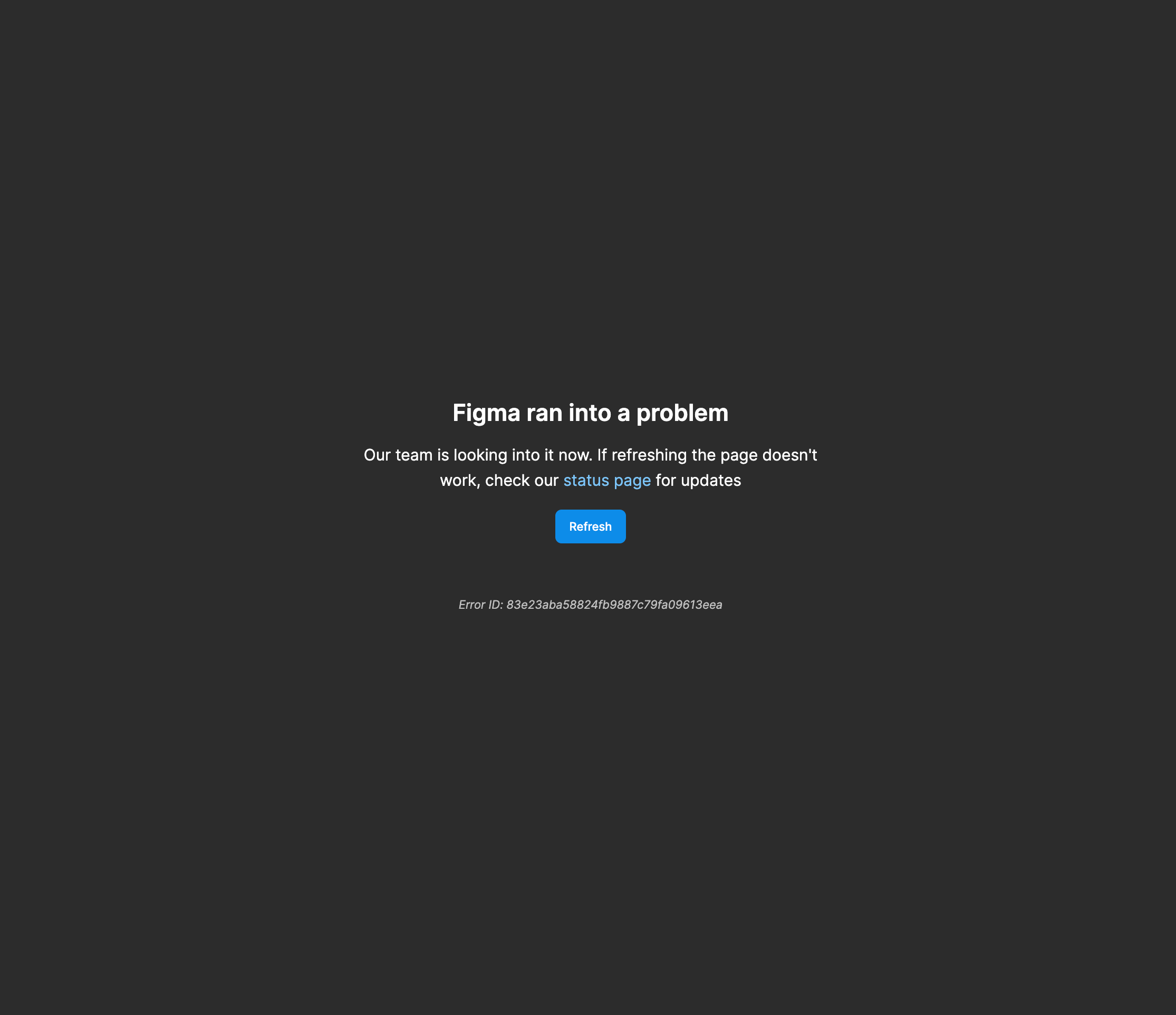
Figma ran into a problem error

  • September 14, 2023
  • 16 replies
  • 3081 views

Trying to resolve conflicts in a branch before merging, the conflicts are not loading and after some time the screen turns blank with the error showing ‘Figma ran into a problem’.

Unable to merge a branch to main file. Need support?
This topic has been closed for replies.

16 replies

March 12, 2024

hi there , i am experiencing the same issue with Figma saying it has ran into a problem. how can I resolve this

Gayani_S
Figmate
Community Support
March 13, 2024

Hey @onsetwithaaliah, thank you for reaching out! I am able to get you connected to our technical quality team. Before that can you please confirm if is this is happening in the browser, desktop app or both?

Can you try clearing out the cache? Here are some information to troubleshoot:

Troubleshooting checklist

My files are not opening

Also, please try to force-quit and open Figma in a new browser window (or force-quit the Figma Desktop app and restart it.)

Please let me know if this resolves your issue?

Dennis_Johansen
March 13, 2024

Hey @Gayani_S we are also facing merge problems with the same error message as described above. Tried the following troubleshoot you mentioned without any luck.

Gayani_S
Figmate
Community Support
March 13, 2024

Hey @Dennis_Johansen, thanks for confirming! I’ve just created a support ticket on your behalf. Our technical quality team will be able to investigate further. Your ticket number is #947324, for reference.

Please share your console log with our team: Export network logs

Our support team usually takes up to 24 hours to reply back to emails - tends to be quicker than that in normal circumstances. However, please be aware that we are facing increased contact volume so there might be a delay.

Let me know if you have any further questions.

Thanks,
Gayani

July 11, 2024

hi there , i am experiencing the same issue with Figma saying it has ran into a problem. But only in desctop. In browser window everything ok. how can I resolve this?

y_toku
Figmate
Community Support
July 12, 2024

Hey there,

Can you try force-quitting the Figma Desktop app and restart it. If the issue persists, please try clearing the cache.

I hope this works but if the issue persists, could you submit a bug report detailing the steps that led to this issue? You can do so by following the link: https://help.figma.com/hc/en-us/articles/360041468234-Submit-a-bug-report

Thanks,
Toku