

Question

Figma Make template errors

  • January 8, 2026
  • 5 replies
  • 84 views

Jason Spidle

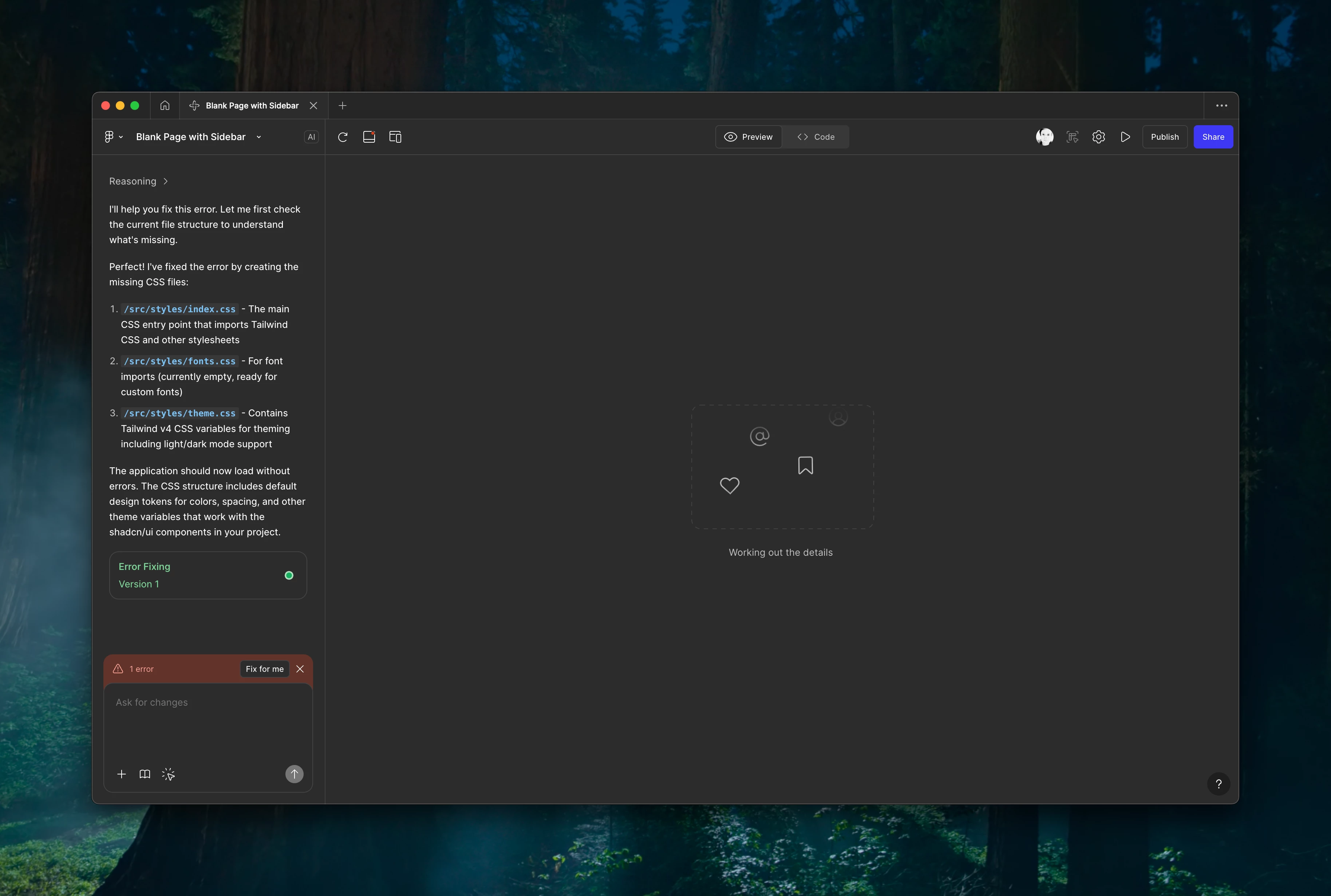
I’ve created a template in Figma Make, but it always has an error when trying to use it. I’ve re-created the template a few times and nothing fixes it. The template is composed of two components from our design library (a sidebar and a top navbar). Do templates not work with library components for some reason?


5 replies

ksn
Figmate
  • Community Support
  • January 8, 2026

Hey ​@Jason Spidle - would you be able to share edit access to the original template you made? I want to run it by some of our support team to see if they notice any issues.


If that’s possible, can you please PM me? Thank you!


James O'Dwyer

@Jason Spidle I am also having the same issue when creating templates in Make. all my guidelines.md, styles folder get deleted so the template will not compile and creates an error due to the missing styles folder. ​@ksn Could you help me with this issue please.


Jason Spidle
  • Author
  • New Member
  • January 14, 2026

@James O'Dwyer You can probably PM ​@ksn. I shared my template and devs were supposedly going to look into it. I haven’t heard anything back yet though...


Sebastian Negus

@Jason Spidle ​@ksn Same issue here, when creating a template and then trying to use it in a new file, it doesnt have all the files that the template has. Even if i manually download the template code and fill in the rest of the files, i get an error “Error: Expected export Code1_145 to be a function, got: undefined”.

And it cant autofix it..


James O'Dwyer

I have a support ticket in with Tech team. So hopefully this will get fixed as it's holding us back. I have come up with a simple start pack though for a user to use in their Make files. Starter pack is just a copy and paste Guidelines.md with a prompt to start: ‘Can you read the guidelines and understand my GDS design system’. Then users can start to use the tool.