

Figma desktop app not displaying correct colour profile on second monitor
Hi!
I’m having an issue with colours not displaying correctly when I use the desktop app on my second monitor.
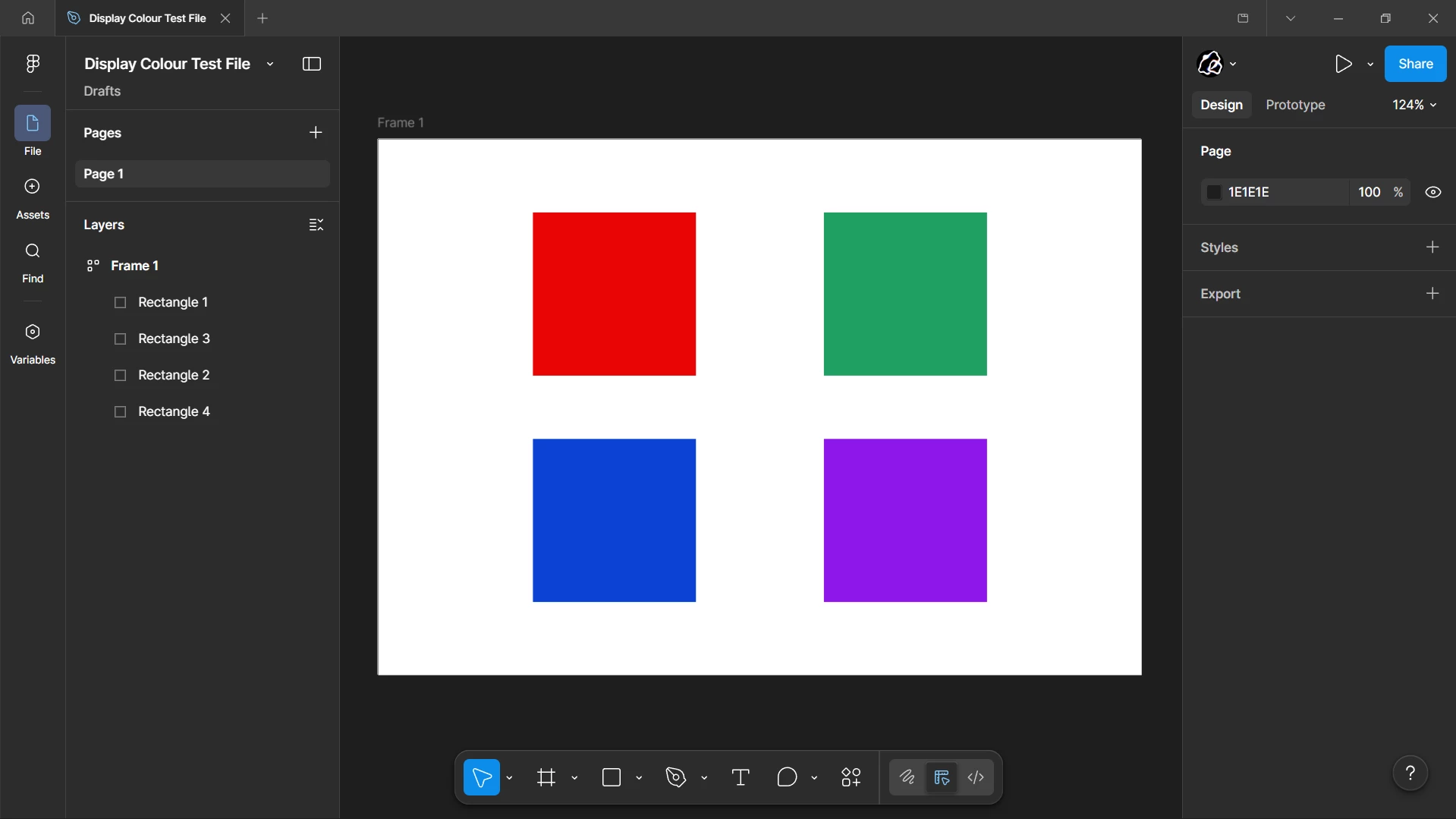
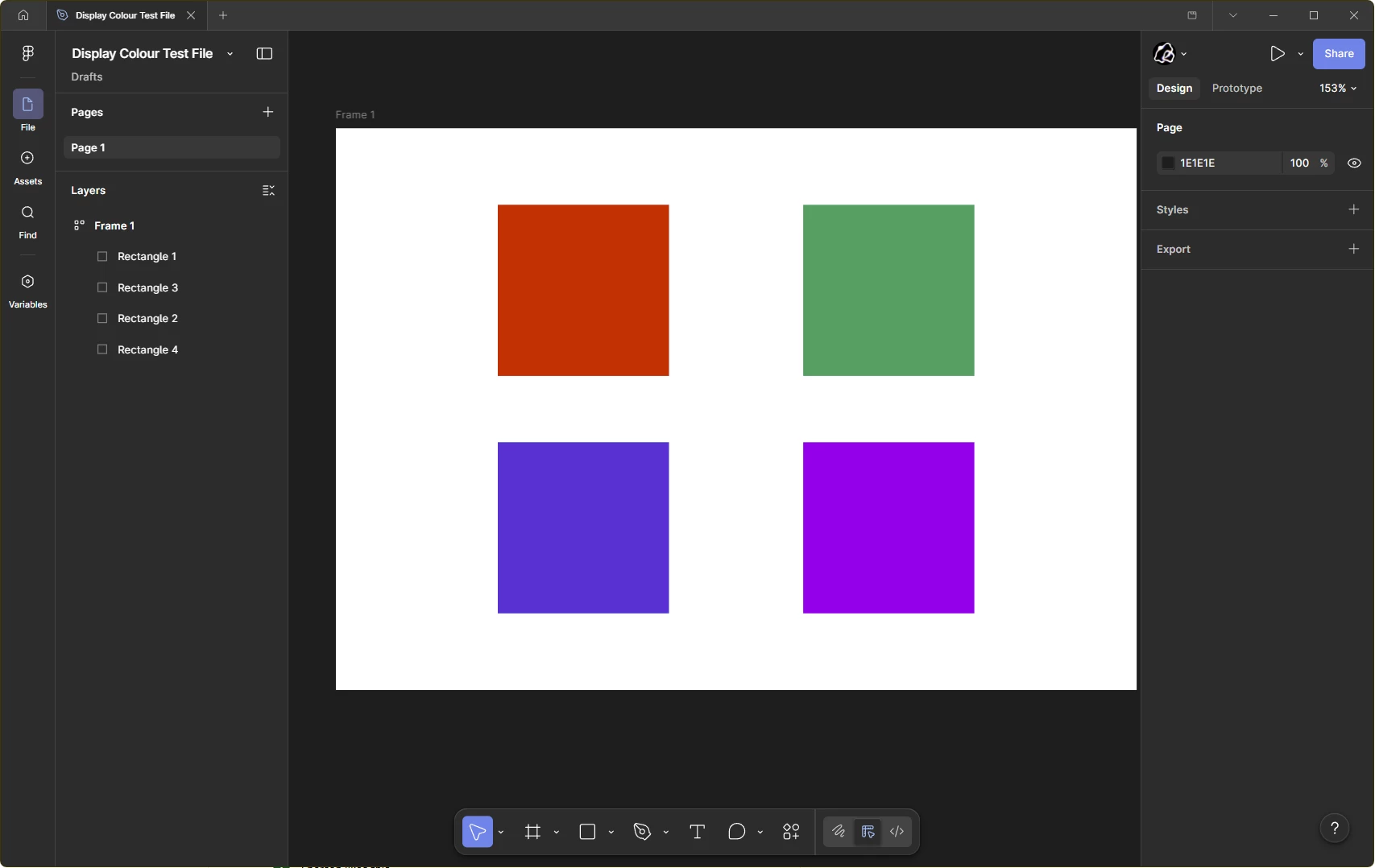
I have my laptop (Dell XPS 15, Windows 11) extended to a monitor (ViewSonic VX3211-2K-mhd). On my laptop there are no problems but when I move the window to the second monitor, the entire app doesn’t display colours properly.
This seems to be happening only with the Figma desktop app- all other apps I’ve checked show the correct colour profile, including Figma in the browser. You can also see below that when I screenshot the window, the colours are still altered.
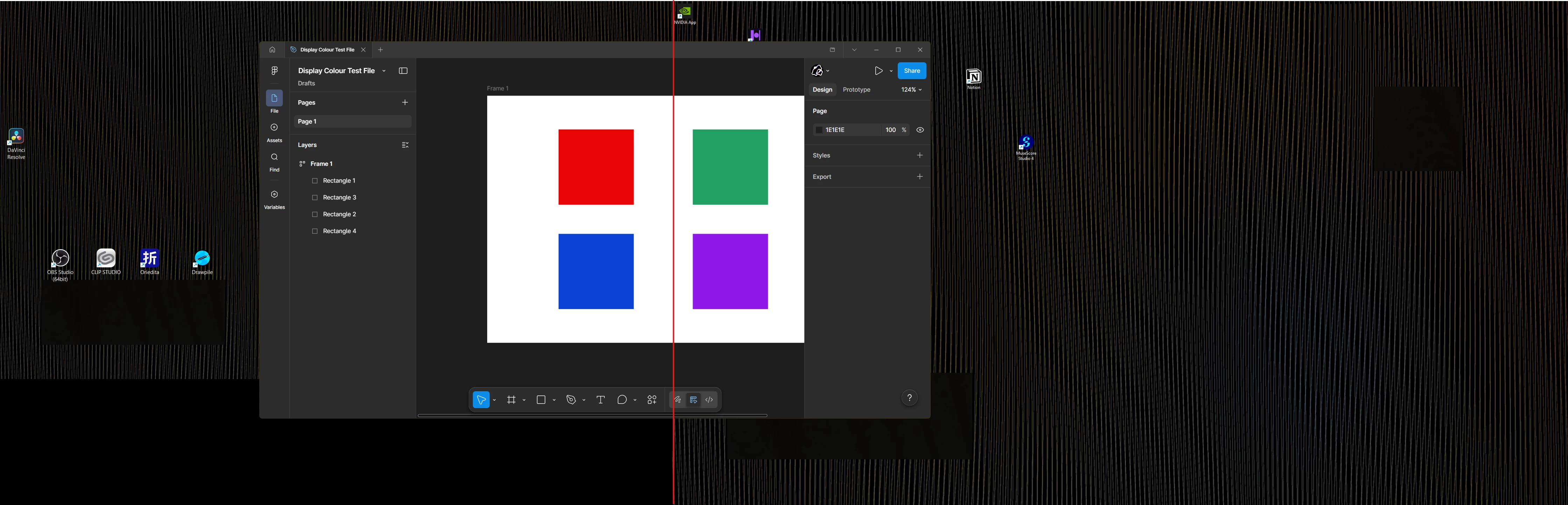
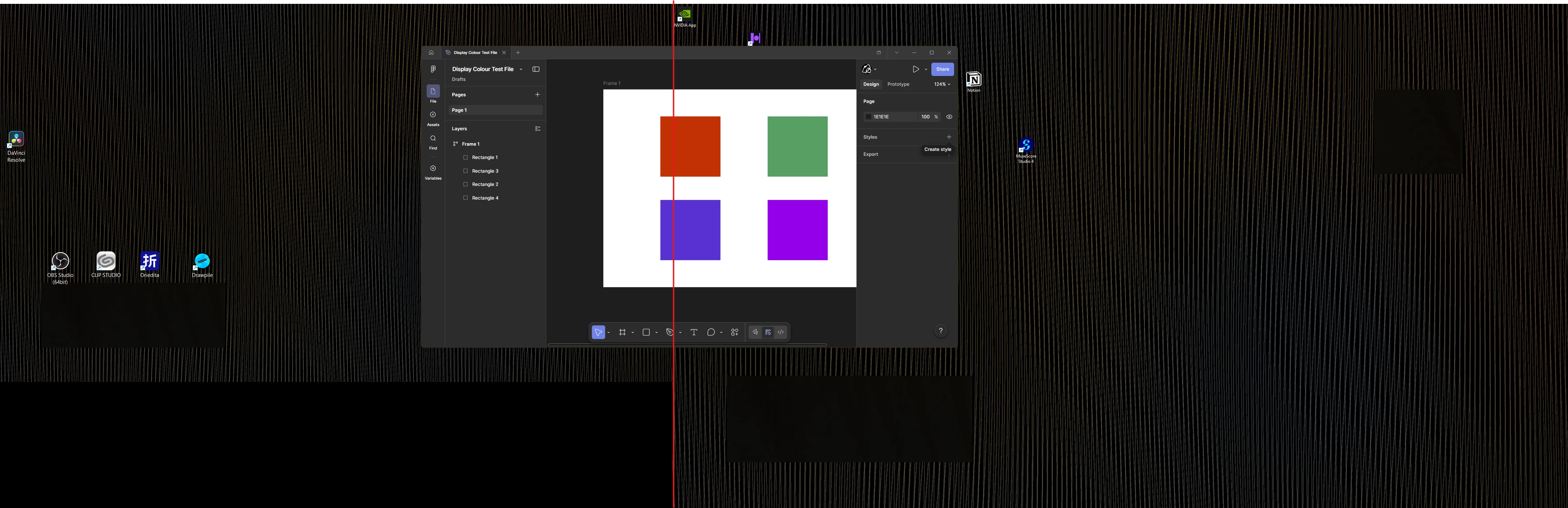
Additionally, when I move the window so that it’s partially on the desktop screen, there seems to be a point/boundary where the colour profile switches.
This post essentially describes the same issue I’m having but the fix didn’t work for me:
Any advice would be appreciated!
Thanks!