

Question
Fields changing width and overall bugs using ADS.
I’ve been doing a form mockup using the Atlassian Design system, and I’ve encountered the following error when viewing it as a prototype, involving the drop down menu element.
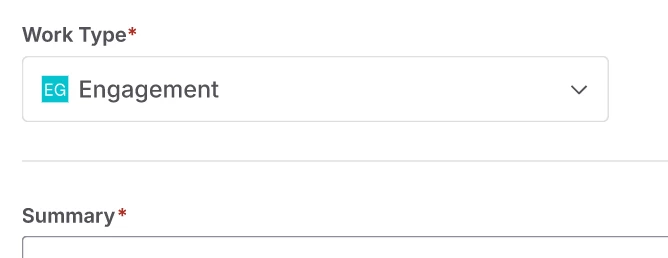
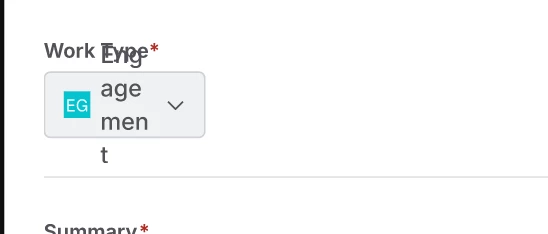
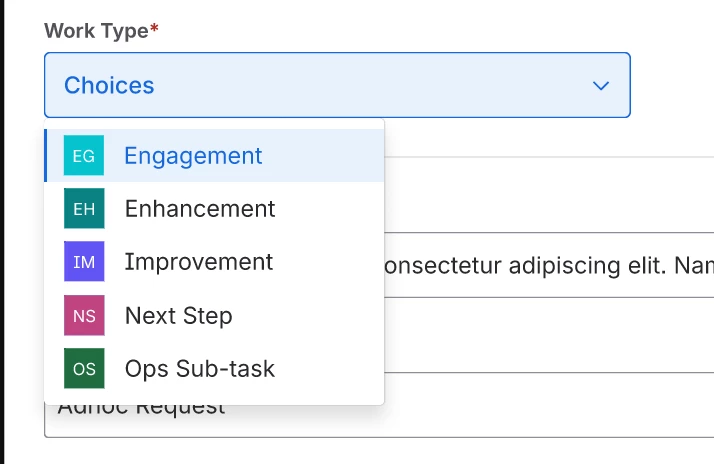
I’ve tried switching the states to define the width as “Fill” for each of them, but it doesn’t carry over to the prototype view.
I’m also have the same width issue with date picker fields when hovering over the as well.
Is there any way to correct this?