
How do I extend a line without losing its angle?

Best answer by Nellya
Thanks @Nellya for your suggestion! This works only if the angle is set to 45 degrees. Otherwise it will not work.
It also works at different angles for me
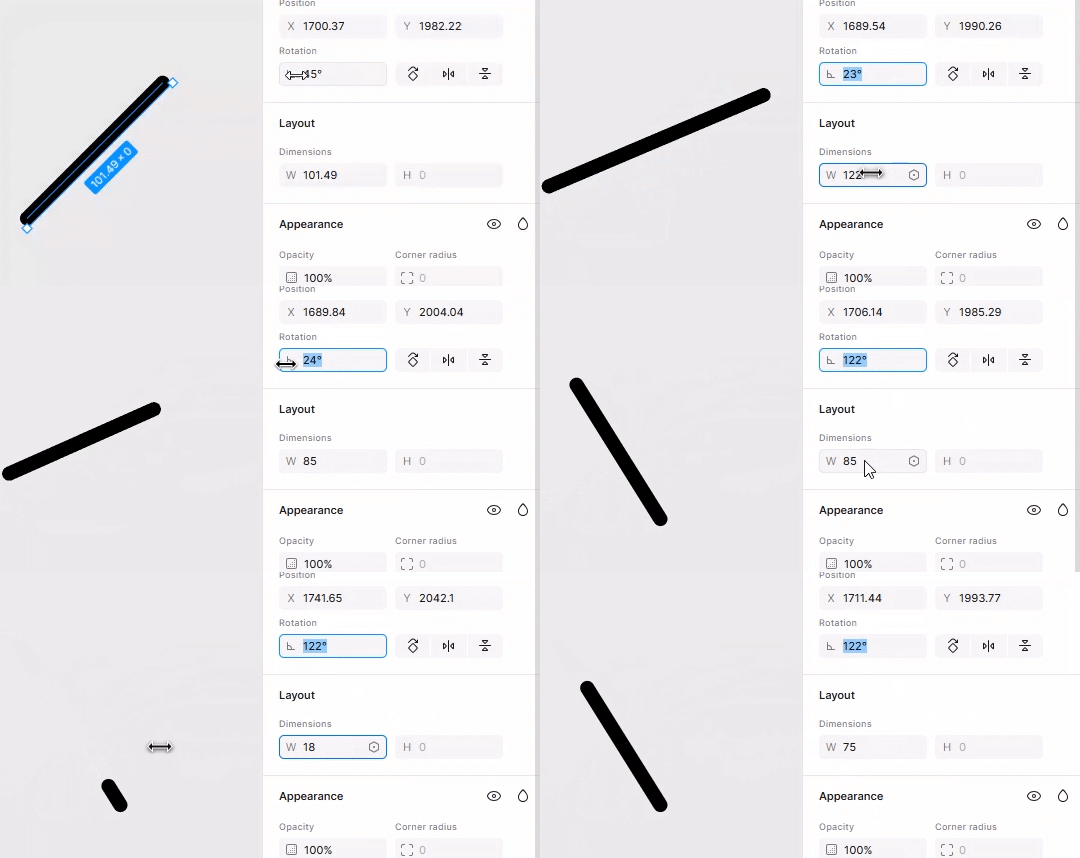
You can extend the line by changing the number in the width input
Oh yes! Just noticed that. I think I have found the solution. Thanks a lot! You are AWESOME! 🙂
This is a super common problem!
Here's the trick- Double-click the line to enter Edit Mode, then click and drag the end point while holding down the Shift key. The Shift key constrains the movement, so you can extend the line perfectly along its current angle.
Already have an account? Login
Enter your E-mail address. We'll send you an e-mail with instructions to reset your password.
Sorry, we're still checking this file's contents to make sure it's safe to download. Please try again in a few minutes.
Sorry, our virus scanner detected that this file isn't safe to download.