

Duplication of identical columns in Fig Buzz's Bulk Edit
Hi there, I’m troubleshooting building a suite of evergreen ad campaign assets in Buzz. The only things that should ever need to change are the copy for my offer and the brand logo featured.
As I poured over the assets from a prebuilt library, I’m noticing that some of the title copy (that will never need to be edited) has differentiated itself in the bulk edit spreadsheet, in spite of being identical to its siblings.
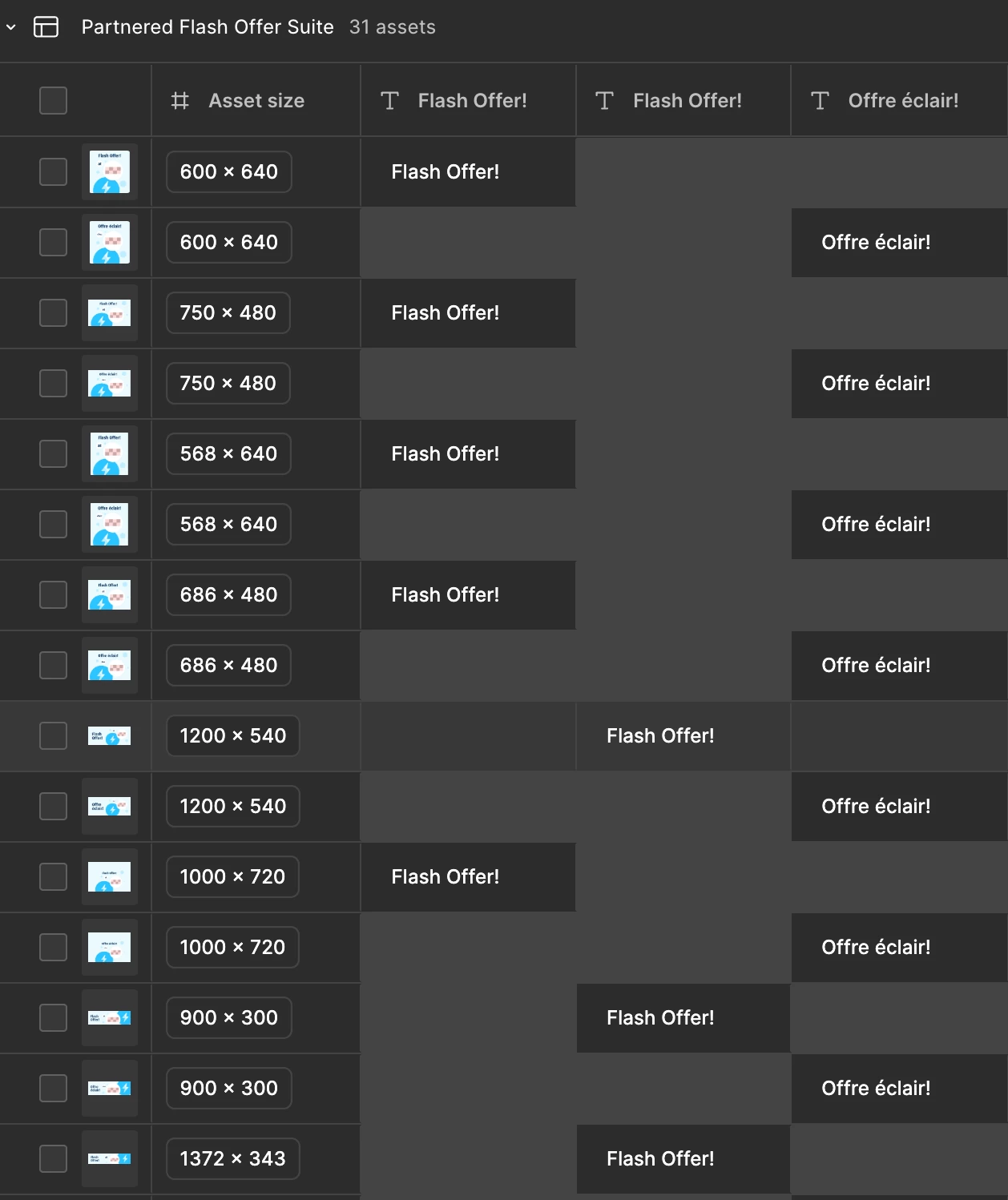
It doesn’t look like there’s a way for me to brute-force this by pasting them into the proper column. What could I have done wrong to make them separate like this, and how can I avoid it as I try to build this suite for my team? There are quite a few assets with this issue and I’d like to fix it entirely rather than just hide both columns. TIA