Question

DropDown Menu on top of each other

  • May 26, 2024
  • 4 replies
  • 763 views

Hey people.
Beginner @ Figma, so apologies if I use the wrong lingo/terms.

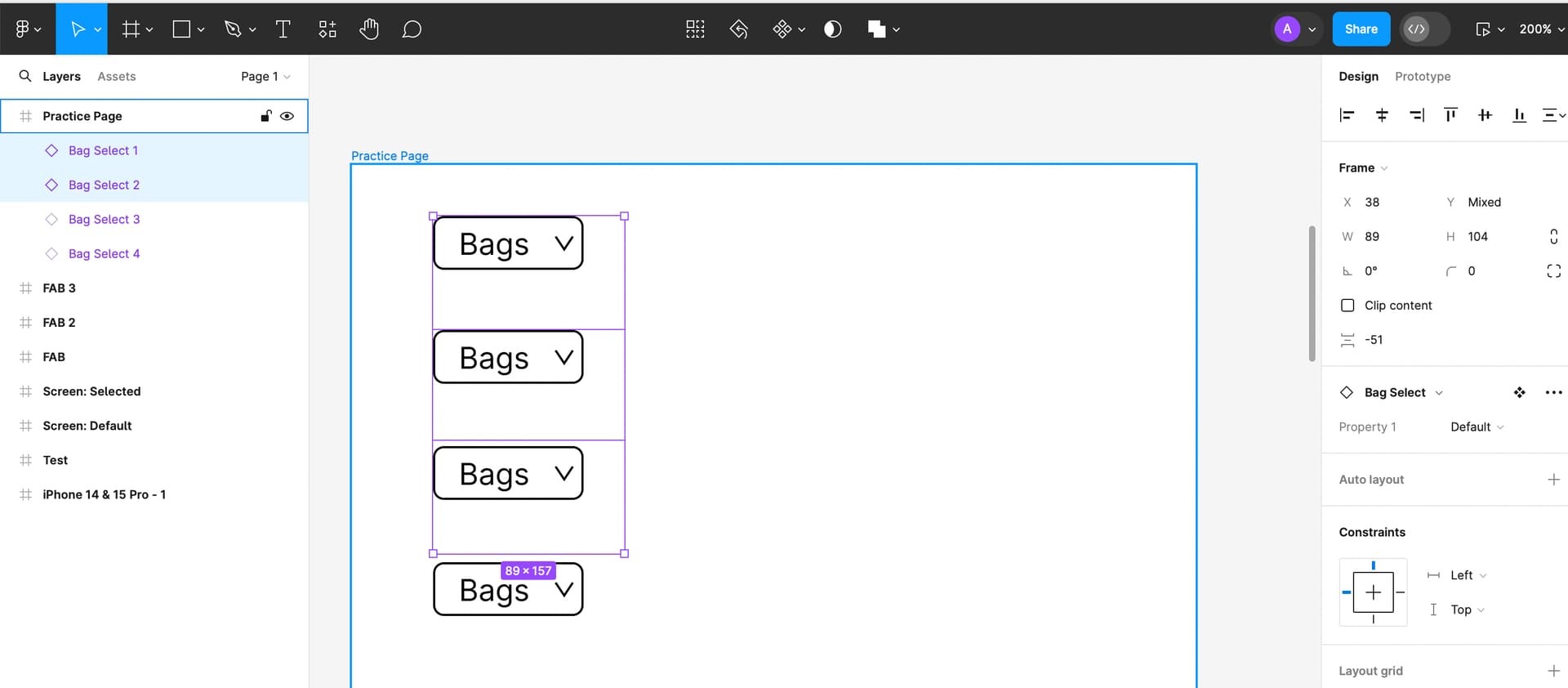
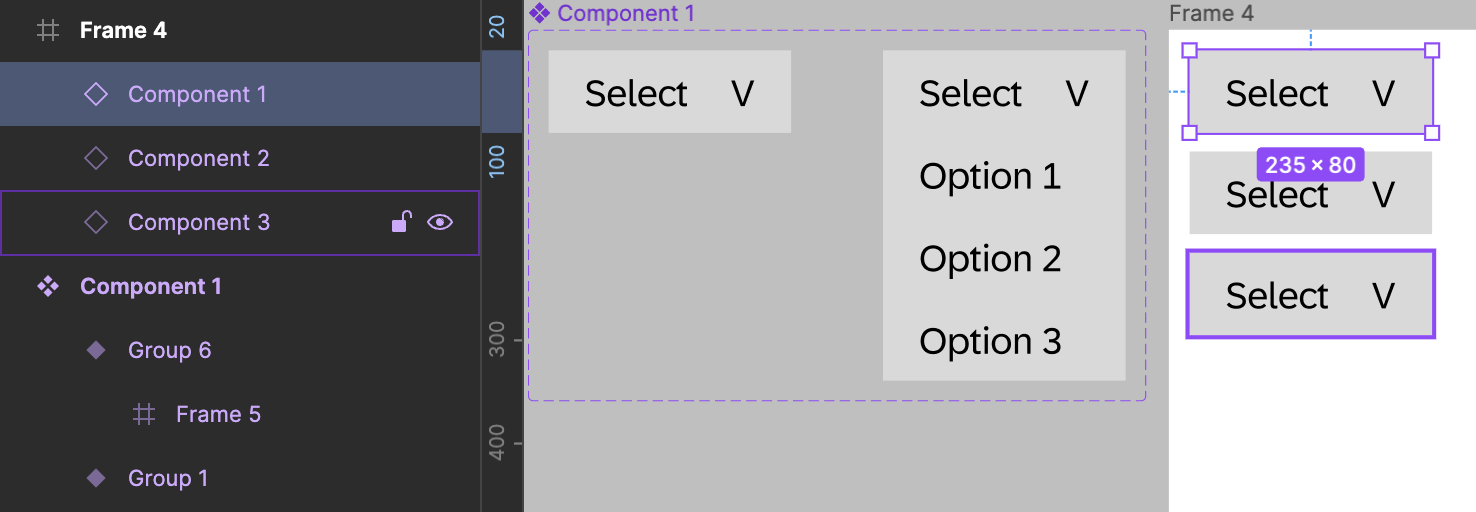
I am wire framing an app. Ive made a drop down menu (as a component with variables).

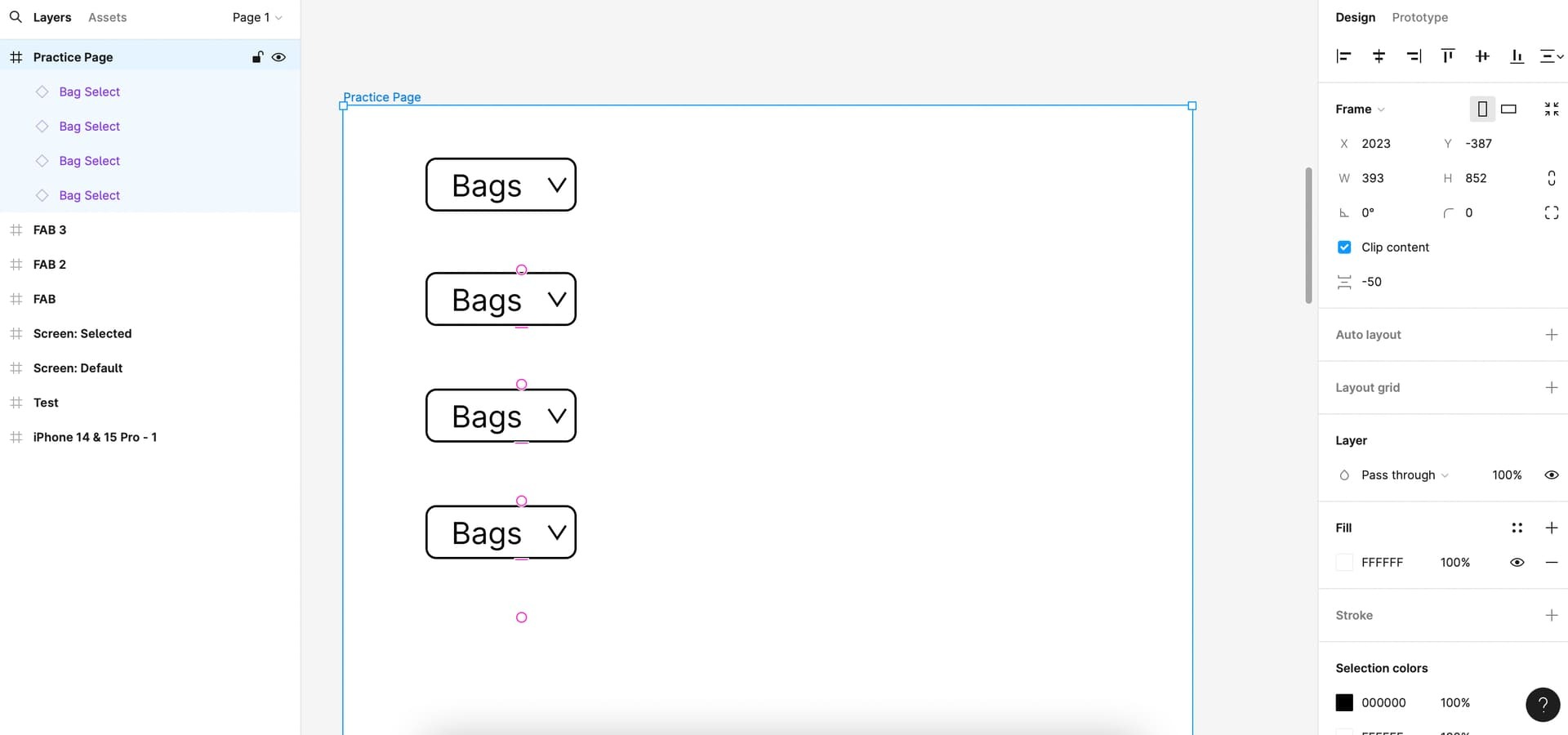
The app has rows and each row has a drop down menu; so the menus are essentially below each other.

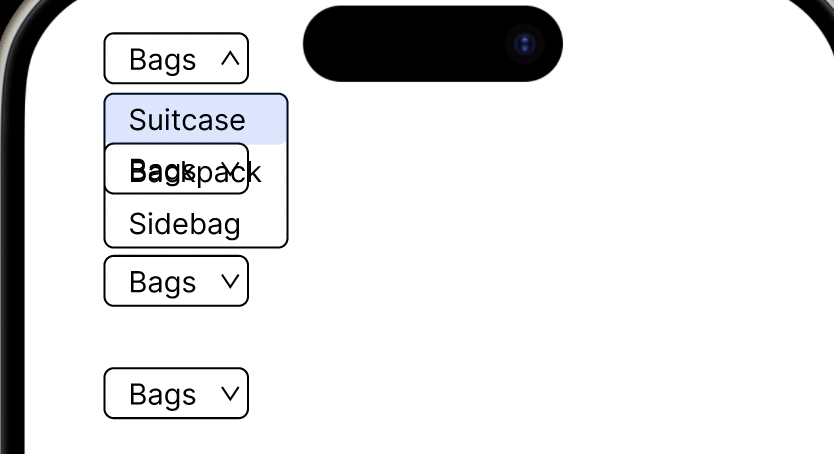
When I am Previewing the app, the dropdown menus overlap one another and the menu above drops down onto the menu below, with the words of each menu muddling up.
(Pictures below)

I have tried with/without Auto Layout, amending stacking, group/ungrouping, filling in colours etc. but can’t seem to find the solution. I have also searched the Community to see if someone has posted a similar problem but can’t seem to find an answer as yet.

Would be grateful if someone could explain, in simple/baby steps how to overcome this.

Much Appreciated in advance!

.

This topic has been closed for replies.

4 replies

Vishal_Ramawat

The order in which dropdowns are placed on canvas matters. I tried and it’s working fine.
May be share how you are calling the dropdown menu? Is it overlay or variant?


Emmanuel_Onyedikachi

Trouble connecting parent drop down to child drop down Figma need help


  • Author
  • June 3, 2024

Dropdown Components with Variants.
I adjusted the layer orders but still wasn’t working.

In the end I worked it out! The boxes with the text (Suitcase, backpack, sidebag) were transparent.
I added a white colour to them and it solved the issue!

Much appreciated for the swift response nevertheless!


  • Author
  • June 3, 2024

In the end I worked it out! The boxes with the text (Suitcase, backpack, sidebag) were transparent.
I added a white colour to them and it solved the issue!

Much appreciated for the swift response nevertheless!