

Solved
Creating a complicated table
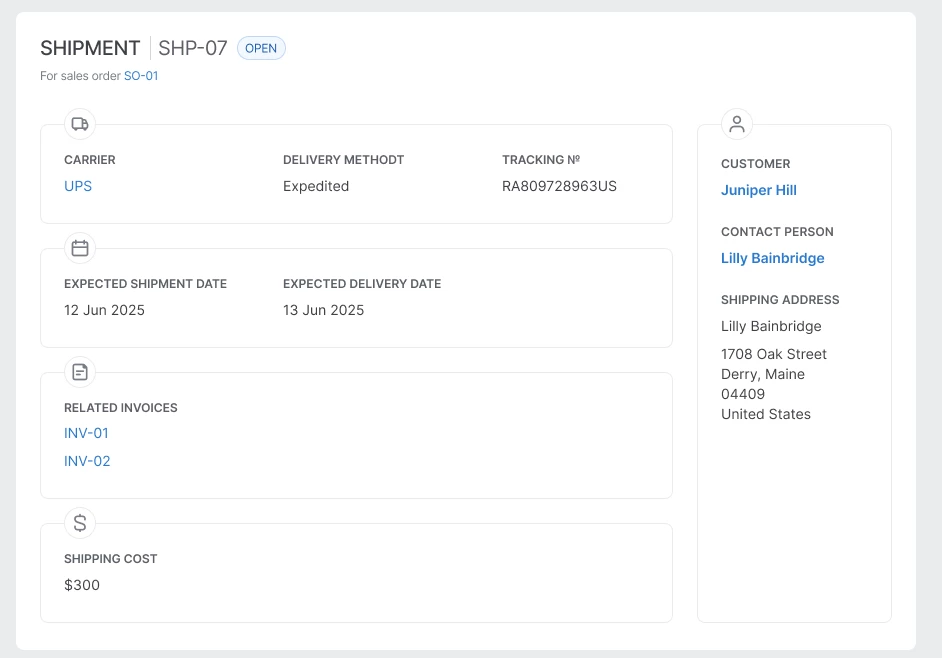
I’m trying to make a table with these parameters:
- 4 columns
- Individual cells in columns 1–3 (like “expected shipment date”, expected delivery date”...)
- The table has to stretch horizontally proportionally with content always staying in its columns
- Columns 1–3 are grouped with the border
I don’t see how this is achievable in an adequate way. The way I did it now is having a second table underneath just for borders for columns 1–3 (“table 2” layer).
With one layer it’s only possible to:
- Sacrifice grouping columns 1–3, then each cell will have it’s own border.
- Sacrifice stretching, then you can just adjust the cell’s border.
- Group columns 1–3 and use auto-stretching auto layout inside, but columns won’t stretch proportionally.
Do you see any way to achieve that?
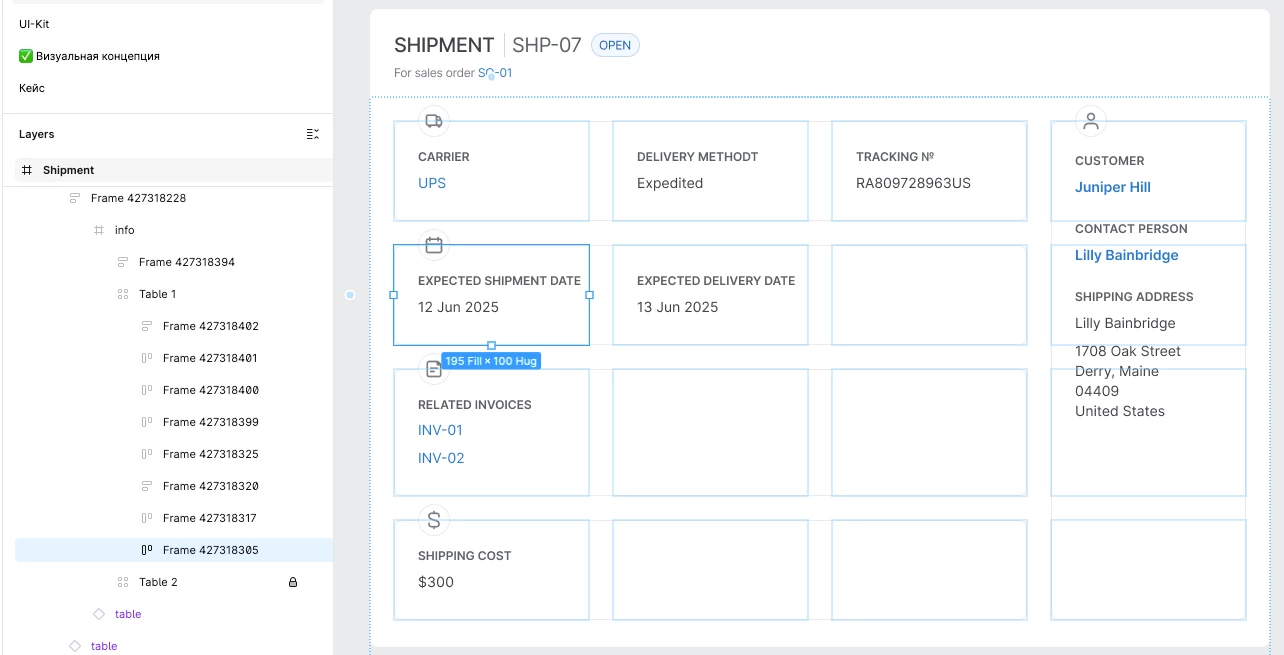
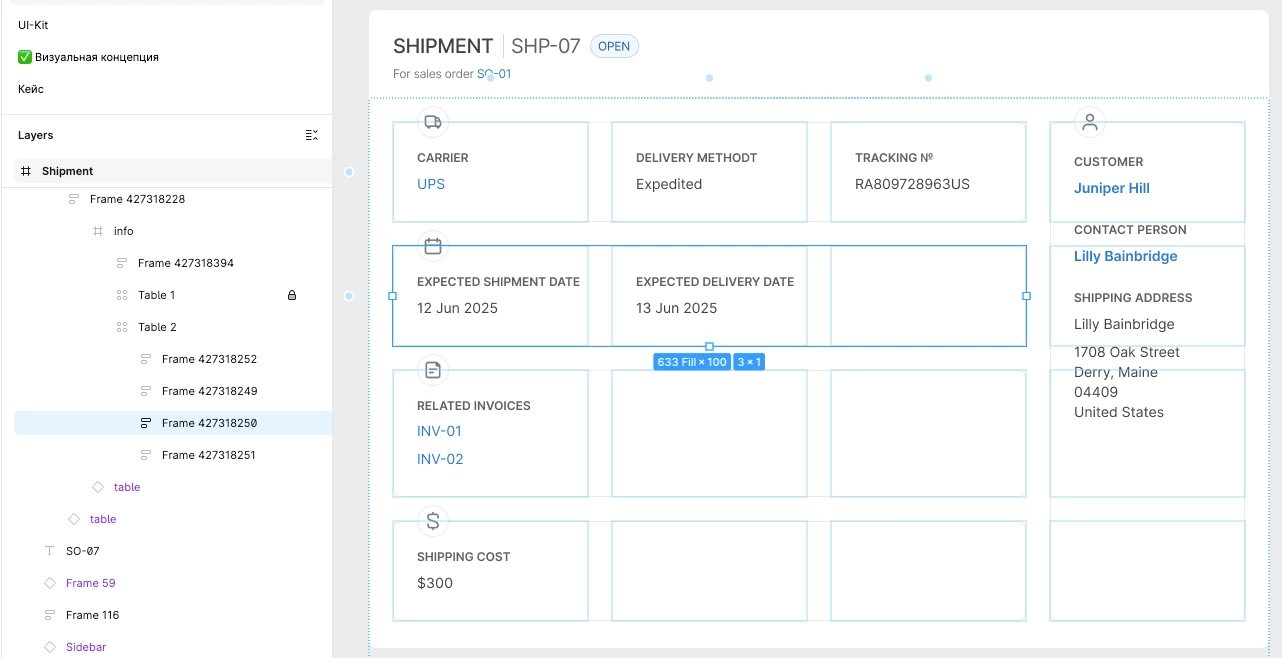
Also attached the recording of how it’s stretching. It’s working, but like I said the second layer adds complications.