joan just joined
New Member
Nov 15, 2026 9:07 PM UTC
Question

Contents Shifting Out of Position When Switching to Responsive or Fixed Size on Play Mode

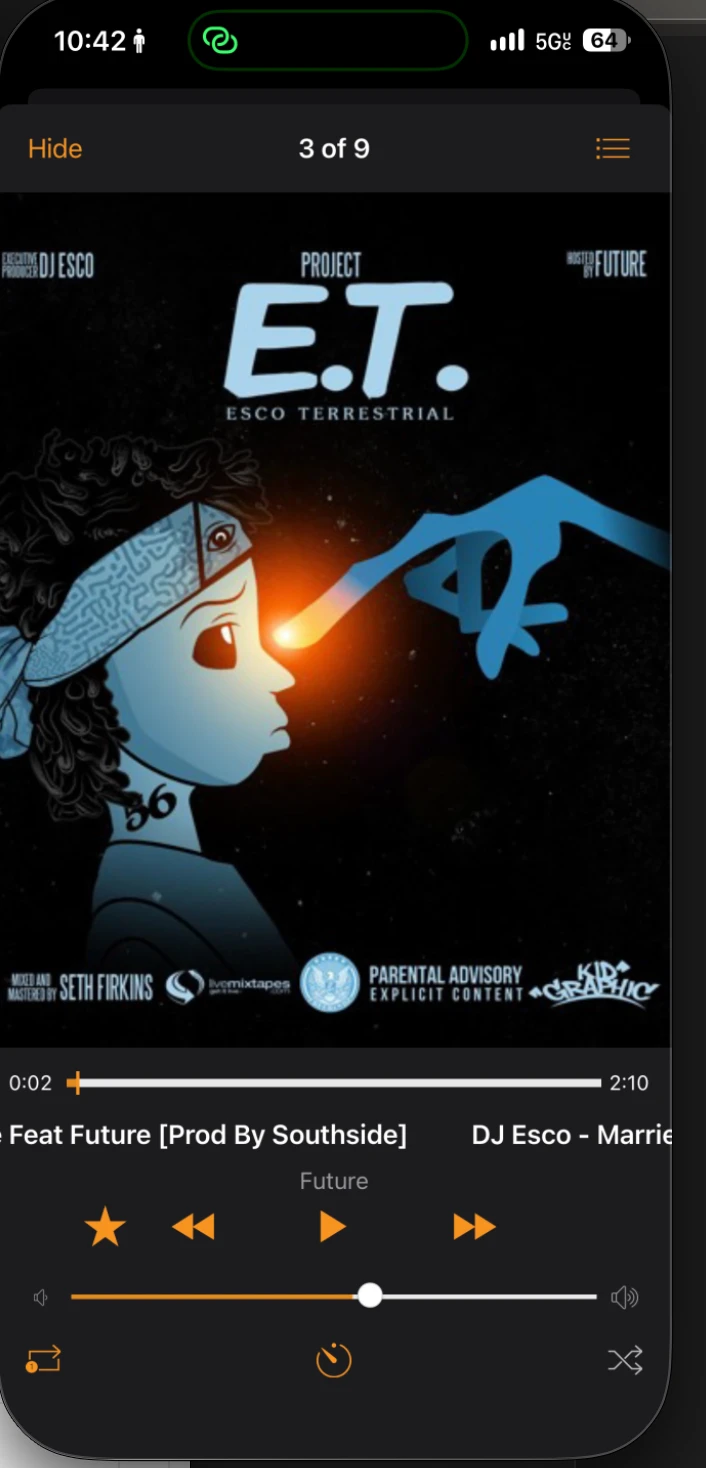
How can I fix this issue? It seems like all the elements I’ve added to the frames are shifting out of position or sliding off the screen when i click play. The behavior also seems to change depending on whether I select Fixed Size or Responsive.


When I switch to Responsive, I notice different issue across the screens:


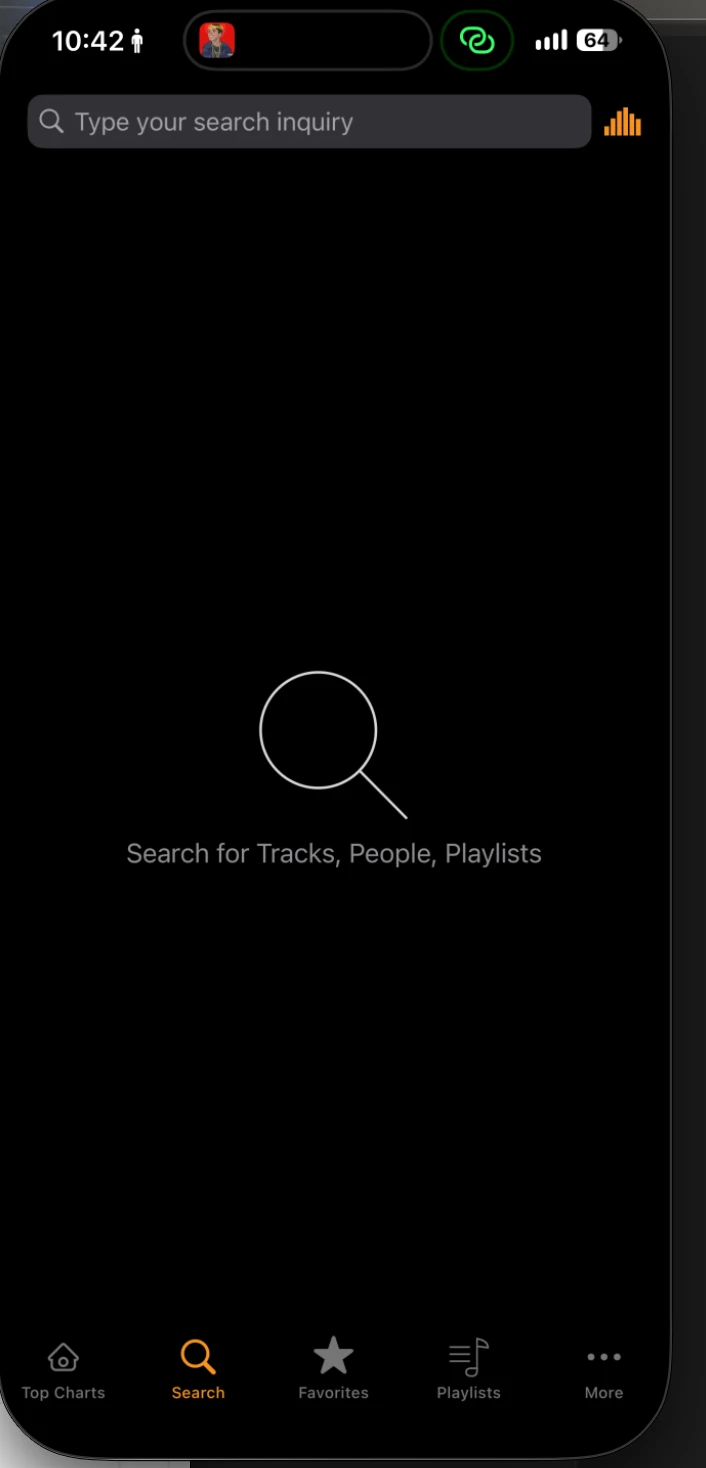
  • First frame (Search): Most elements remain in place but some shift slightly to the side.


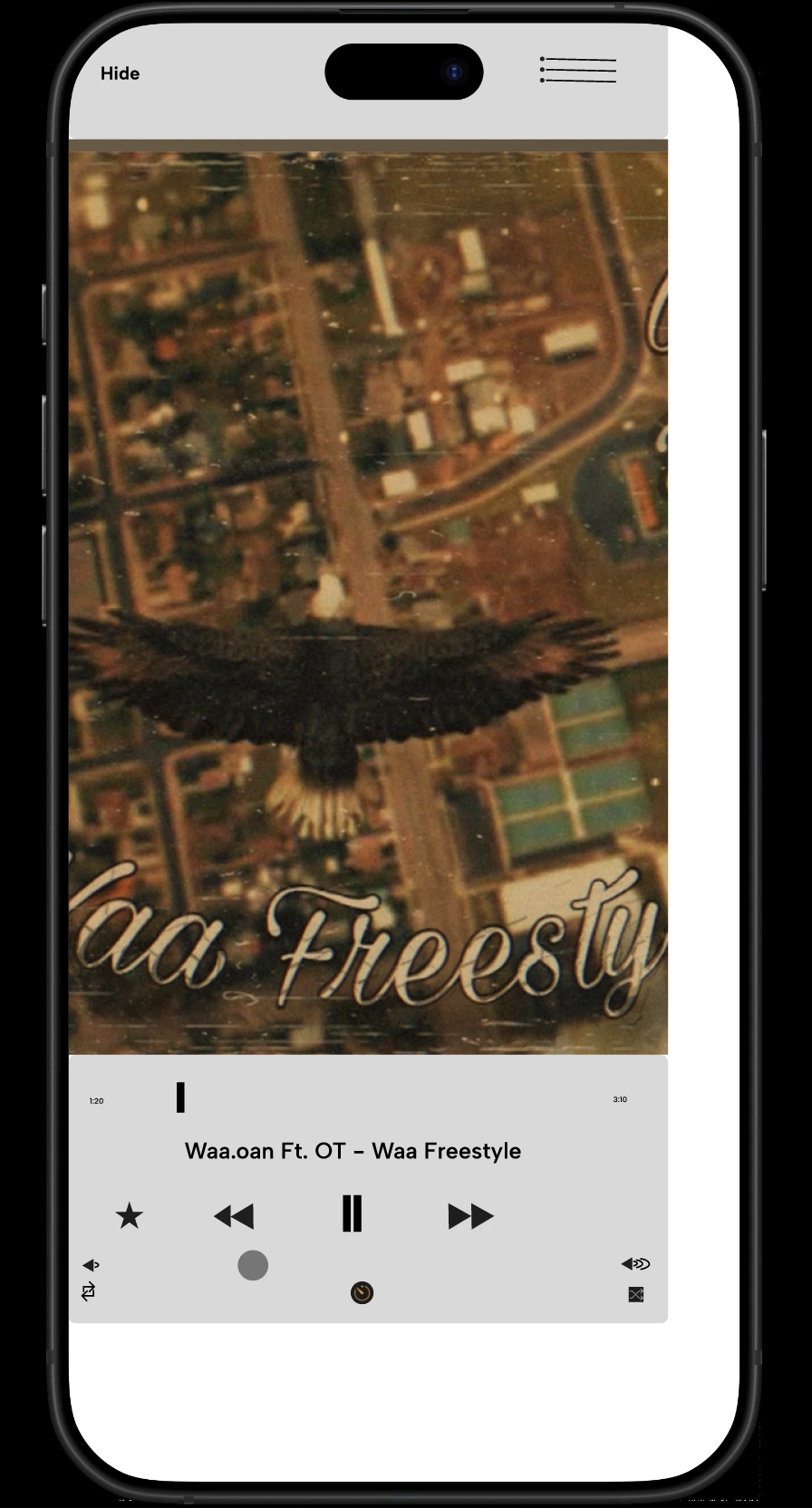
  • Second frame (Play) Most of the elements appear to move completely off the frame.


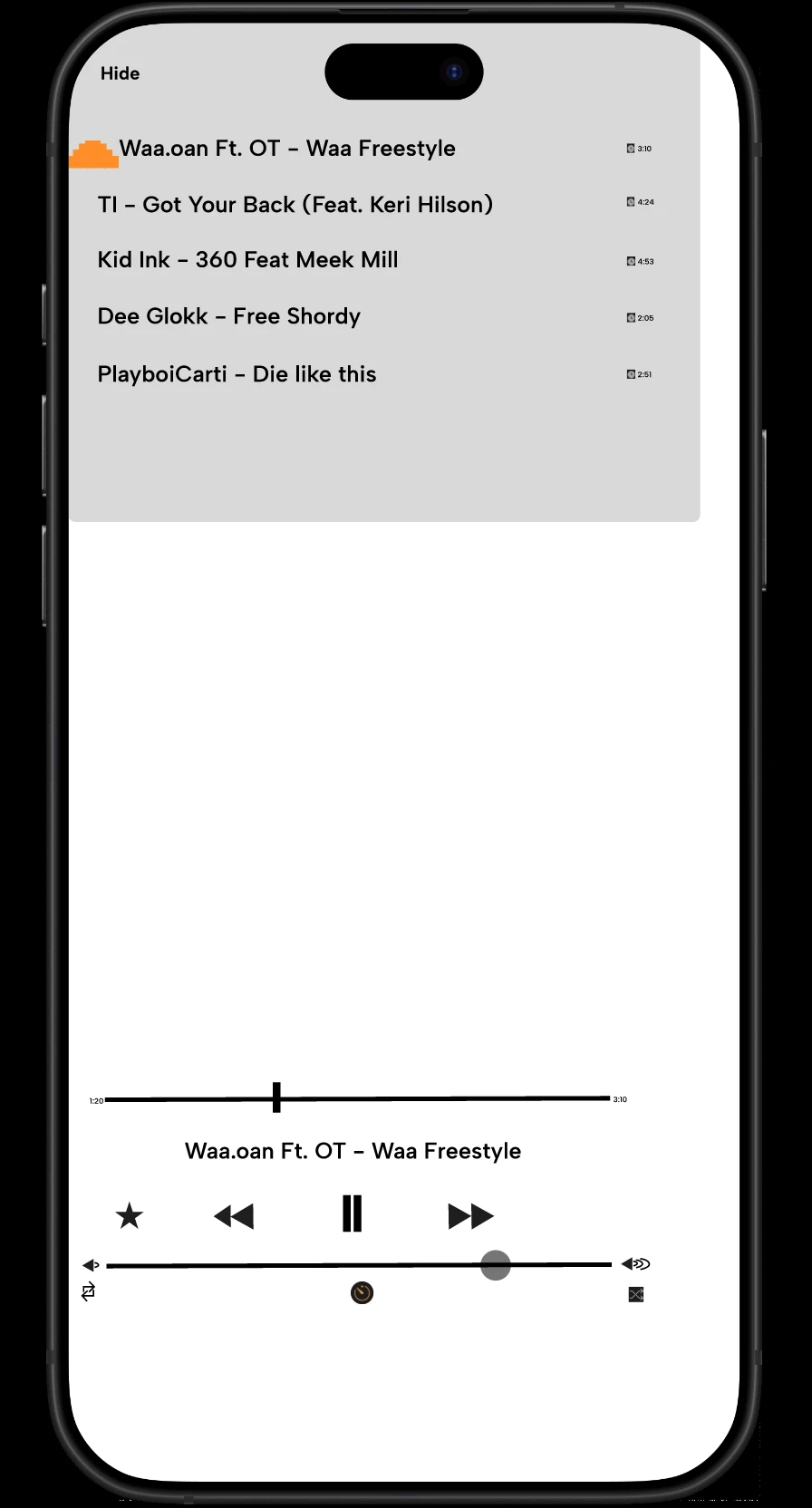
  • Third frame (Queue): Some elements shift slightly out of alingment.


I’m not sure why the elements are displaying differently across the frames or why their positions change when I preview the project. How can I fix this so that all the elements stay properly aligned and within their respective frames when I click Play, regardless of whether I use Fixed Size or Responsive?


*I added attachments for reference to what I’m experiencing*
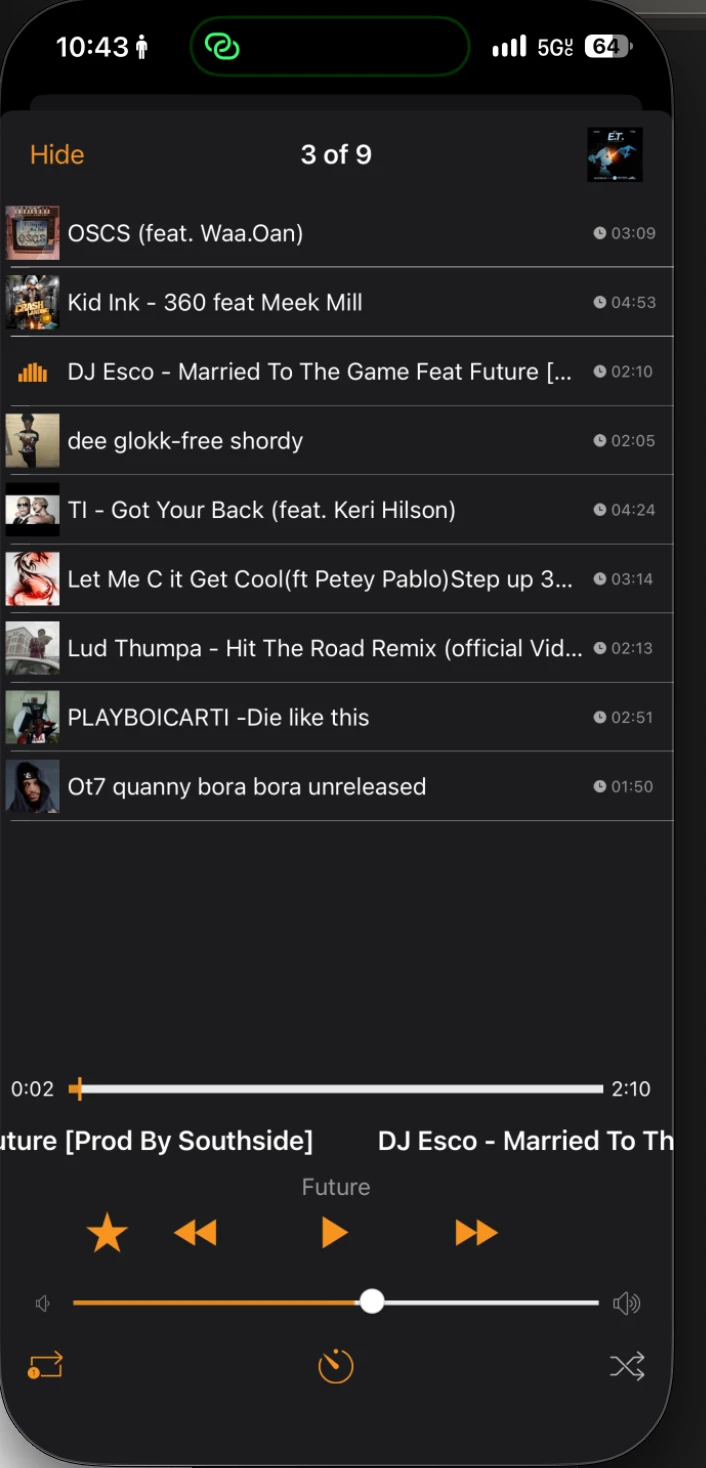
 

1 reply

Ondrej_Pavlicek
Figma Ambassador
Figma Ambassador
Nov 15, 2026 10:57 PM UTC

Hi there! 👋

Thanks for sharing the details. That is definitely an interesting behavior, and it can be tricky to pinpoint the exact cause right away. 🤔

I tested this behavior myself to see how it reacts, and I think the issue is likely related to how some individual layers are set up inside each frame (along with a possible mismatch between the frame size and the Prototype device). In Responsive mode, layers without proper constraints or Auto Layout can shift or move off-screen when Figma adjusts the layout.

Here is how my test looked before adjusting the layers:

And here is the same screen after updating the layer constraints inside the frame. Everything renders and aligns properly now:

A quick tip is to try resizing your frame directly on the canvas. If the elements shift there too, it will show you which layers need their Constraints or Auto Layout adjusted.

Hopefully, you manage to get it sorted out soon! 😊

Product designer @ NETWORG | Designing Model-driven Power Apps in Figma | Power Apps DesignKit (Model-driven) | Disclosure: I’m part of Figma’s Forum Ambassador program.