

Question
Comments go back where they were originally created when I convert frame to a component
Comments spawn back where they were originally placed when I convert a frame into a component. Has this happened to anyone else?
Replicate by:
- Create a few things with auto layout
- add comments around on that frame
- test by moving frame around comments are attached to that set of frames
- move to a different part of page
- create component
- note how now we have a component but comments appear back where comments were originally created.
Got some screenshots here: Rectangles with autolayout and two comments attached to this frame.
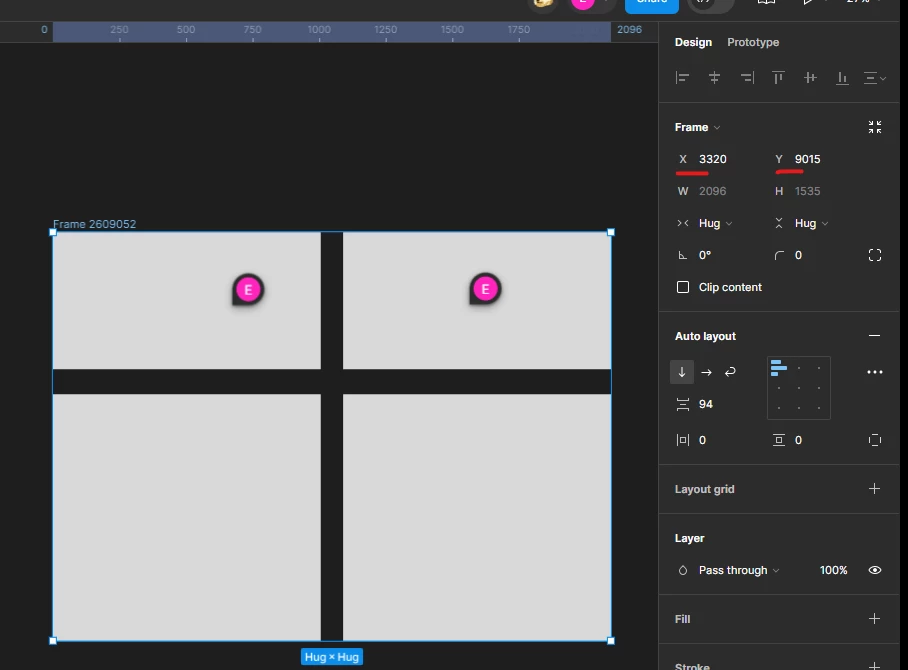
When I move the comments come with me as expected.
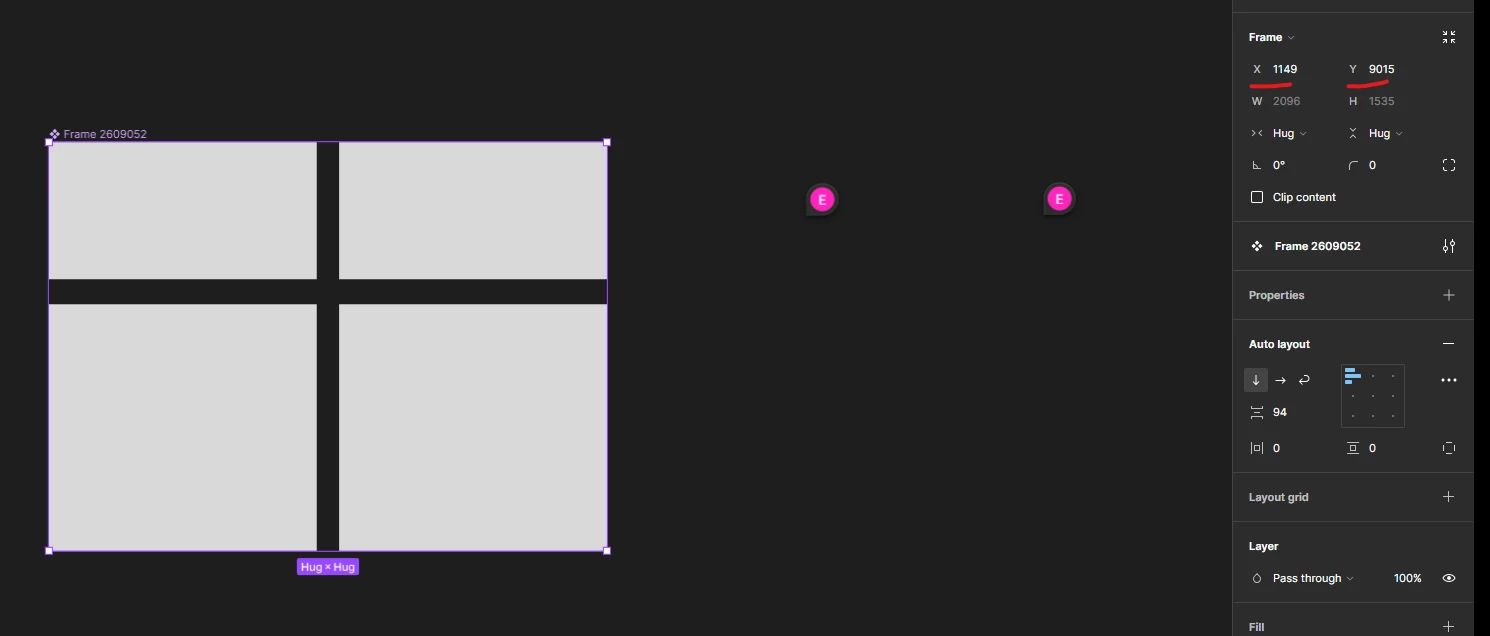
When I move the frame over to a new spot and convert it to a component the comments go back where they were originally made (note the x axis shift to left):
Thank you!