

Question

Code Connect + Icon architecture

  • April 10, 2026
  • 4 replies
  • 106 views

Seden

Hi everyone,

I’m currently building a design system in Figma that is intended to work well with Code Connect, and I have a question regarding icon architecture.

When I use a single icon set with variants, I can map everything under one Code Connect connection — which is great.

However, selecting icons inside components becomes very difficult and impractical (huge dropdown).
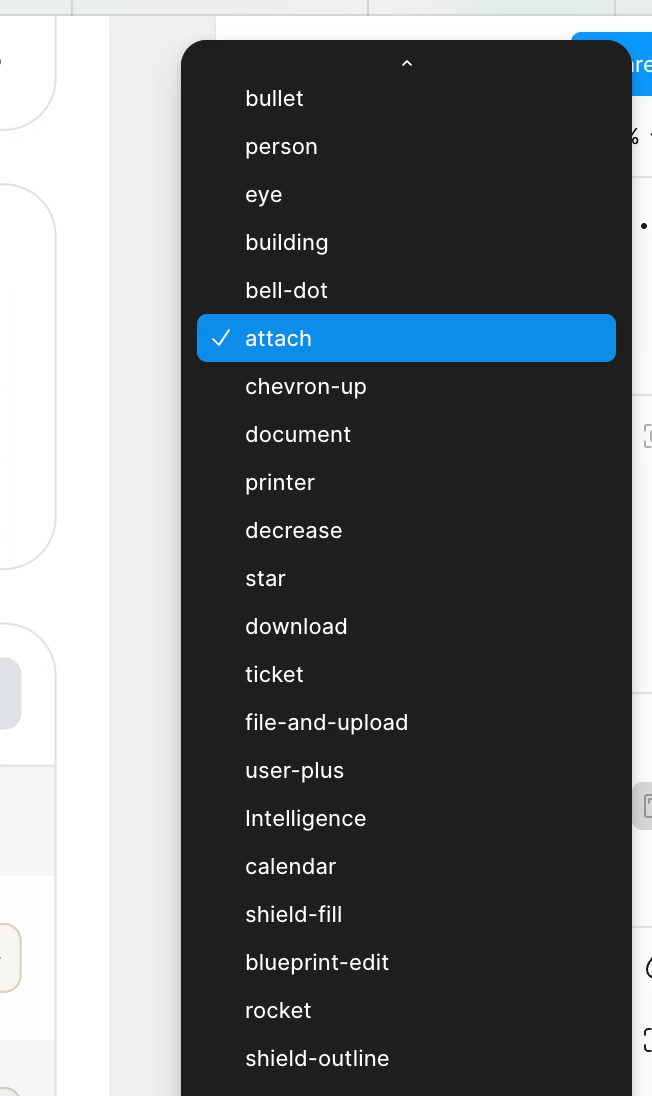
I’m considering switching to separate icon components (e.g. icon/add, icon/close) and using them via instance swap.
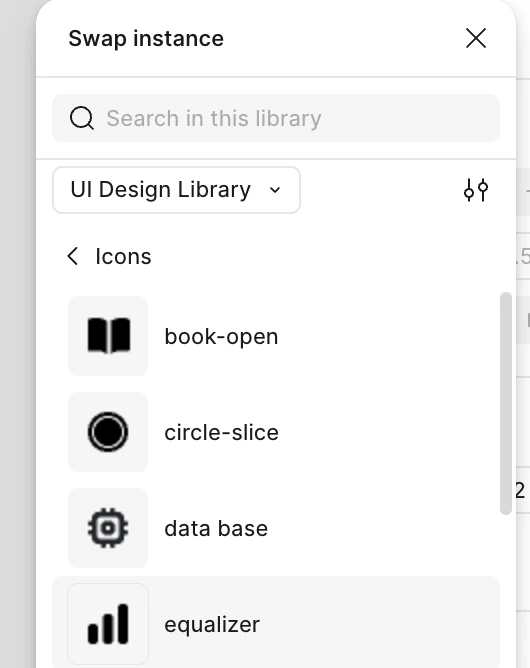
👉 My questions:

• Can multiple icon components be grouped under a single Code Connect mapping?

• Or would each icon require its own mapping?

• Is there a better way to handle icon selection via instance swap without breaking Code Connect?

Thanks!

4 replies

AlicePackard
  • Power Member
  • April 14, 2026

This is a super worthy problem to solve! Commenting so I can follow along. Keeping icons as separate components and not wrapping them into a variant set OR using instance swapping (or slots) to change out the icon glyph being displayed is absolutely the best way to store these components for designers in Figma for numerous reasons.

I am not familiar enough with code connect to weigh in on how to establish that connection when all the icons are separate components, but if a solution is found, I’m very interested. Engineers on my DS team are wondering the same thing.


Seden
  • Author
  • New Member
  • April 16, 2026

Here’s the answer from Figma Support Team:

Individual Component Mapping: Each separate icon component (icon/add, icon/close, etc.) would need its own Code Connect mapping. This aligns with your instance swap approach and provides clear, specific connections for developers.
Manual Mapping Option: You can map components manually by pasting the relevant file path or URL and component name without requiring a GitHub connection, which might give you more flexibility in how you structure your mappings.
Recommendation: The separate icon components approach with individual mappings would likely work better for your use case, as it maintains the improved design usability you're seeking while still providing clear code connections for developers.


Davider
  • New Member
  • April 16, 2026

This is a super worthy problem to solve! Commenting so I can follow along. Keeping icons as separate components and not wrapping them into a variant set OR using instance swapping (or slots) to change out the icon glyph being displayed is absolutely the best way to store these components for designers in Figma for 

I am not familiar enough with code connect to sensi booster ff ffh4x weigh in on how to establish that connection when all the icons are separate components, but if a solution is found, I’m very interested. Engineers on my DS team are wondering the same thing.

Code Connect + Icon architecture is a modern design approach that combines seamless code integration with intuitive visual elements to enhance both functionality and user experience. In this architecture, “Code Connect” refers to the efficient linking of backend logic, APIs, and services, ensuring smooth communication between different components of a system.


AlicePackard
  • Power Member
  • April 16, 2026

Thanks Seden! It seems like the work is mostly an issue of volume (hundreds or even 1,000+ icon components). I wonder if Figma Console MCP could be of use here to automate this task, or, build a custom figma plugin specifically for doing that URL copy paste work?