

Question

Claude CLI - Figma MCP failed connection "SSE error: Non-200 status code (405)"

  • June 27, 2026
  • 3 replies
  • 89 views

Tomasz5

Hi, I can’t connect Figma MCP with Claude CLI, this is what I see in terminal:
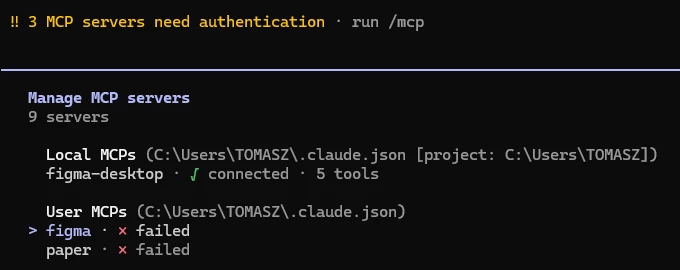
 

Details when I select Figma:
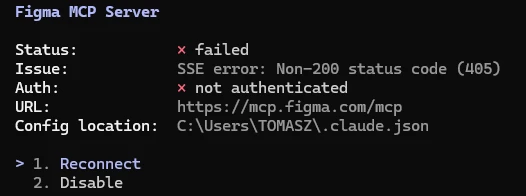
 

Reconnecting gives me this error “Failed to reconnect to figma: HTTP 405 at https://mcp.figma.com/mcp”:

 

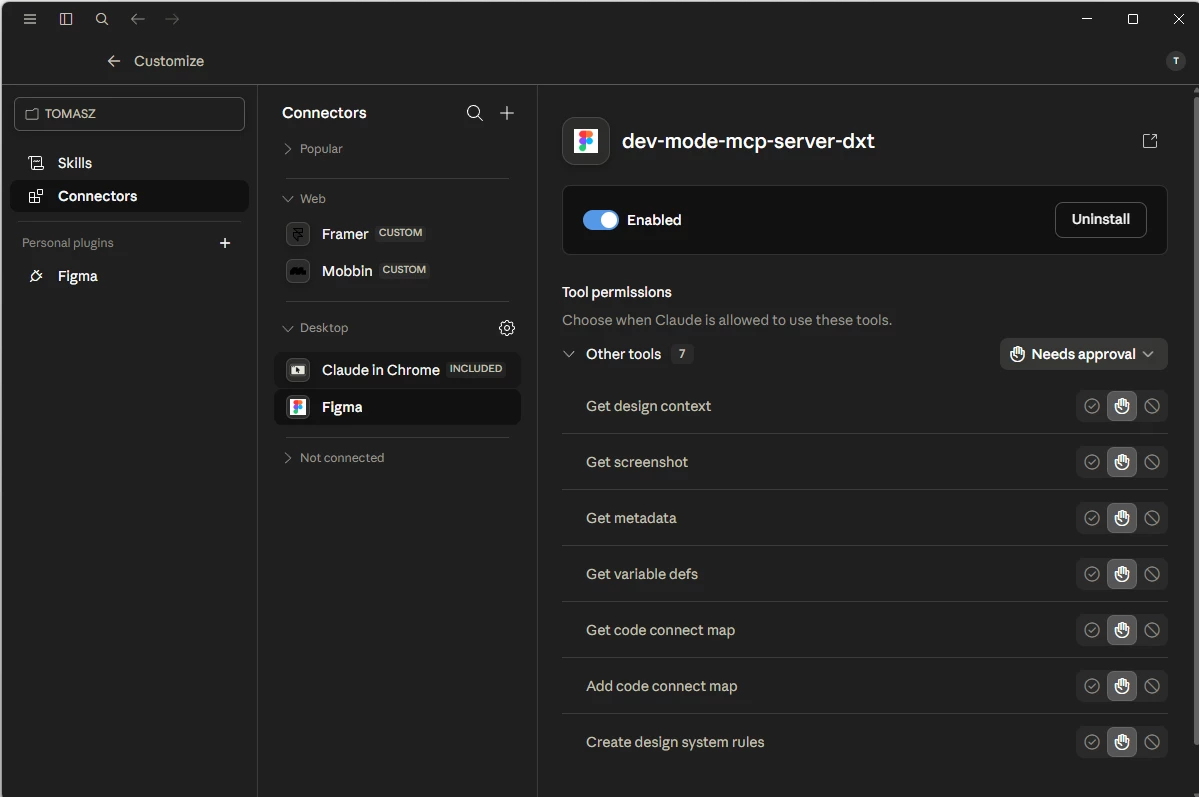
In Claude Code connectors Figma is connected (not sure if it matters for CLI):
 

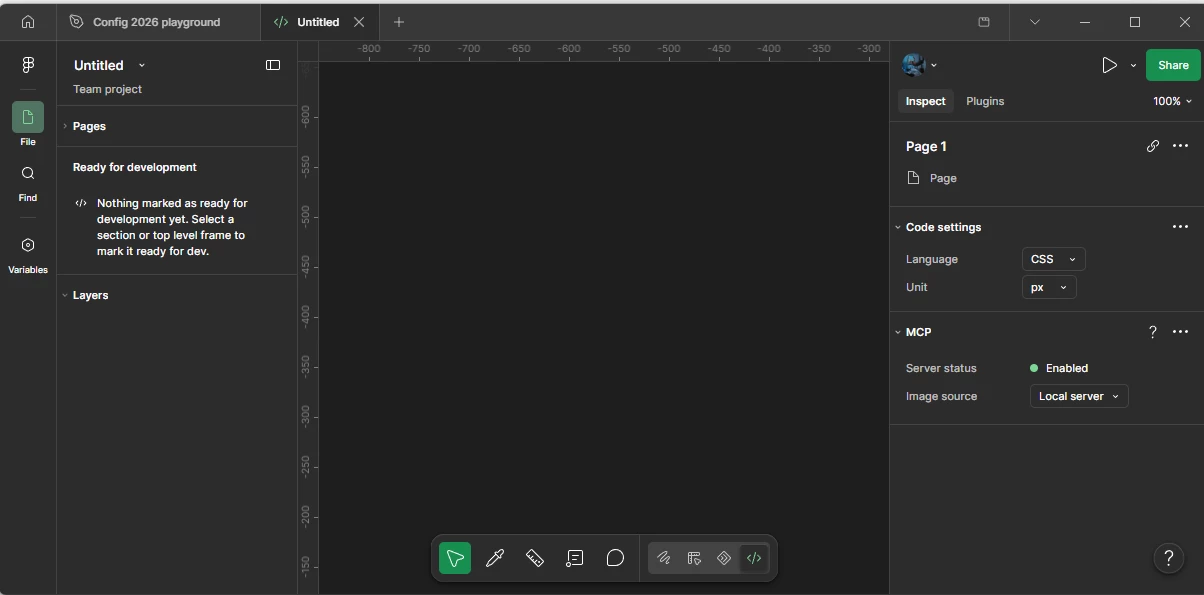
Desktop server in Figma (not sure if it matters as it’s the desktop server):
 

What I was able to achieve is to do this:
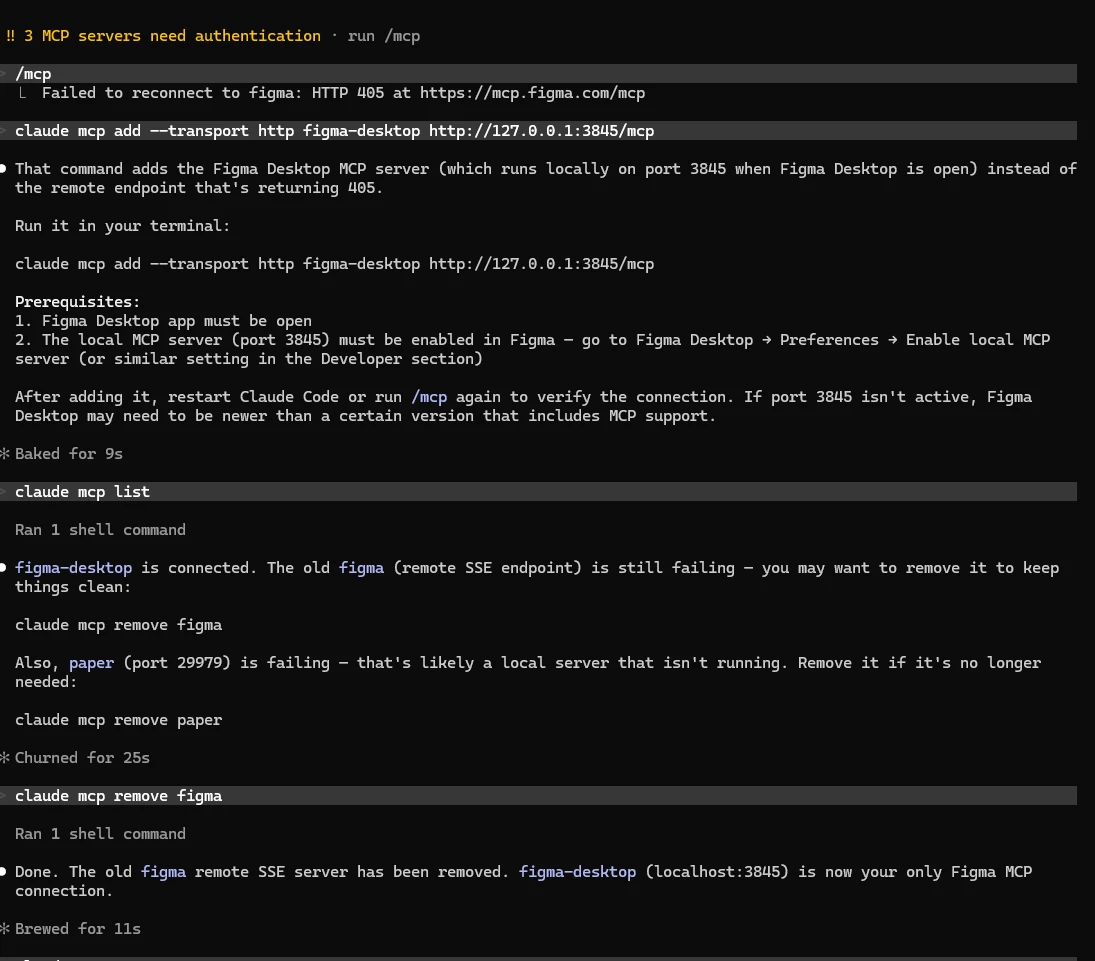


Anyway, I’m lost if someone could advise, it will be great.

I’m not an engineer obviously and all I want is to use Claude CLI with Figma so it can edit Figma files.


Cheers​​​​

3 replies

Jaycee Lewis
Figmate

Hey, ​@Tomasz5 👋 Thanks for your post. I appreciate you including all those details. Stepping back and looking at your last statement “all I want is to use Claude CLI with Figma so it can edit Figma files...” Is there a specific reason why you are using the Figma Desktop MCP server vs the Remote MCP server with Claude Code? The remote version of the server is now the preferred way to connect — “ we strongly recommend using the remote version of the Figma MCP server. The remote version of the server provides the broadest set of features.” (source)

The walk through and excellent YouTube guide are both available here

Let me know if you run into trouble with the remote version set up and we’ll keep working together on it. Talk soon — Jaycee


Wuriko
  • New Member
  • June 30, 2026

Hey, ​@Tomasz5 👋 Thanks for your post. I appreciate you including all those details. Stepping back and looking at your last statement “all I want is to use Claude CLI with Figma so it can edit Figma files...” Is there a specific reason why you are using the Figma Desktop MCP server vs the Remote MCP server with Claude Code? The remote version of the server is now the preferred way to connect — “ we strongly recommend using the remote version of the Figma MCP server. The remote version of the server provides the broadest set of features.” (source)

The walk through and excellent YouTube guide are both available here

Let me know if you run into trouble with the remote version set up and we’ll keep working together on it. Talk soon — Jaycee

Hi ​@Jaycee Lewis, I’m not the author but I’d like to add my 2 cents on the issue since it’s been a few months now that I noticed this and it’s still not resolved.

From the author’s screenshot, the MCP server that is not working is the one configured via url (https://mcp.figma.com/mcp), which unfortunately does not work outside of official Figma plugins found in tools listed on the link you provided. 

Agents, IDEs, ADEs, etc that fall outside of the tools listed in your link, do not seem to be able to connect to the MCP remote server (https://mcp.figma.com/mcp). At least in my case. 

I have tested with Zed, JetBrains Air, on Windows and Linux, not matter the tool used, the authentication fails:

MCP configuration example
Settings page in JetBrains Air
Error when trying to connect to the Figma MCP server in JetBrains Air

As you can see the remote server is configured, I have no problem connecting with the ClickUp MCP server for instance, which is configured the same.


Same thing in Zed:


Jaycee Lewis
Figmate

Hi, ​@Wuriko 👋 Thanks for the writeup. The screenshots and testing help clarify everything. You’re correct — since those tools aren't on our approved list yet during this beta, they'll hit that auth block even with a perfect configuration.

The tool's developers can submit a request through the form linked under Submit your app for review on our catalog page.

I know it's not the immediate fix you were hoping for, but I really appreciate you flagging this. If anyone else is hitting this same wall, please chime in—it helps us gauge demand so we can build for the tools you use most.

Talk soon — Jaycee