Clement_Roze1
New Member
Nov 1, 2026 9:36 PM UTC
Solved

Change Figma plan/organization profile picture

How do I edit an organization (or a plan)’s profile picture?

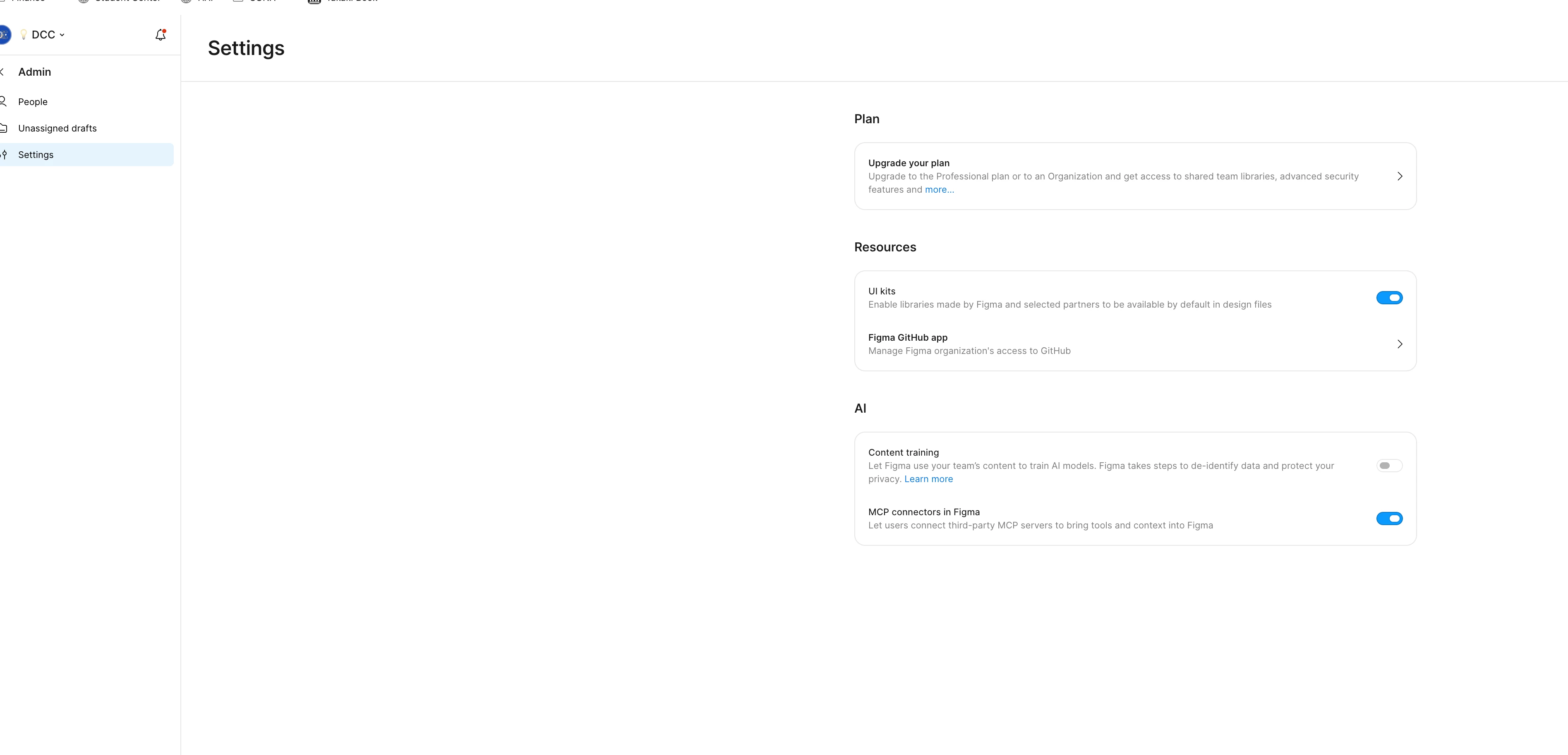
I am an admin of this “💡 DCC” organization. I want to change the blue icon. Clicking Settings in the dropdown shows me my own account settings.

[image redacted by moderator to remove personal information]

I also don’t see the option anywhere in the Settings of the org
 

    Ondrej_Pavlicek
    Figma Ambassador
    Nov 10, 2026 9:33 AM UTC

    Hi there! 👋

    Thanks for following up on this.

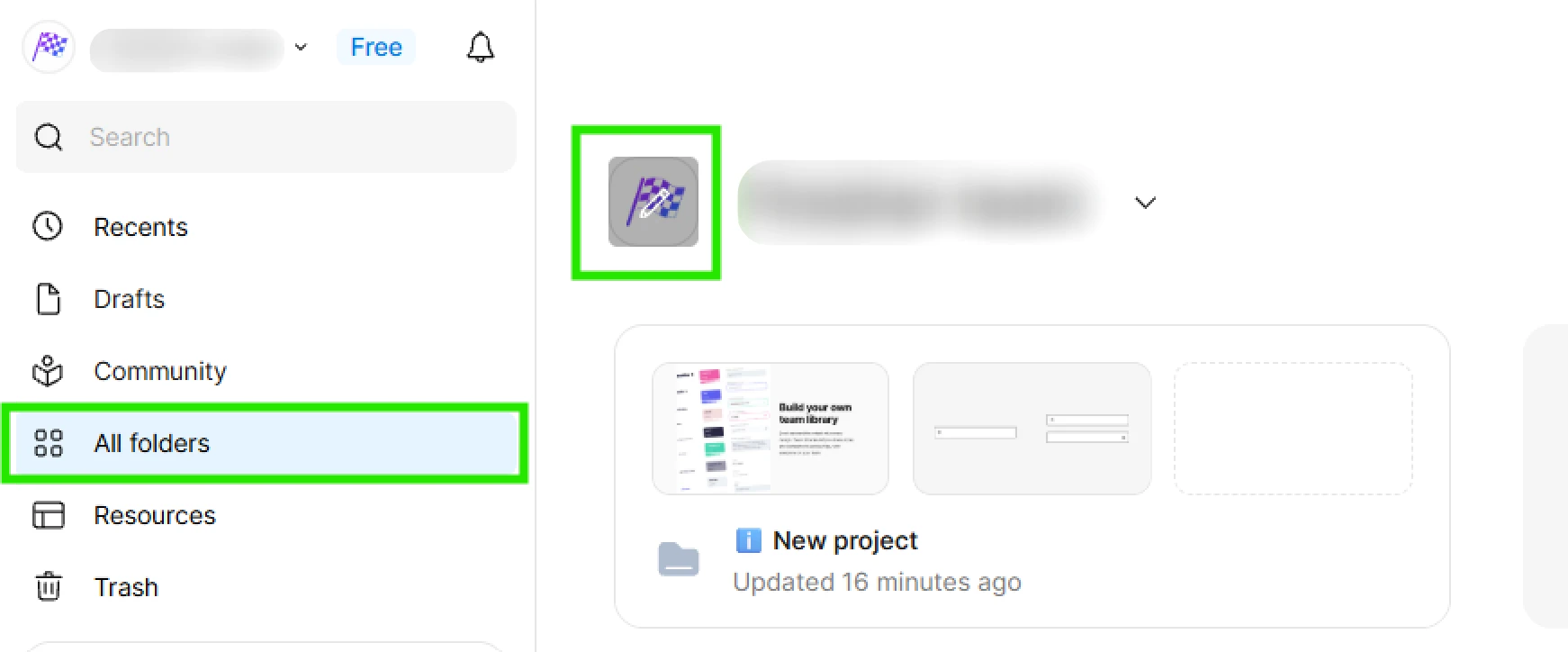
    I would recommend trying to go one step back to leave this admin panel view. Once you are back in the main workspace view, check All folders in the sidebar, as shown here:

    The option to edit the icon might appear there instead. Hopefully, that helps sort it out! 😊

    Product designer @ NETWORG | Designing Model-driven Power Apps in Figma | Power Apps DesignKit (Model-driven) | Disclosure: I’m part of Figma’s Forum Ambassador program.

    2 replies

    Ondrej_Pavlicek
    Figma Ambassador
    Figma Ambassador
    Nov 10, 2026 9:33 AM UTC

    Hi there! 👋

    Thanks for following up on this.

    I would recommend trying to go one step back to leave this admin panel view. Once you are back in the main workspace view, check All folders in the sidebar, as shown here:

    The option to edit the icon might appear there instead. Hopefully, that helps sort it out! 😊

    Product designer @ NETWORG | Designing Model-driven Power Apps in Figma | Power Apps DesignKit (Model-driven) | Disclosure: I’m part of Figma’s Forum Ambassador program.
    Clement_Roze1
    New Member
    Nov 10, 2026 8:33 PM UTC

    oh thanks that worked!