

Jason Melgoza
New Member
June 1, 2025
Question

Can I run downloaded projects from Figma Make locally?
  • June 1, 2025
  • 15 replies
  • 8596 views
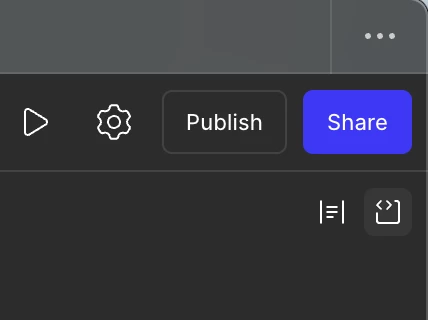
Download code button

I spotted the "Download Code" option in the upper right corner of the editor, but I noticed that there is no "package.json" file. Is there any documentation or a way to run these projects locally using my own IDE?

This topic has been closed for replies.

15 replies

buildr
New Member
July 24, 2025

Hi frustrated fam, i made a quick vsix extension based on the above repo and a few tweaks. Install in your fave IDE and CMD+SHIFT+P Figma Make add…. and select the zip file. Happy coding :) https://github.com/spetro511/figma-make-scaffolder

Quazar Dream
New Member
August 6, 2025

Beside truncating all versions from the imports by using https://github.com/likang/figma-make-local-runner  , make sure that you have tailwindcss enabled in your styles. E.g add @import "tailwindcss"; to the top of your globals.css


Bryce_Driesenga
Active Member
August 6, 2025

Beside truncating all versions from the imports by using https://github.com/likang/figma-make-local-runner  , make sure that you have tailwindcss enabled in your styles. E.g add @import "tailwindcss"; to the top of your globals.css


Good tip!

@buildr, maybe your extension could add this if it doesn’t already?

SandroB
New Member
August 17, 2025

I was about to leave to lovable even though I’ve invested some time in improving my website. Because neither asking Figma make for the config files not the figma-make-local-runner worked. In the end it was just about using node 22 (instead of node 18 or 20) together with figma-make-local-runner.

Naveen P
New Member
October 12, 2025

Beside truncating all versions from the imports by using https://github.com/likang/figma-make-local-runner  , make sure that you have tailwindcss enabled in your styles. E.g add @import "tailwindcss"; to the top of your globals.css


This combination worked for me perfectly. Thanks to all who contributed for getting this to work. (My node was already at 22).