Can Figma MCP be used for programmatic design generation? Seems like read-only only.
## Question
I'm building an AI-powered design automation platform that needs to:
1. Accept design requirements as text input
2. Generate complete designs programmatically
3. Output to Figma for user editing/refinement
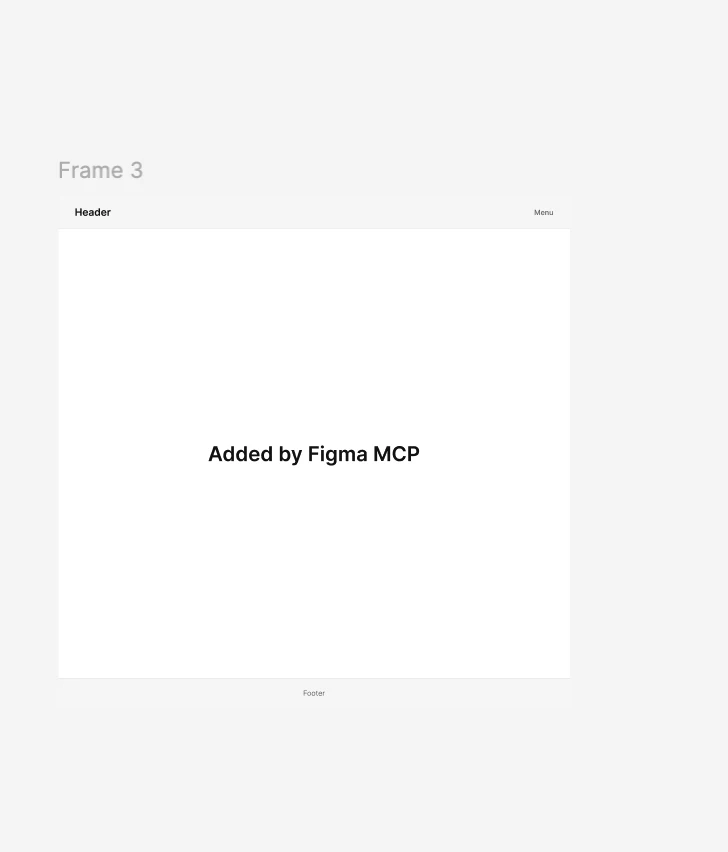
I was excited about Figma MCP as the solution, but after thorough testing, it seems **the `use_figma` tool cannot actually create or modify design elements**.
## What I've Tried
**Setup:**
- Figma OAuth with full scopes: `current_user:read`, `file_content:read`, `file_dev_resources:write`
- Direct JSON-RPC calls to official Figma MCP server
- Manually created template Figma file
- Instructed MCP to create hero sections, text, buttons, etc.
**Result:**
- MCP accepted requests without error
- **Zero changes to the Figma file**
- File remained blank after design generation
## What Works vs What's Missing
### ✅ Works
- Read file metadata
- Get design context (read layout, styles)
- Export as PNG/SVG
- Post comments
- Apply design suggestions
### ❌ Doesn't Work / Missing
- Insert frames or components
- Create text, shapes, icons
- Modify existing elements
- Create new pages
- Set properties (colors, dimensions)
## My Questions
1. **Is design generation even supported?** Or is MCP strictly read-only + suggestions?
2. **What's the intended use case** for the `use_figma` tool if it can't write designs?
3. **Are there alternative APIs** for programmatic design generation in Figma?
4. **Should I be using Figma Plugins instead?** (But that's client-side only)
5. **Are there other tools** (besides pen.dev) for backend AI design generation?
## Why This Matters
If Figma MCP can't generate designs, then:
- AI design automation platforms can't target Figma
- No-code design tools can't use Figma as output
- Enterprise automation workflows are blocked
**Is this a limitation by design, or unfinished?**
---
## Alternatives I'm Considering
Since MCP isn't working:
- **Pencil/pen.dev** - Supports design generation ✅
- **Custom Figma Plugin** - Client-side only, not backend-friendly
- **Figma REST API** - Can't create files
- **Penpot** - Open-source alternative
---
## Example of What I Need
```
Input:
{
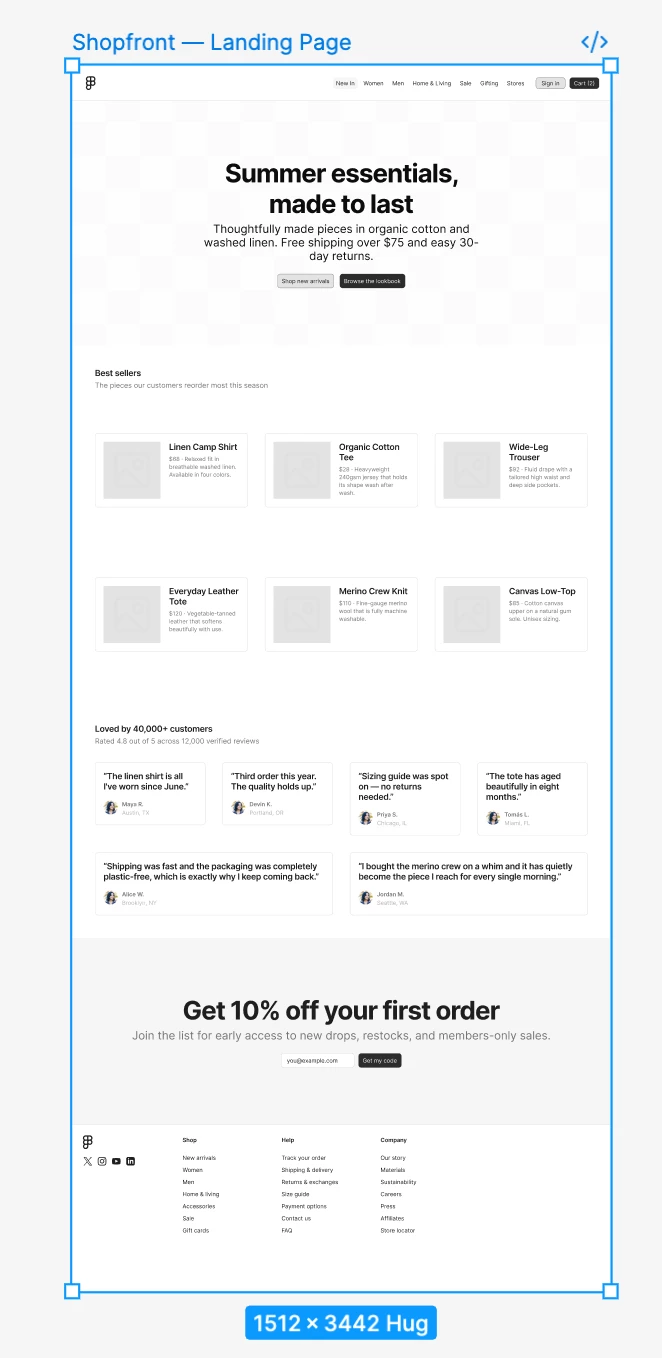
"design_goal": "E-commerce landing page",
"requirements": "Hero section, product grid, CTA buttons, testimonials"
}
Expected Output (in Figma):
→ Complete editable design with all components
→ Shareable Figma URL
→ Download as .pen or image
```
**Can MCP do this?**
---
## Tags
`figma-mcp`, `design-generation`, `api`, `automation`, `ai-design`, `developers`
---
## Looking For
- Figma developer confirmation on MCP capabilities
- Links to documentation I might have missed
- Alternative solutions for AI design generation
- Use cases where MCP is actually useful for design creation