

Blade0
Jul 14, 2023 8:58 PM UTC
Question

Blur + gradient creating this grainy texture that is unexportable

So im pretty new to figma, and i was trying background blur when i give a rectangle a 1% opacity gradient of 1% full black to 0% full black when i notice that it has this grain texture on it.
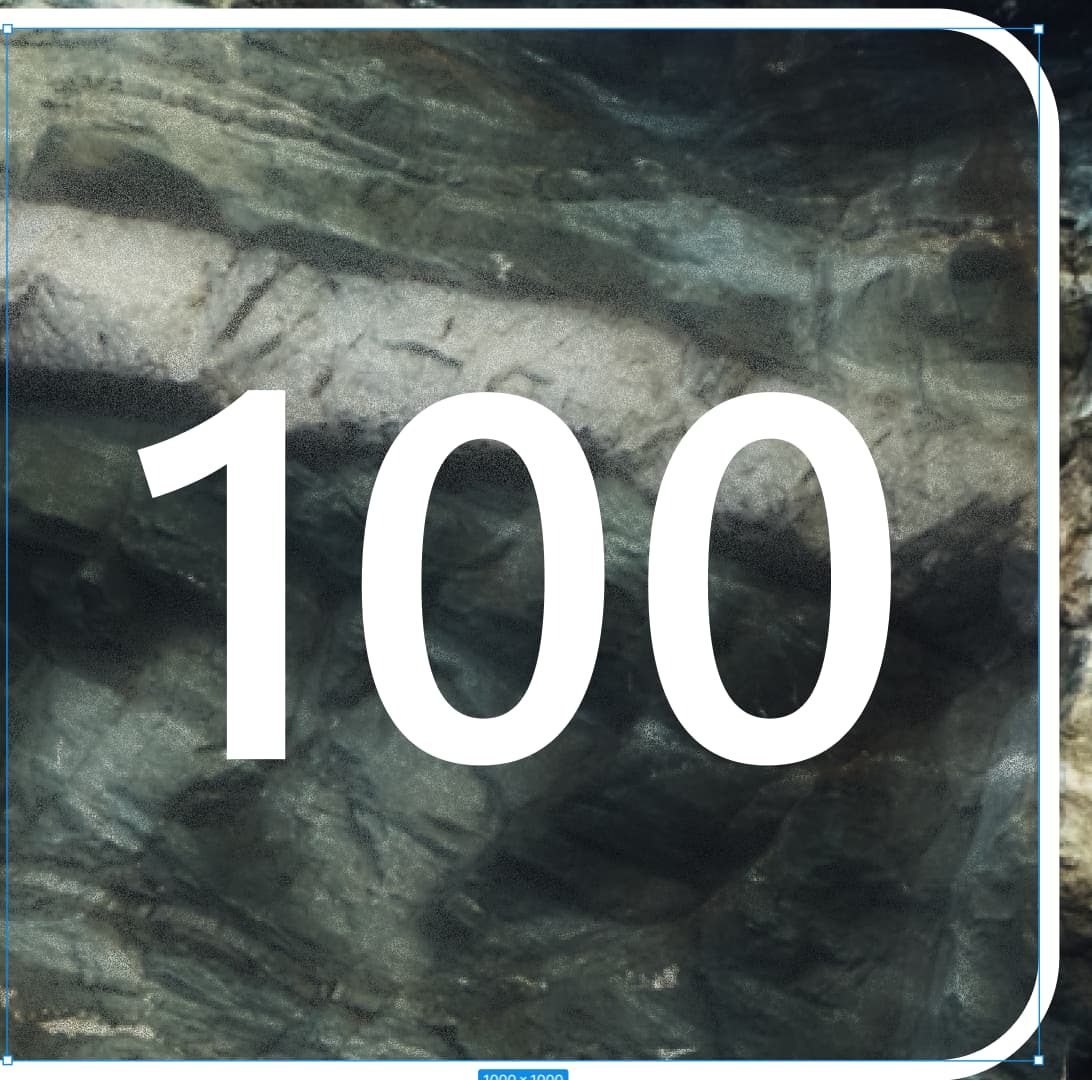

so i zoom in to check it out but the more i zoom in the more grain i see until at 25600% i get to more grain! (only one media allowed 😦 )

i try to export but it takes quite a while so i just restart figma. so im giving a project link to see if you see this also or if its just me!
Thanks! 😃

https://www.figma.com/file/t56tbYW9DJF7Kd4YKtSx0q/What-happened-here%3F?type=design&node-id=0%3A1&mode=design&t=kg2UUWNl9s7GToPP-1

This topic has been closed for replies.

3 replies

Mar 6, 2024 10:35 AM UTC

I have the same problem where I tried to recreate an App store screen. I applied background blur on a frame with gradient fill ( #FFFFFF 0% opacity to 30% opac.)


Any solution/explaination?

Celine_
Figmate
Community Support
Mar 7, 2024 12:40 PM UTC

Hi there!
Hmm this looks odd. I can’t reproduce on my end, when i add gradient + blur, there is no grain texture on my end.

It would be great to have a deeper look into your file, feel free to share it here so anyone can help find the cause. Still, if you would prefer not to share your file publicly, you can temporarily invite a representative of the Support team to the file (support-share@figma.com) and shared link to the file in question - by filling the form : here Thanks!

Alhaggar
New Member
Mar 28, 2025 8:19 PM UTC

Same here