Question
Blue stripes when editing a vector
Hello, I was editing a vector, and whenever I hovered over it these blue lines showed up and my eyes can not stand withthat. Is there any way to hide or close them? Thanks in advance. Example photo here:
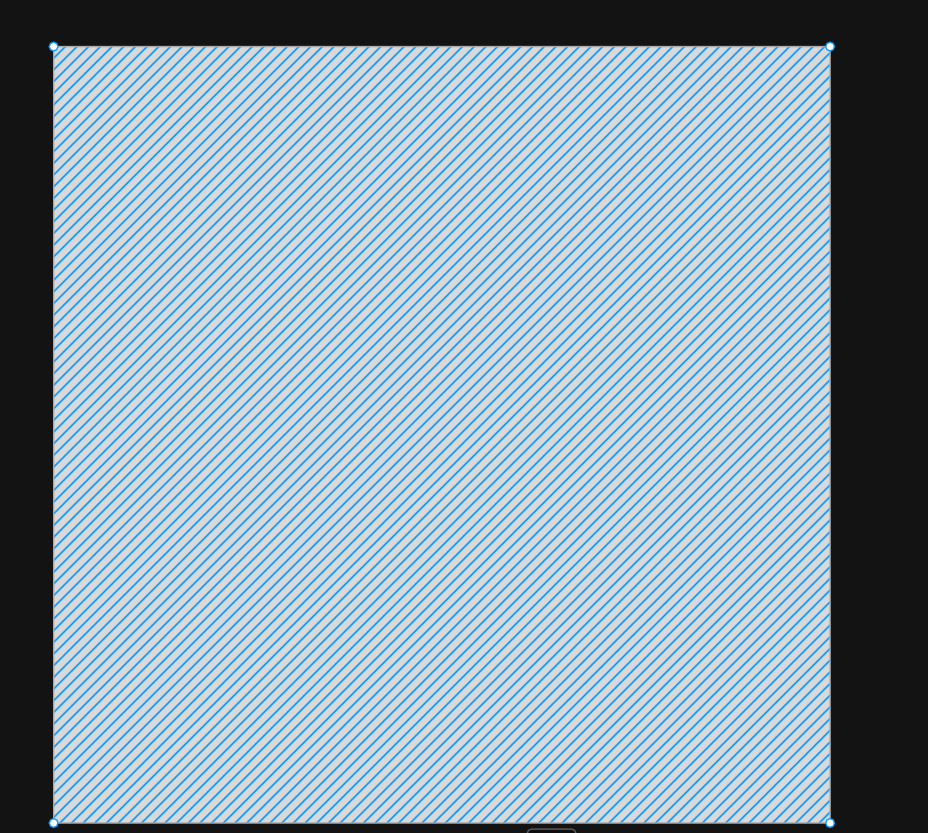

Hello, I was editing a vector, and whenever I hovered over it these blue lines showed up and my eyes can not stand withthat. Is there any way to hide or close them? Thanks in advance. Example photo here:
Enter your E-mail address. We'll send you an e-mail with instructions to reset your password.