

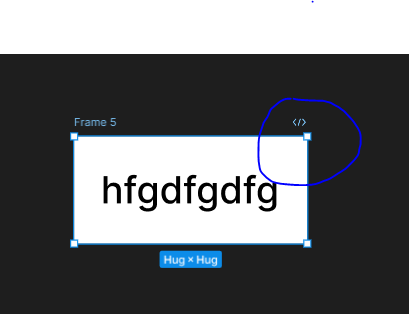
When i a m creating button with Auto layout with shift + A its convert to frame but its showing like section.
here display <> icon like dev mode.
anyone will help for this issues i don’t know what shortcuts enable mistakenly
.

When i a m creating button with Auto layout with shift + A its convert to frame but its showing like section.
here display <> icon like dev mode.
anyone will help for this issues i don’t know what shortcuts enable mistakenly
.
Enter your E-mail address. We'll send you an e-mail with instructions to reset your password.