October 10, 2023
Solved

[Apple Silicon] Opening a Figma link on browser does not open in Figma App

  • October 10, 2023
  • 2 replies
  • 651 views

Seems like Figma on browser does not identify that I have the desktop app installed.
This topic has been closed for replies.
Best answer by djv

Hey Kenny, thanks for reaching out!

Can you please try uninstalling and reinstalling the desktop app? Can you also ensure you allow the “FigmaAgent” to be installed? The feature “open in desktop app” relies on a background service called FigmaAgent for the web browser to recognize that the desktop app is installed and can open links, so that might be the issue here.

Also, if you’re using any browser or security settings that blocks local IP connections, please try disabling to see if that helps. FigmaAgent runs a local server on your computer that relies on a local IP connection.

2 replies

djv
Figmate
djvAnswer
Community Support
October 11, 2023

Hey Kenny, thanks for reaching out!

Can you please try uninstalling and reinstalling the desktop app? Can you also ensure you allow the “FigmaAgent” to be installed? The feature “open in desktop app” relies on a background service called FigmaAgent for the web browser to recognize that the desktop app is installed and can open links, so that might be the issue here.

Also, if you’re using any browser or security settings that blocks local IP connections, please try disabling to see if that helps. FigmaAgent runs a local server on your computer that relies on a local IP connection.

KoWi
New Member
January 24, 2025

Figma Agent is running:

Figma agent is running

But Figma links open in Safari (Version 18.1.1 (20619.2.8.11.12))

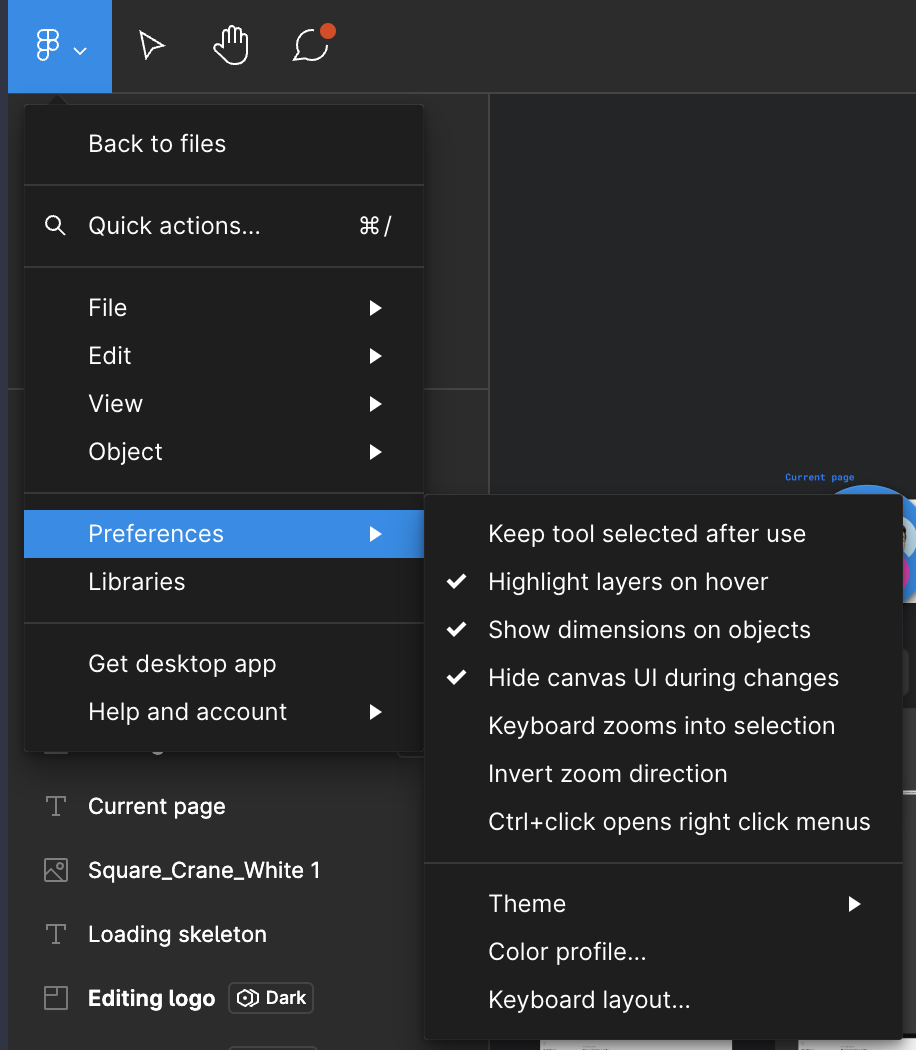
And Figma doesn’t understand the App is installed:

Figma doesn’t understand the App is installed


Figma team, please fix.  It’s a major inconvenience and other apps don’t see to have same glitch.

