

Annotations Scaling Threshold Causing Problems
Hi there!
I have noticed a change in the behavior of annotations while zooming the canvas that is challenging our workflow.
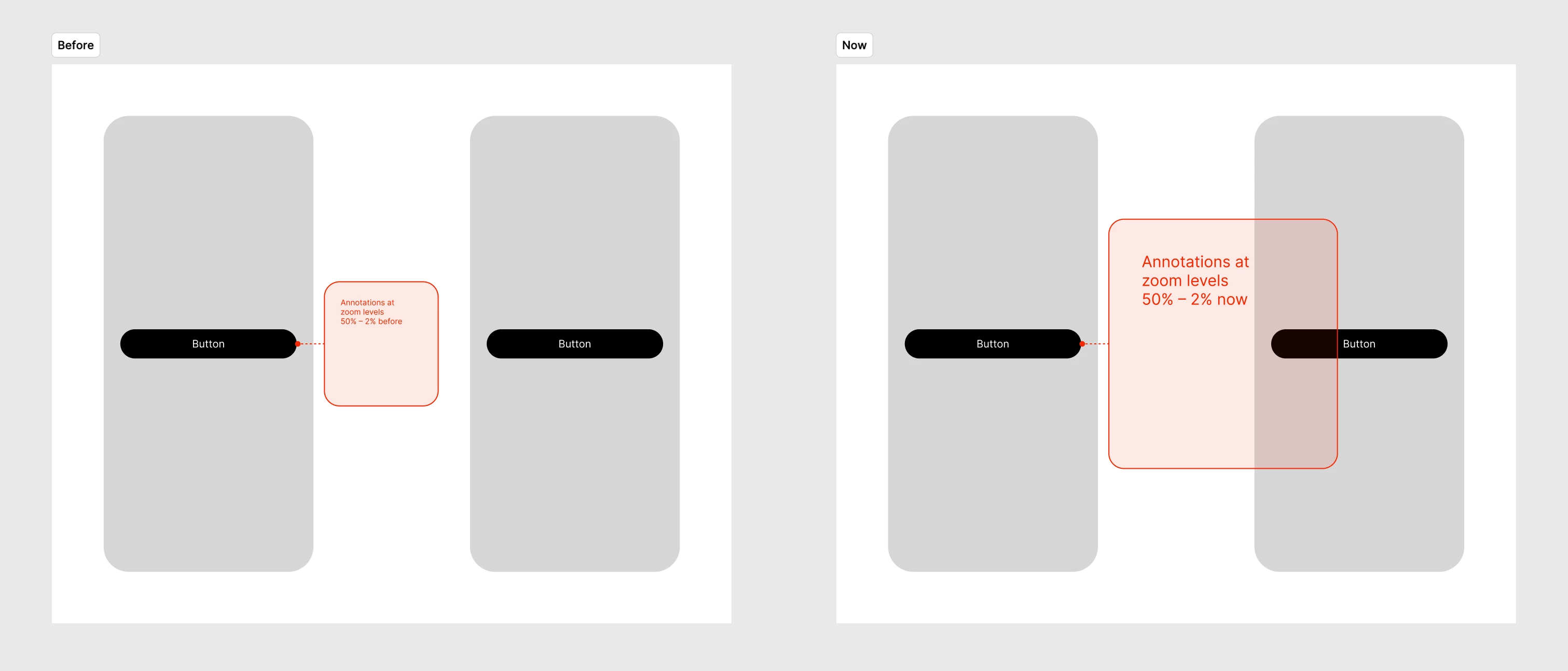
Up until the latest update, annotations would have a fixed maximum size at zoom levels between 25600% (max) and 100%. Zooming out to levels below 100%, they would start scaling down.
Now however, this threshold seems to have been lowered from 100% to 50%.
Why is it a problem?
Because we space out our screen designs so that the gaps in between can comfortably hold annotations, no matter the zoom value.
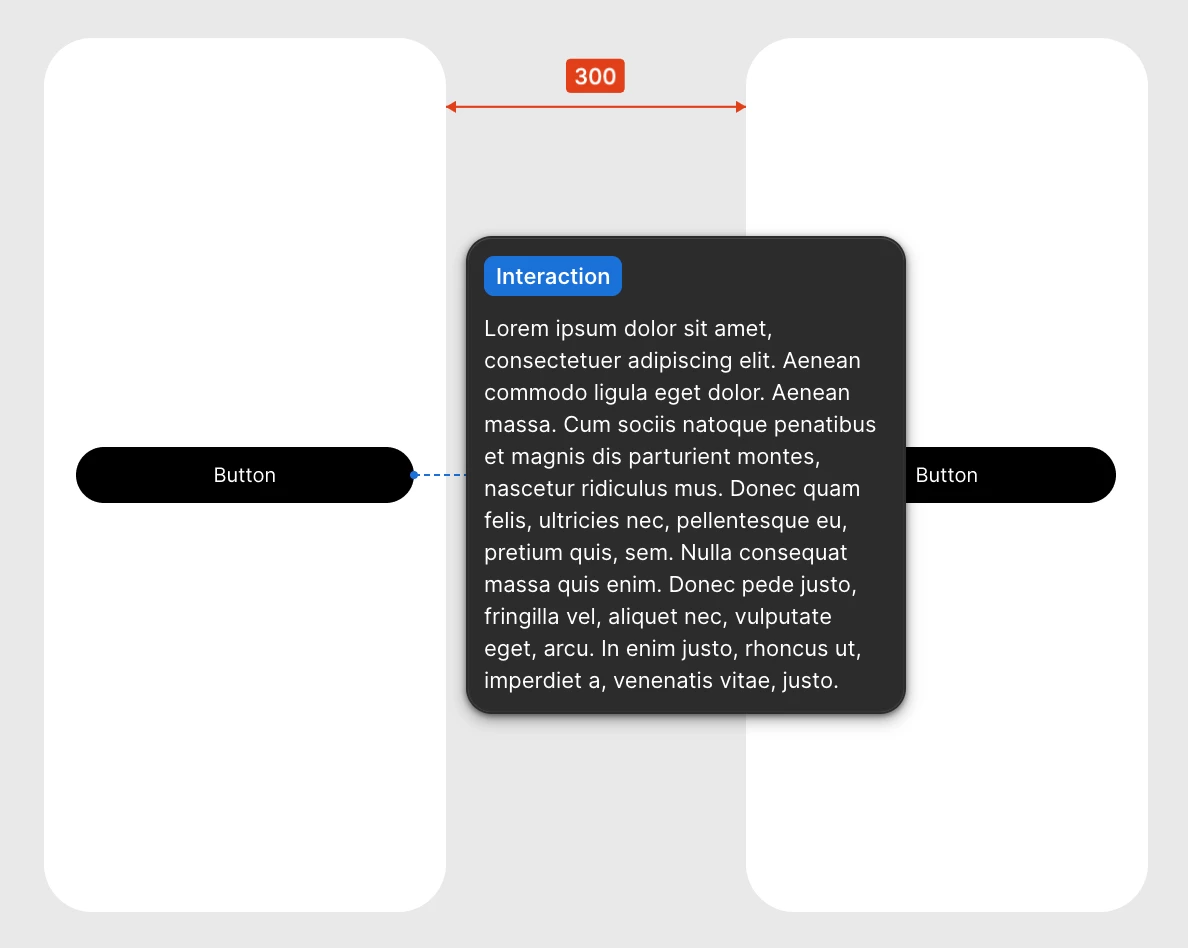
This now leads to annotations overlapping adjacent screens and blocking them visibly. Increasing the spacing is out of question because screens are already generously spread apart.
Moreover, in projects with extensive documentation, where annotations stack vertically, this behavior reaches a whole new dimension (literally, the Y axis 😅). It causes situations where zooming in on a screen to a readable size (between 100% and 50%) makes it impossible to see annotations because they keep their maximum size down to 50% zoom scale.
Here is a visual representation of the issue.
Keep in mind that this is not about the max. size of the annotation bubbles (it is the same before and after) but the breakpoint at which it is triggered.
Is anyone else experiencing this issue?
Cheers,
Philip