Solved
Absolute Position
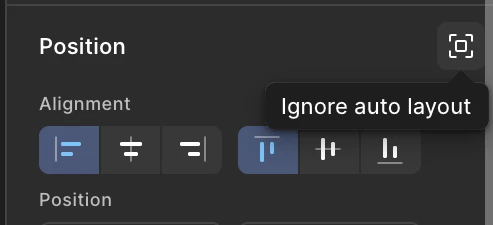
Absolute Position icon seems to be shifted someplace else on updated figma 2026, please help where can I add this property from to my elements inside autolayout in figma?

Absolute Position icon seems to be shifted someplace else on updated figma 2026, please help where can I add this property from to my elements inside autolayout in figma?
Enter your E-mail address. We'll send you an e-mail with instructions to reset your password.