Question

A problem with shapes, they are not visible

  • November 7, 2022
  • 7 replies
  • 1966 views

Daria46

Hi everyone!
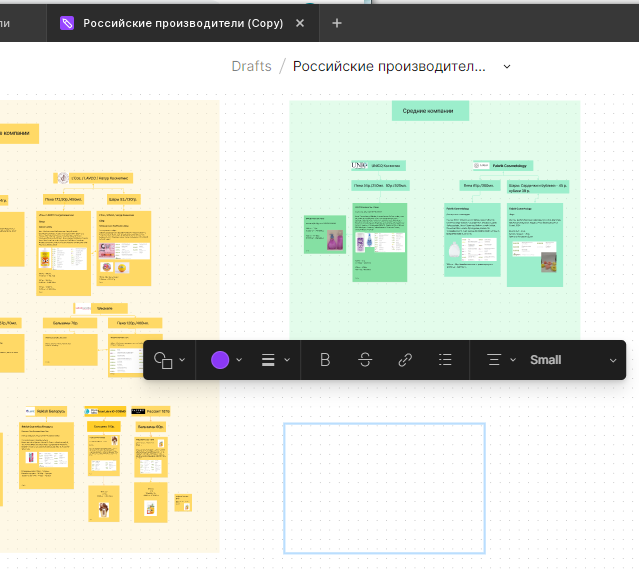
I have a problem, the shapes I create are not visible. I tried to copy them, move them in different ways. Nothing helps. Please tell me what should I do and what could be the reason?

This topic has been closed for replies.

7 replies

SohrabNiroo
  • New Participant
  • November 7, 2022

Are you sure they are not behind you subject?

Hit ] when selected and they come in front

I hope this is your problem, If not share the link for us to see it.


Daria46
  • Author
  • November 7, 2022

Hello! Yes, I’m 100% sure of that. I have more screenshots, where you can see that the figure is not displayed, and not be under another object. But I can’t attach more than 1 file


Daria46
  • Author
  • November 7, 2022

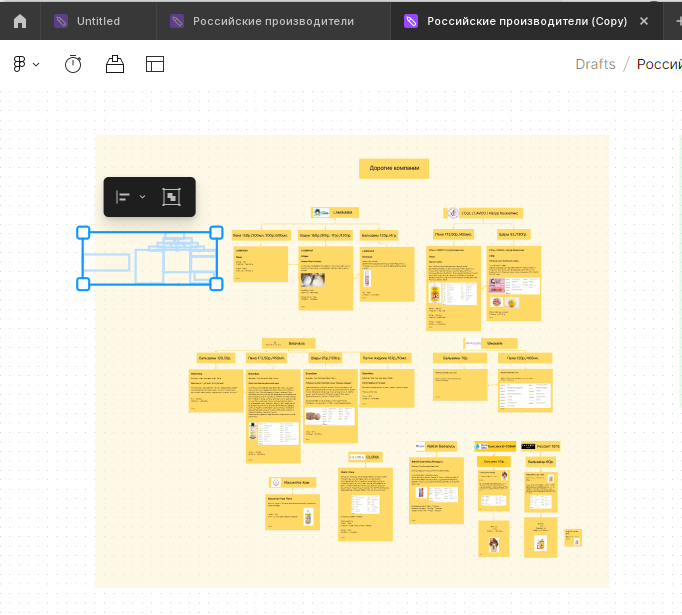
This rectangle here should be purple, but it’s not visible.

I tried to restart the application, the problem is in this file, in others everything works fine


SohrabNiroo
  • New Participant
  • November 7, 2022

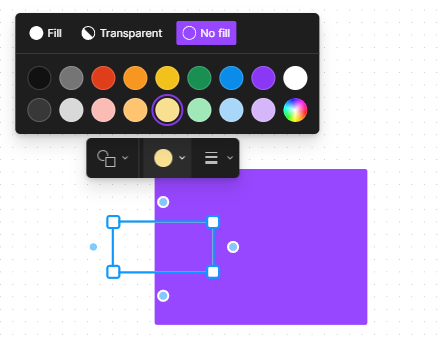
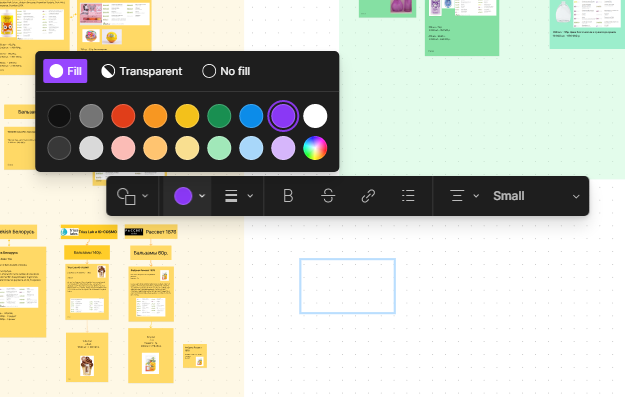
Select layer Click on the color and make sure No fill is not selected, Stroke as well

If the problem remains, then it’s a bug or you have a corrupted plugin cause this mess

Screenshot 2022-11-07 105847


Daria46
  • Author
  • November 7, 2022

No, I checked everything, apparently everything really broke in this file.

I guessed to just copy all the contents of this file into a new one, and everything was transferred! Everything works fine in the new file.

Thanks for the reply, I’m glad you wanted to help!

Problems with the shapes 3


SohrabNiroo
  • New Participant
  • November 7, 2022

Your Welcome

I’m glad you found a solution

It’s strange, If possible keep the file and Email @Figma_Support to check it for you.

Maybe its a Bug and need the teams Attention

The support team answers within few days and they are very helpful.


Daria46
  • Author
  • November 7, 2022

Okay, I’ll send a link to the corrupted file to support, it might be a really interesting situation.
Thanks again for your help!