Question

账号出了问题

  • April 23, 2026
  • 1 reply
  • 8 views

ls300338

The account items for Figma login have disappeared, as if I logged in,It's like logging in with a new account, but the login email and password are for a new account.
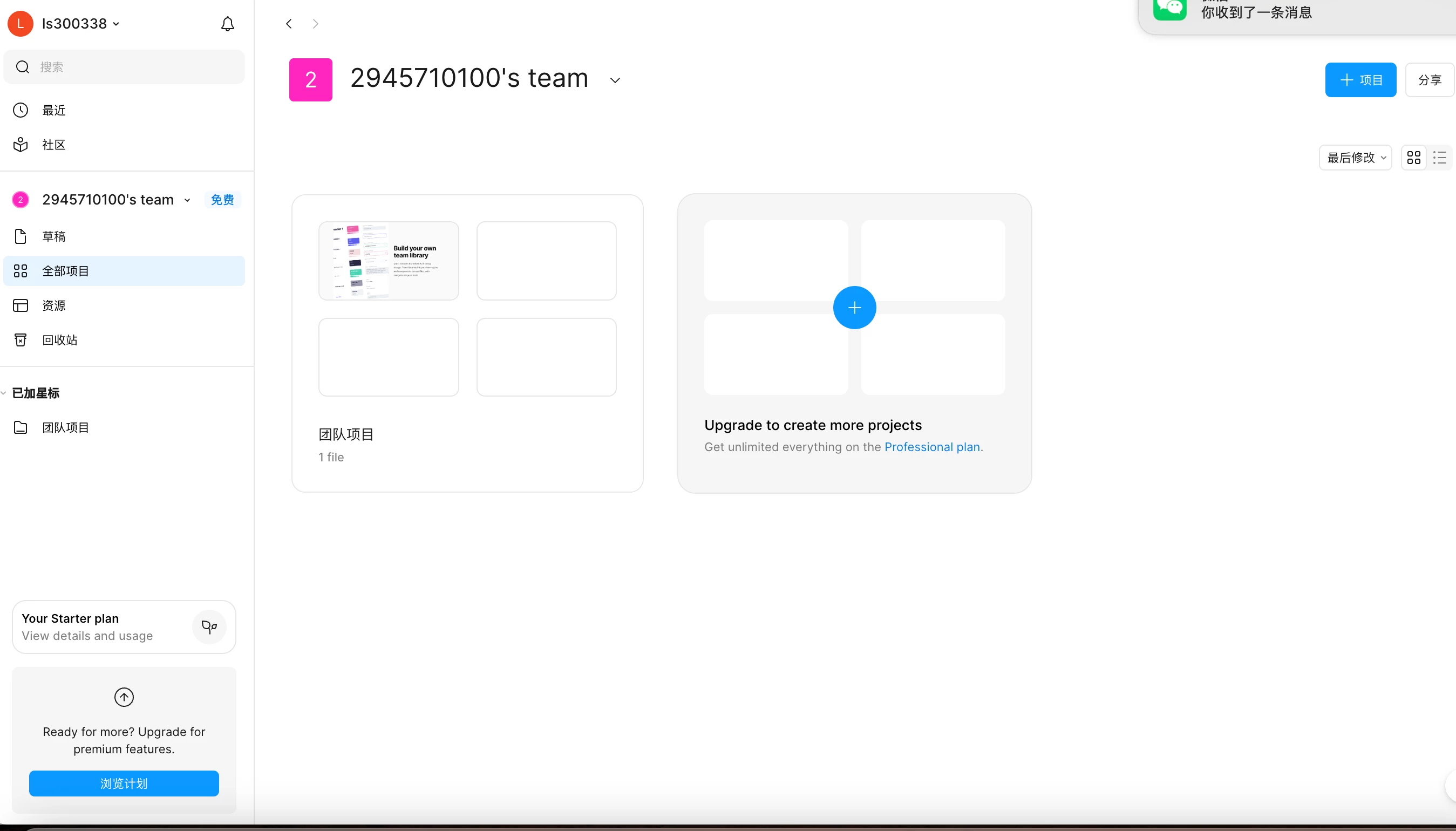

(screenshot redacted by the moderator due to PII)


1 reply

Celyn_L
Figmate
  • Figmate
  • April 23, 2026

Hi ​@ls300338, Celyn from Figma Community Support here.

Thanks for reaching out and for sharing the screenshot, I’ve removed it to protect your privacy as it contained personal information.

From the screenshot, it looks like you’re currently logged into a different account than the one that is associated with your Figma account (where your projects are stored). This would explain why your files aren’t appearing and why it feels like a new account.

I’d recommend logging out and signing back in using your original login method, or using “Switch accounts” to access the correct one:

  • From the file browser, click your name at the top-left of the screen
  • Select the account you want to switch to
  • If you don’t see it, click Add account and log in first
  • Figma will then open the file browser for that account


Here’s a guide that walks through this:
Switch to a different account

I can also see that you’ve reached out via support ticket #1864867. If you’re still unable to locate your files after trying the steps above, please continue working with the team there and they’ll help you further.