Solved

Button to different variants

  • January 30, 2024
  • 5 replies
  • 662 views

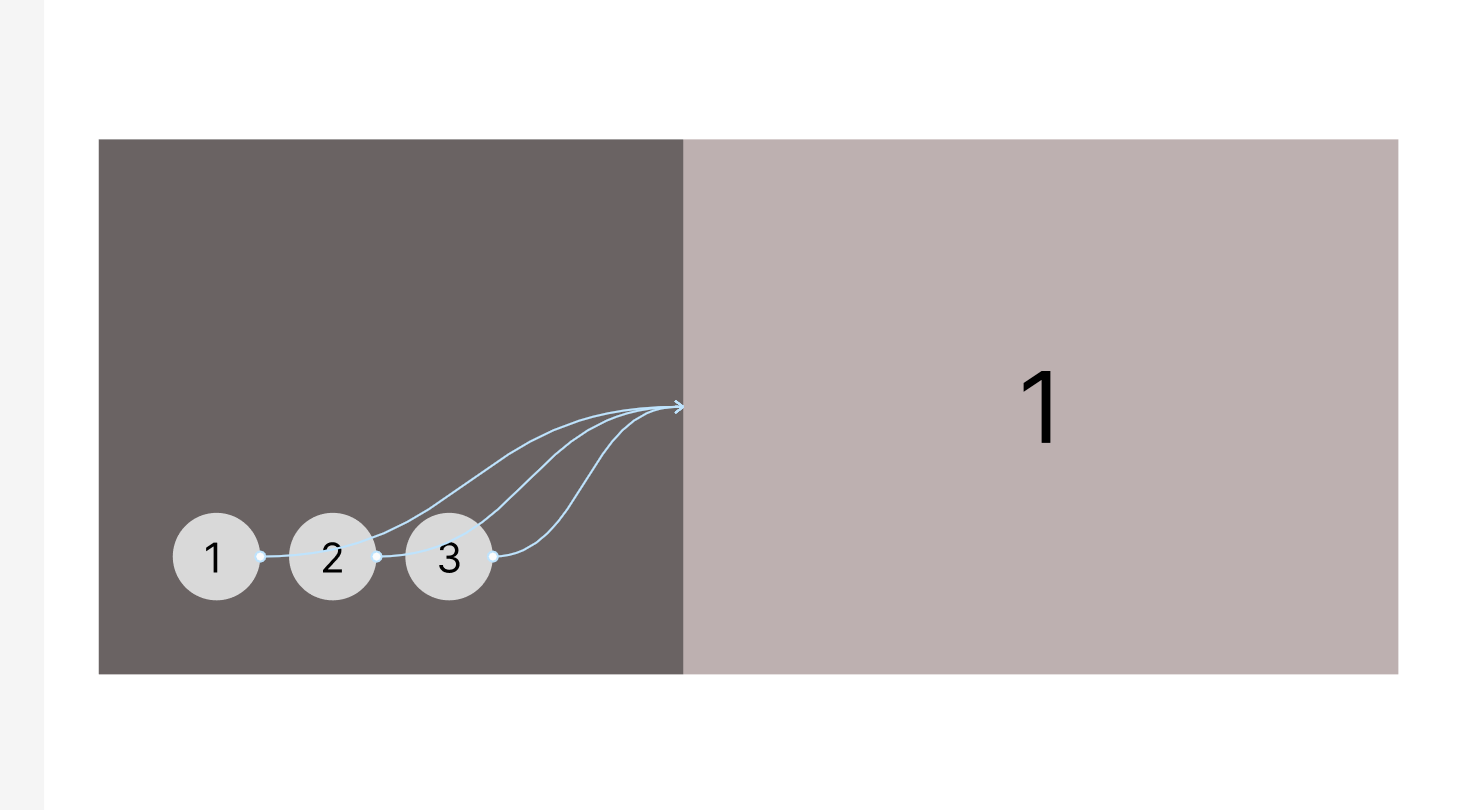
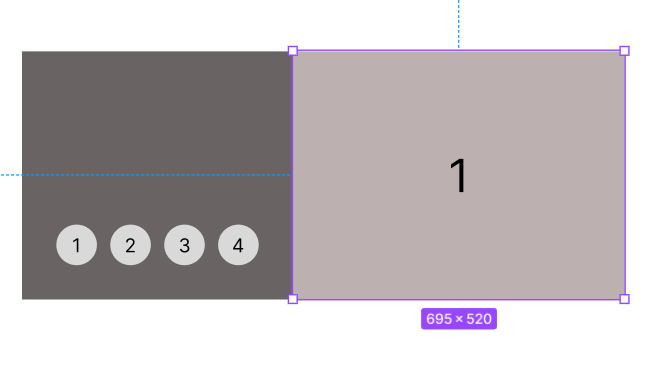
trying to click the buttons to change the right side image to their number i have put them in a component to switch them in variants, but it doesnt work stays on image 1
Capture

Best answer by Geoffrey_Menissier

I think this one is exactly what you are trying to achieve :

This topic has been closed for replies.

5 replies

Raphael_M
  • Power Member
  • January 30, 2024

Hi, Marc.

Is it possible for you to share the file so I can check it?

Thanks!


  • Author
  • January 30, 2024

sure raphael here’s the link

Figma – 30 Jan 24

Raphael_M
  • Power Member
  • January 30, 2024

Hi, Marc.

Upon checking your file, you set all the scroll to to the same frame.

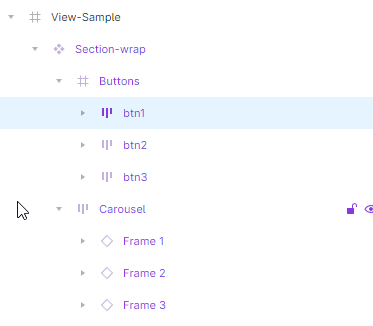
You need to set the buttons to the specific frame they should go to inside the frame.
image

btn 1 should scroll to Frame 1, btn2 to Frame 2…

I put a sample on your drafts. I did the same implementation you are trying to do among the many ways of doing a carousel.

If you have other questions, just let me know.

Thanks!


Geoffrey_Menissier

I think this one is exactly what you are trying to achieve :


  • Author
  • January 30, 2024

Thank you so much its clearer now