
Friends!
Some of the components in my design system have many variants. A design system consumer might get overwhelmed. She/he has to select a component variant and see the configuration options in the right panel to understand what a single variant stands for. This needs to be more intuitive. I had a separate Figma file, a sort of style guide, where I used to place some component instances and describe them, but I don’t want that redundancy any more. It was redundant, but much easier to place some text around the instances. Now, the variants appear as a bunch, so you can only place notes around that bunch.
Look at this. No space to put any note, comment, title…
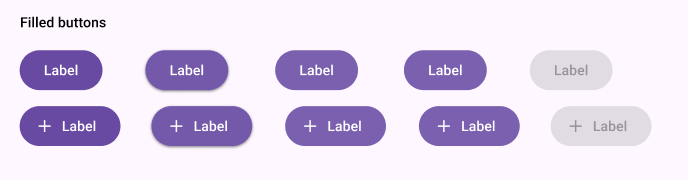
How can I make my component variants more understandable at first sight? Any idea?
Thx