Question

How to set Interactive Background

  • October 19, 2023
  • 4 replies
  • 582 views

Mitch_Bechtold

So I did look this up ahead of time, but the most I found was a forum discussing a possible bug from over a year ago, but there was no concrete resolution.

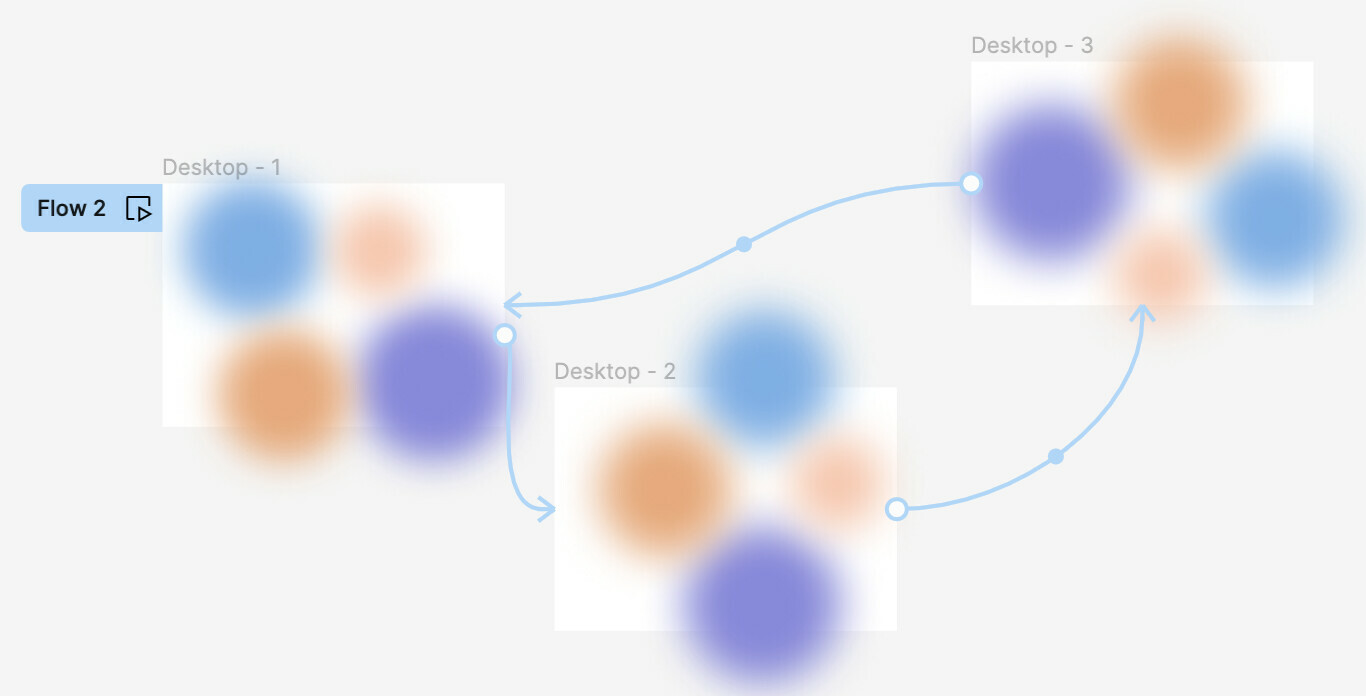
I’m working on an interactive background that smart animates colorful background images. It’s a simple mockup when the prototype moves from frame to frame, but when I try to embed this in my actual Web design presentation, the image remains static and the interaction is broken.

Do yall have any thoughts on how to properly set this as a component or another possible fix may maintain my interaction?

[https://www.figma.com/proto/89Tb9AP2zUVSyBGGjUoGVI/Interactive-Background?type=design&node-id=102-15&t=f1U5B0yo9oLTK1WC-1&scaling=scale-down&page-id=0%3A1&starting-point-node-id=102%3A5&mode=design](https://Interactive Background)
This topic has been closed for replies.

4 replies

Nate_G
  • Power Member
  • October 19, 2023

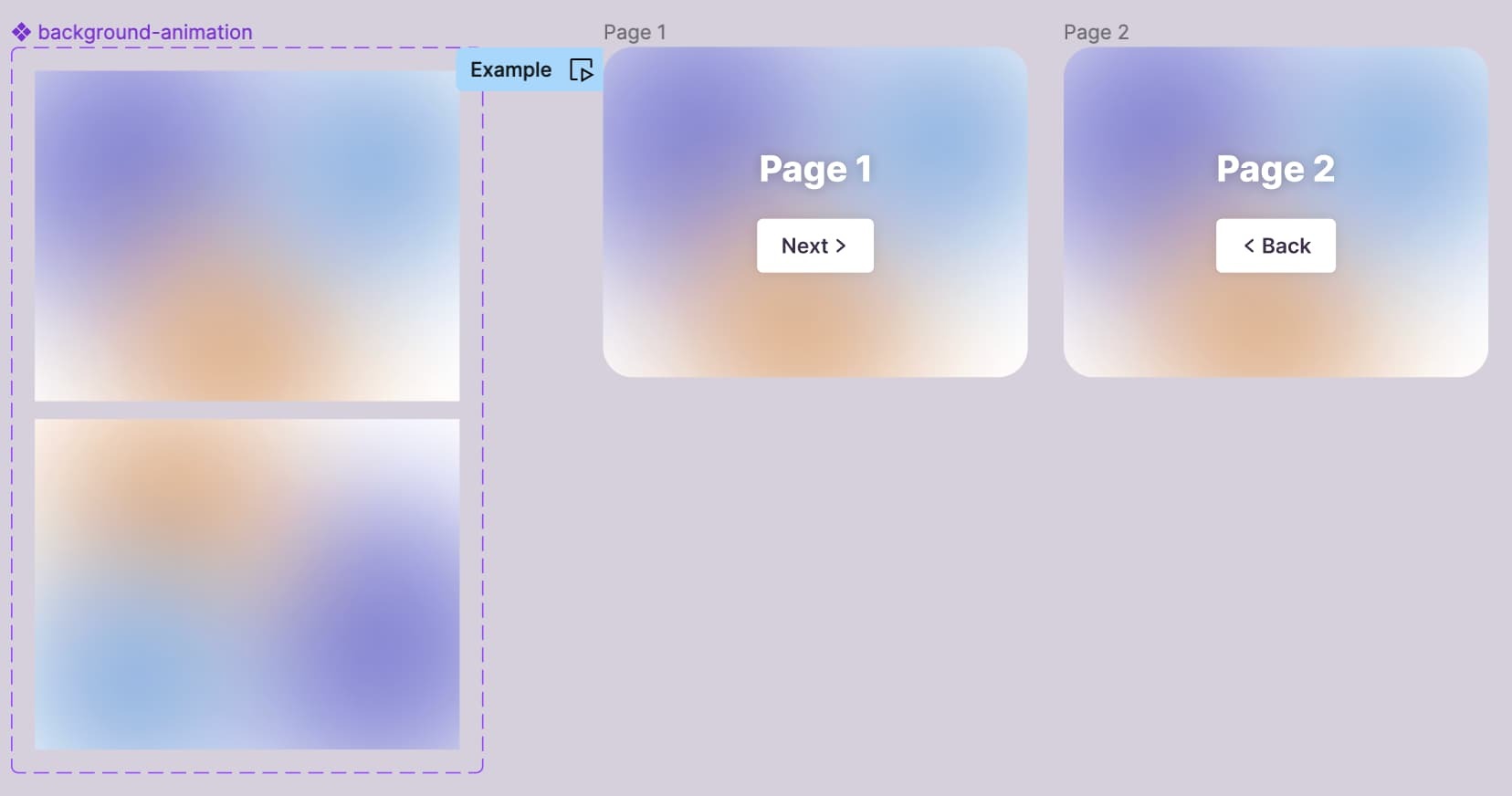
@Mitch_Bechtold if you want to reuse a looping animation like this across multiple frames, I’d make the animation a component that animates between its variants using after-delay and smart-animate. Then add an instance of it to your designs/frames.

See prototype
Get the file


Gayani_S
Figmate
  • Community Support
  • October 25, 2023

Hey Mitch, thank you for reaching out! Could you share a link to your file with me so I can take a better look at it? Feel free to DM me.


Mitch_Bechtold

Just noticed this @Nate_G. I wasn’t thinking of each animation as a variant. Makes sense! Super helpful, thank you!


Mitch_Bechtold

Thanks @Gayani_S. Nate’s solution worked.