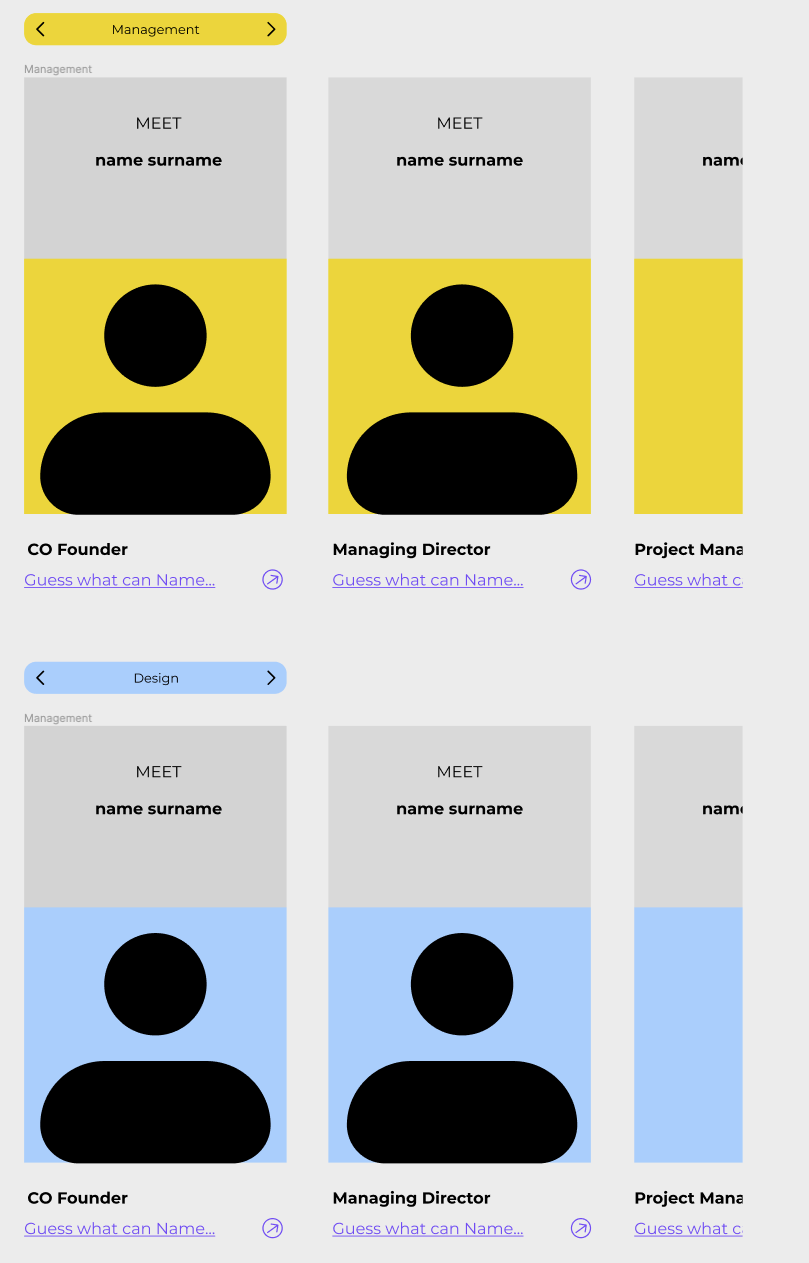
Hi, I have a “button” component as a bar with 2 arrows. When one of the arrows is clicked (think forward/backward), the background of the section changes color and name with smart animate. The main function of the arrows however, is for them to change the horizontally scrollable section of employees. I am aware that there is only one tap option possible. This is on mobile design.

Question
How to make a button change state and open/change overlay?
This topic has been closed for replies.

Enter your E-mail address. We'll send you an e-mail with instructions to reset your password.