Solved

Constraints within Autolayout, it works but why?

  • October 24, 2023
  • 6 replies
  • 420 views


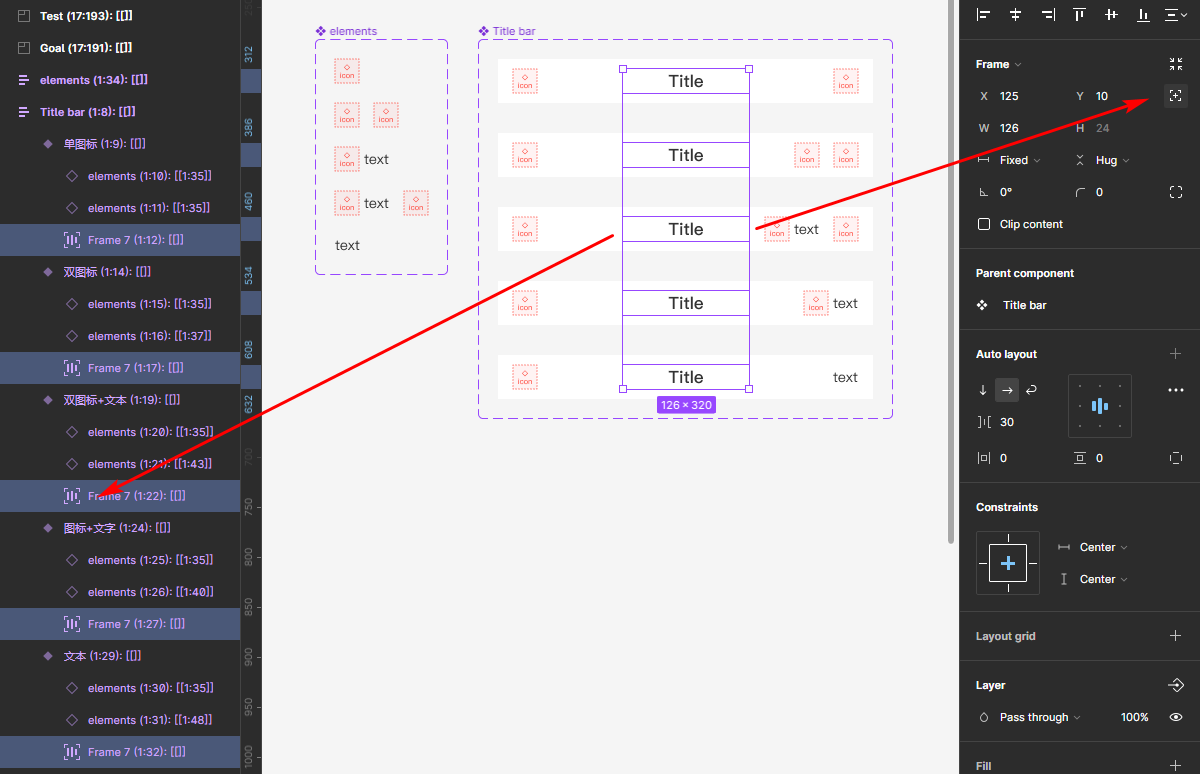
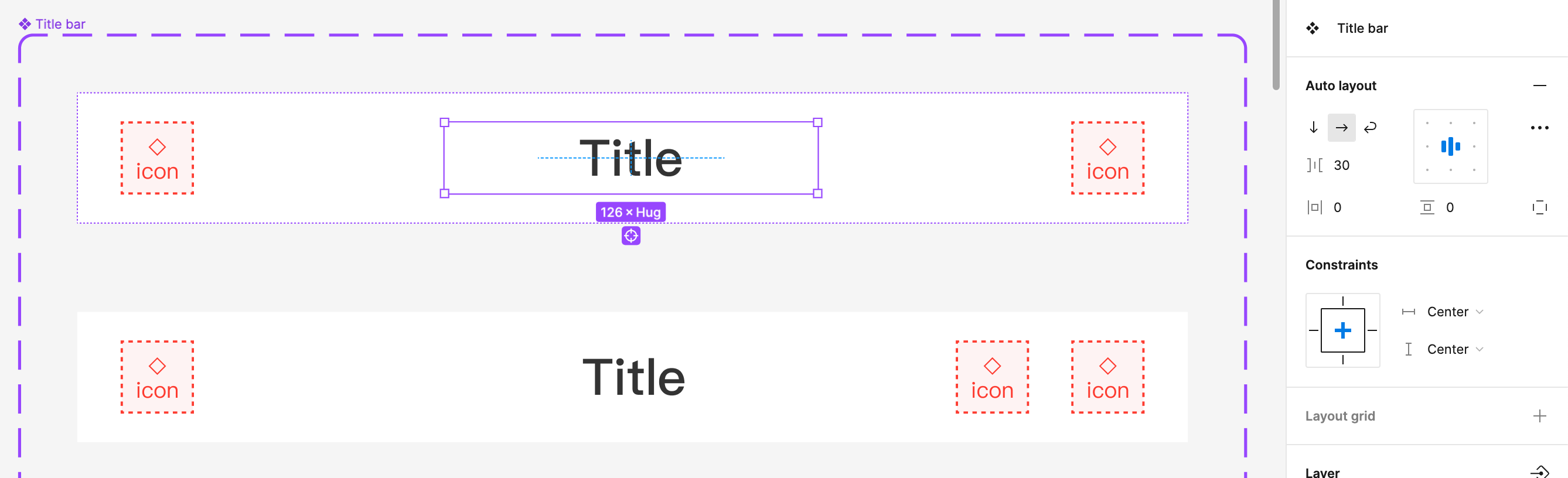
The Title is wrapped with a Autolayout Frame, but the constraints remains editable
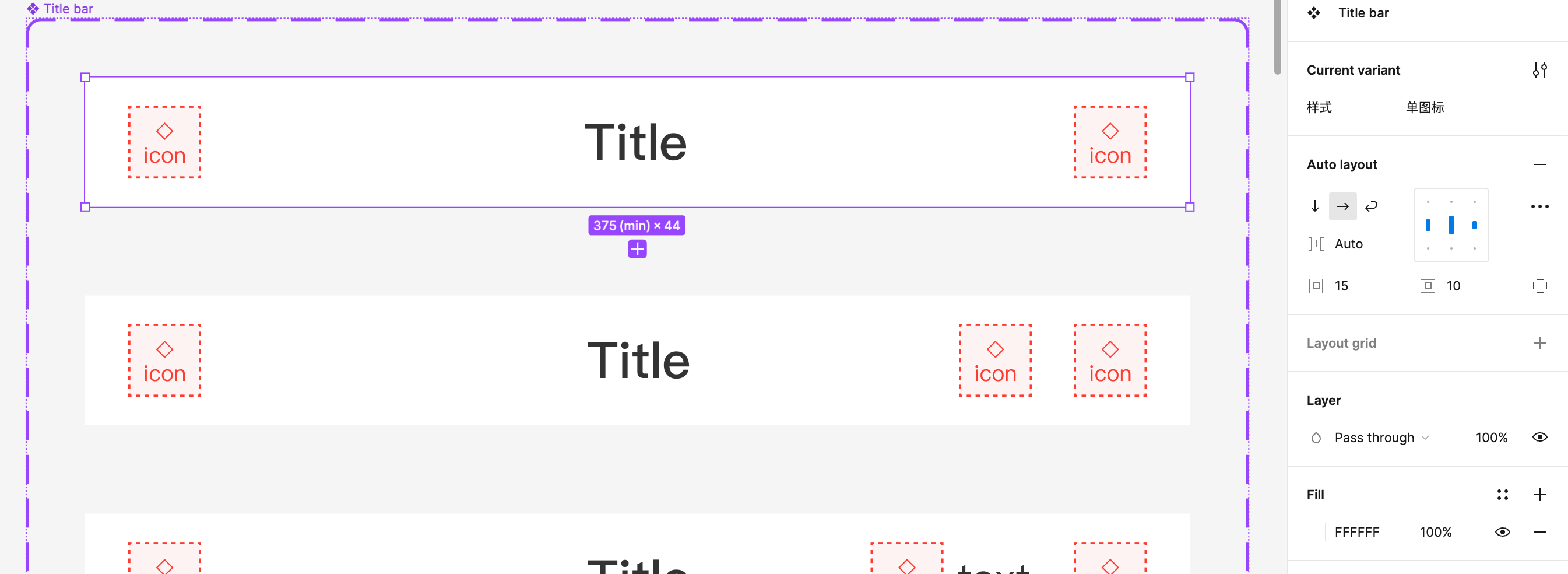

U can see the Parent bar is autolayout as well, it’s werid

Best answer by tank666


This topic has been closed for replies.

6 replies

tank666
  • October 24, 2023

Your parent layer (component set) does not have auto layout applied.


  • Author
  • October 24, 2023

I’ve updated the point I’m confusing, the parent one is actually the bar, but within this parent autolayout u can edit the text frame constraint, which is also autolayouted.


tank666
  • October 24, 2023

Please show the full screenshot, including the layers and properties panels. The reason for displaying constraints is that, as I wrote above, the parent layer does not have auto layout applied or an absolute position is applied to this object.


  • Author
  • October 25, 2023

tank666
  • Answer
  • October 25, 2023


  • Author
  • October 25, 2023

Oh thanks so much for this, I thought running absolute position would cause this element itself lost interaction with its parent layer!