
Solved

While presenting the interactive components is not updating properties

  • April 8, 2021
  • 4 replies
  • 1571 views

Eduardo_Faraday

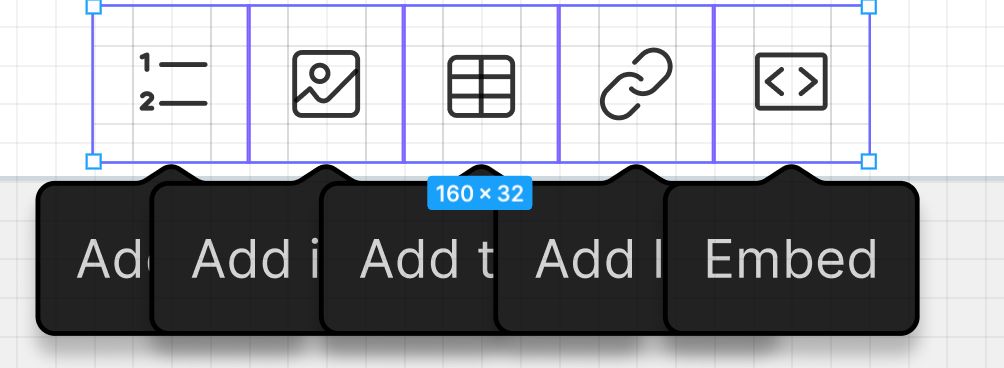
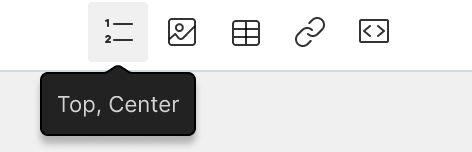
I built an icon button with a tooltip experience. However, tooltip names are not being updated while presenting mode, it stuck with the default component text.

Text set up:
But when presenting, it still looks with the default component text:
image

It blocks interactive components to be used in many cases, so I have to go manual for now.

Best answer by Tim_de_Groot

@Eduardo_Faraday @Armando_Molina @Paul_Lyons Not sure if you’re still having this issue. But try giving the layers that need to change a different name. I ran into the same issue, then renamed the text layers to have distinct names, and it worked.

This topic has been closed for replies.

4 replies

Armando_Molina

Im facing the same issue too, but with a text field design 😦


Paul_Lyons
  • New Participant
  • May 24, 2021

Same here. I’m getting a text property which is refusing to update between interaction states 90% of the time when running the prototype. All other elements are updating.

I’ve checked everything in detail too and seems to be a bug. Will most likely have to start again without interactive components now unless fixed.

Very frustrating.


Tim_de_Groot
  • Answer
  • September 21, 2021

@Eduardo_Faraday @Armando_Molina @Paul_Lyons Not sure if you’re still having this issue. But try giving the layers that need to change a different name. I ran into the same issue, then renamed the text layers to have distinct names, and it worked.


  • November 13, 2023

What worked for me was to detach the instance from the main component.