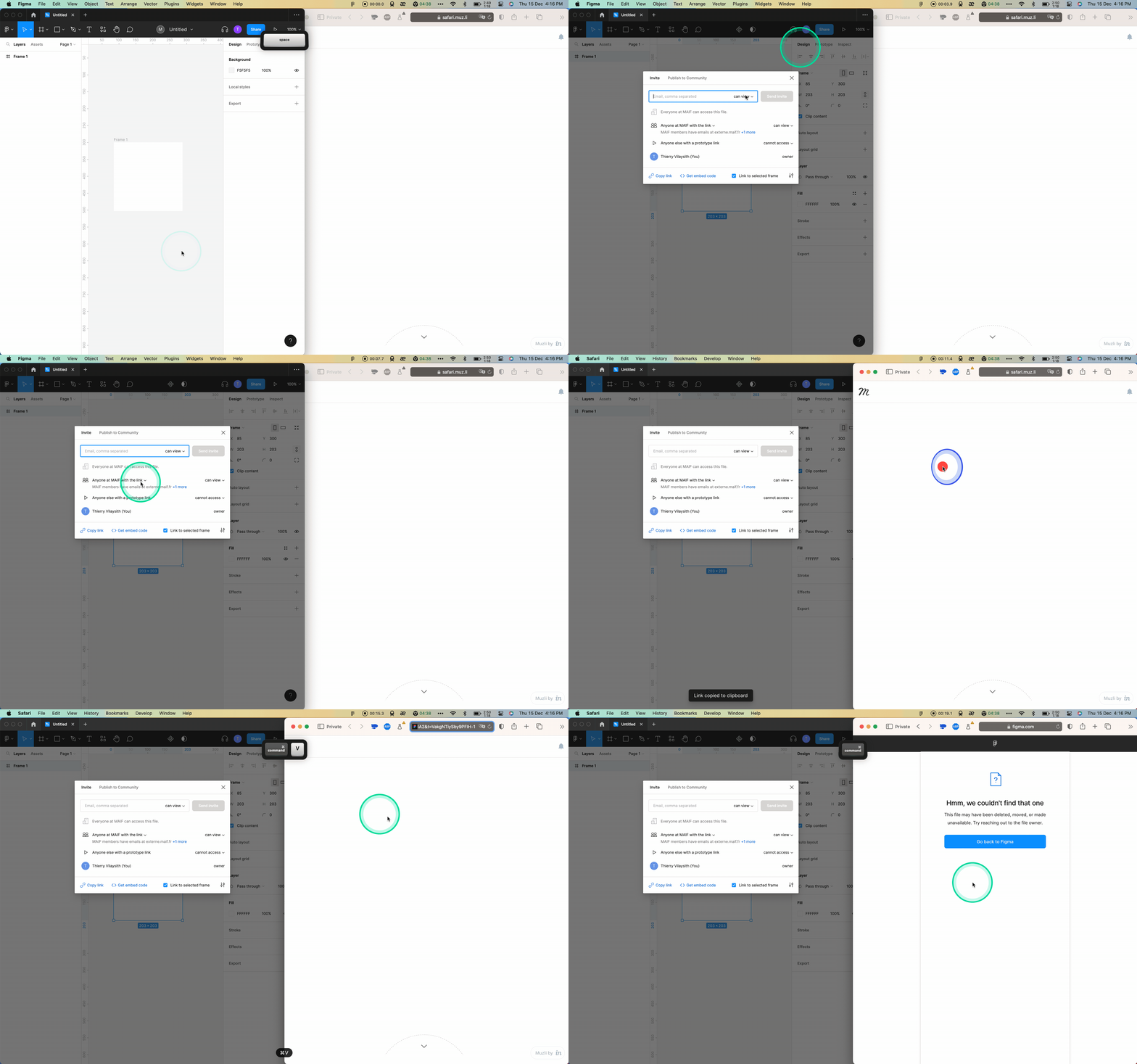
Are you sure you are logged into an account that matches the permissions you set?
Have you tried relogin?
Have you tried using Google Chrome instead of Safari?
This appears to be happening to all of my shared links today as well. The correct permissions are still set and links that were posted to Jira that worked previously now do not.
I could not get it to work on Chrome or Firefox. I am guessing this a more widespread issue.
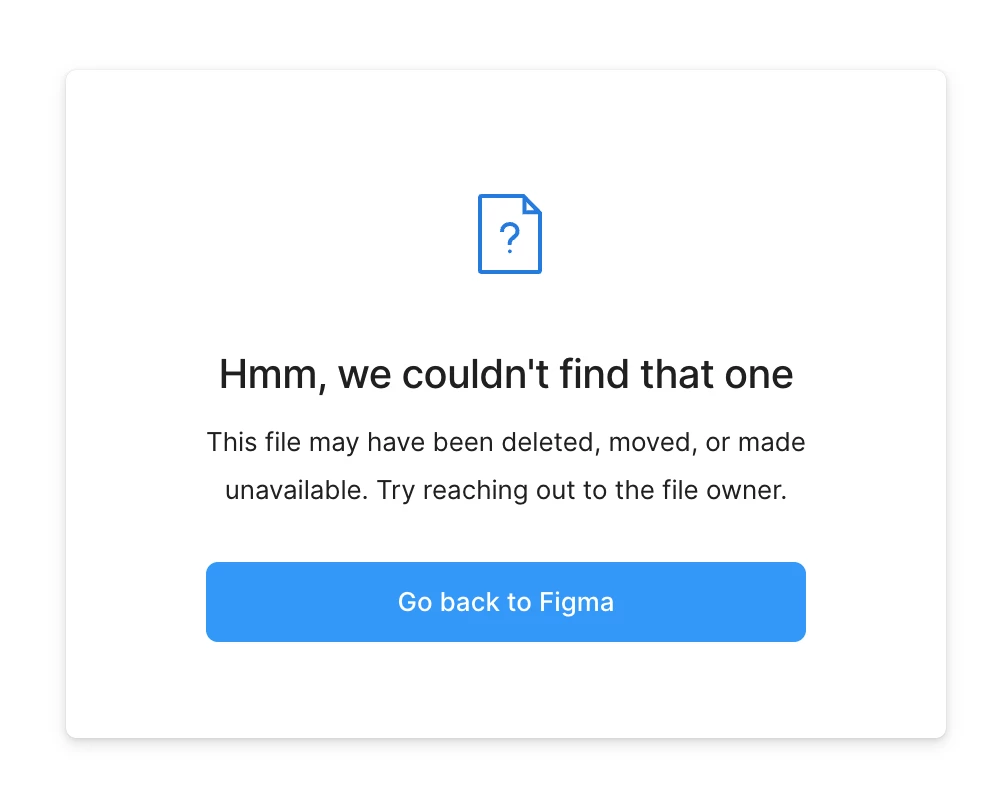
Started happening here yesterday. It looks like this message is coming up when the user is not logged into Figma – instead of prompting them to log in like it used to do. They have to click the “Go back to Figma” button, log in from the homepage, and then the file will open. Which is… not optimal 😐