Set grid row height to "hug" contents

  • May 9, 2025
  • 61 replies
  • 5466 views

Show first post

61 replies

Juan_Guzman
  • New Participant
  • August 22, 2025

Kyle_Johnson
  • New Participant
  • August 29, 2025

Bumping this, I feel vertical hugging is really important!


PF1
  • New Member
  • September 15, 2025

+1

This killed the feature completely for me :’/
Was very much hyped at first, like you. What a bait...


Pete_Hotchkiss2

Sadly folks we’re asking for something that doesn’t add “shareholder value” like some fancy AI powered drawing tool that hammers peformance and makes even basic layouts take 3-4 seconds to load does.

Features and updates that users actually find useful are so far down the list or priorities for product team KPI/OCR dashboards it just wont get any attention


PF1
  • New Member
  • September 23, 2025

Sadly folks we’re asking for something that doesn’t add “shareholder value” like some fancy AI powered drawing tool that hammers peformance and makes even basic layouts take 3-4 seconds to load does.

Features and updates that users actually find useful are so far down the list or priorities for product team KPI/OCR dashboards it just wont get any attention


OK, I take it back!


Some days ago I recognised the new workspace inside figma called “Site” where you can build websites - it looks like it follows real web concepts and is aiming for building real production ready websites using the slick workflow from figma. Figma also bought Payload, which is a very well known and powerful Open Source headless CMS. This will surely be integrated into this workspace as there is a additional area “CMS” coming soon.

It’s still missing the ability to use percentage values within the size fields but I hope in the future they will completely converge with (all) web standards here. Some nice fancy and eagerly awaited features like triggering animations when a object enters the viewport, parallax, mouse parallax and much more are already there. It’s also has a media-query-like workflow.

I’m really looking forward to it!


Alex Bruno
  • New Member
  • October 7, 2025

Dying for this functionality! I HATE working with autolayout + tables. Really would love Grid w/ some min/max values and hug row height to come in and save the day.


Veneruso_Annie
  • New Participant
  • November 6, 2025

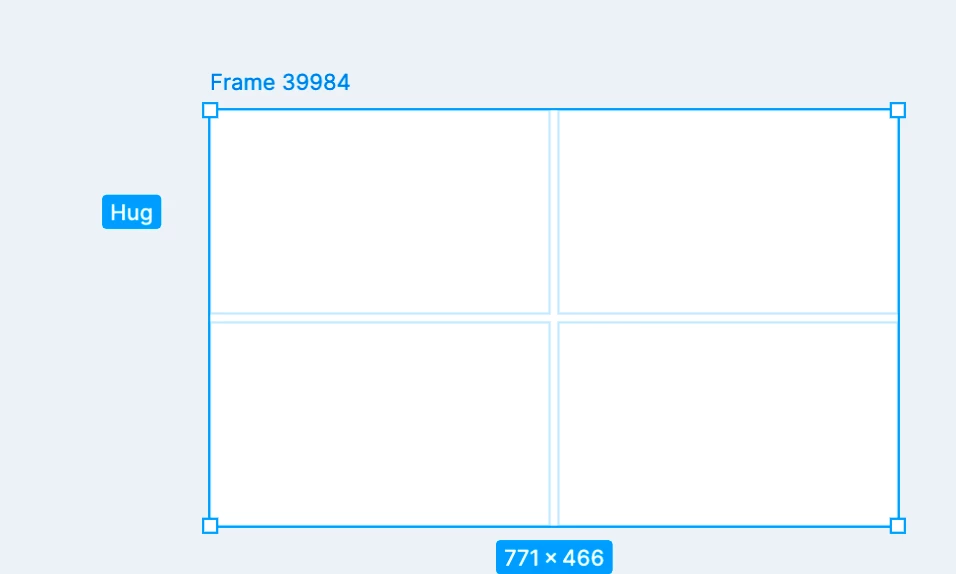
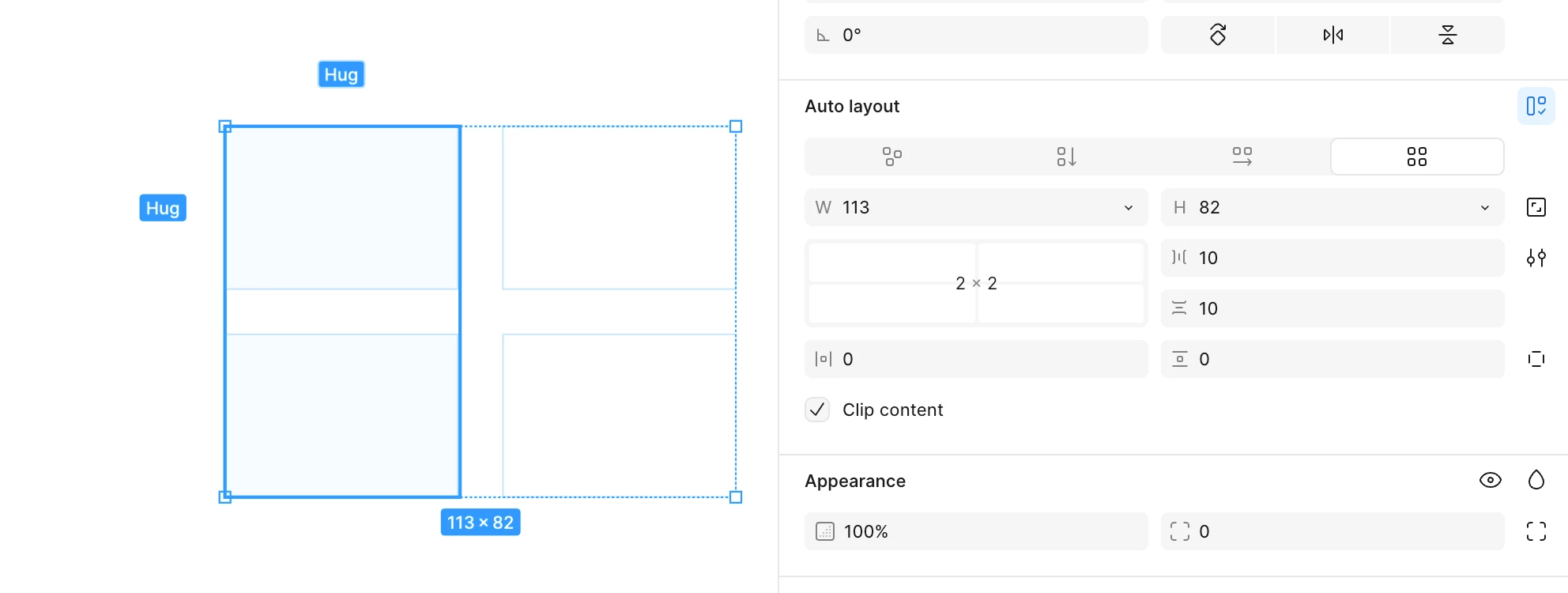
Seems like there a way to create rows and columns that hug content. Here is how you can do it

  1. Create a frame
  2. Hit Shift+A, make it auto layout frame, make sure that sizing is set to HUG both directions
  3. Convert it to grid
  4. Now you have 2x2 grid with auto sized rows and cols

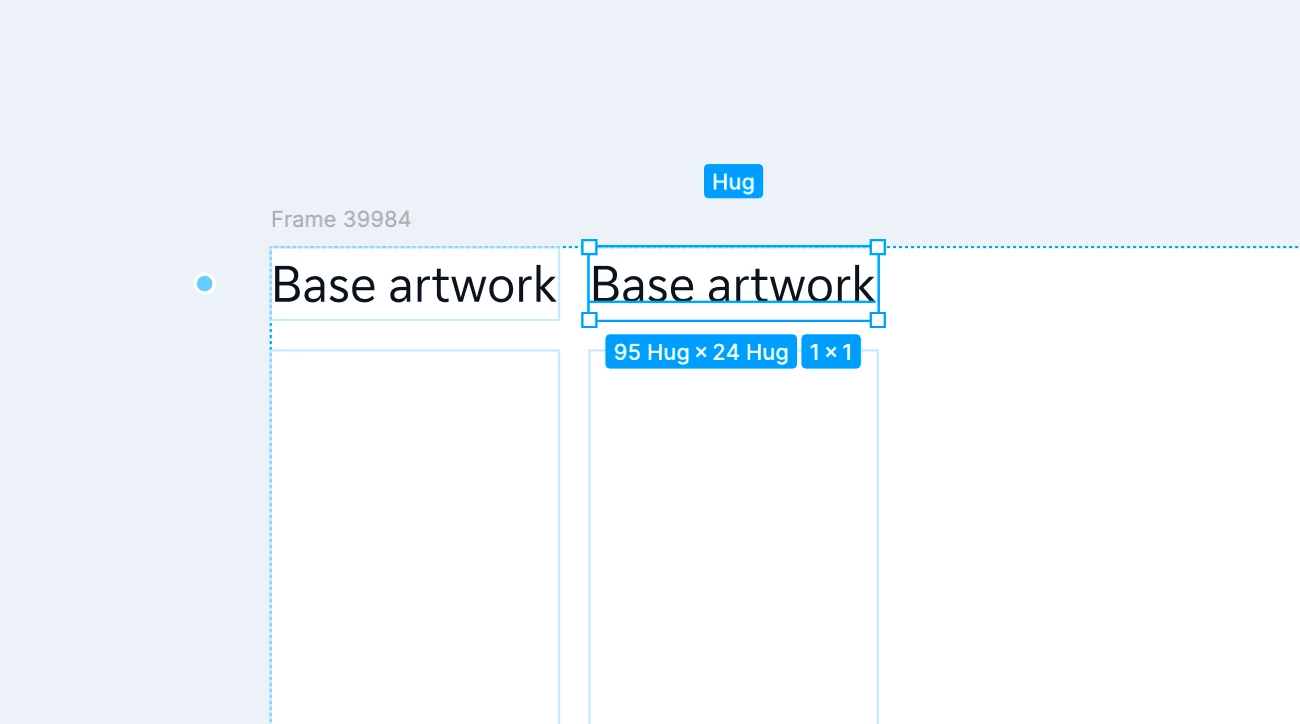
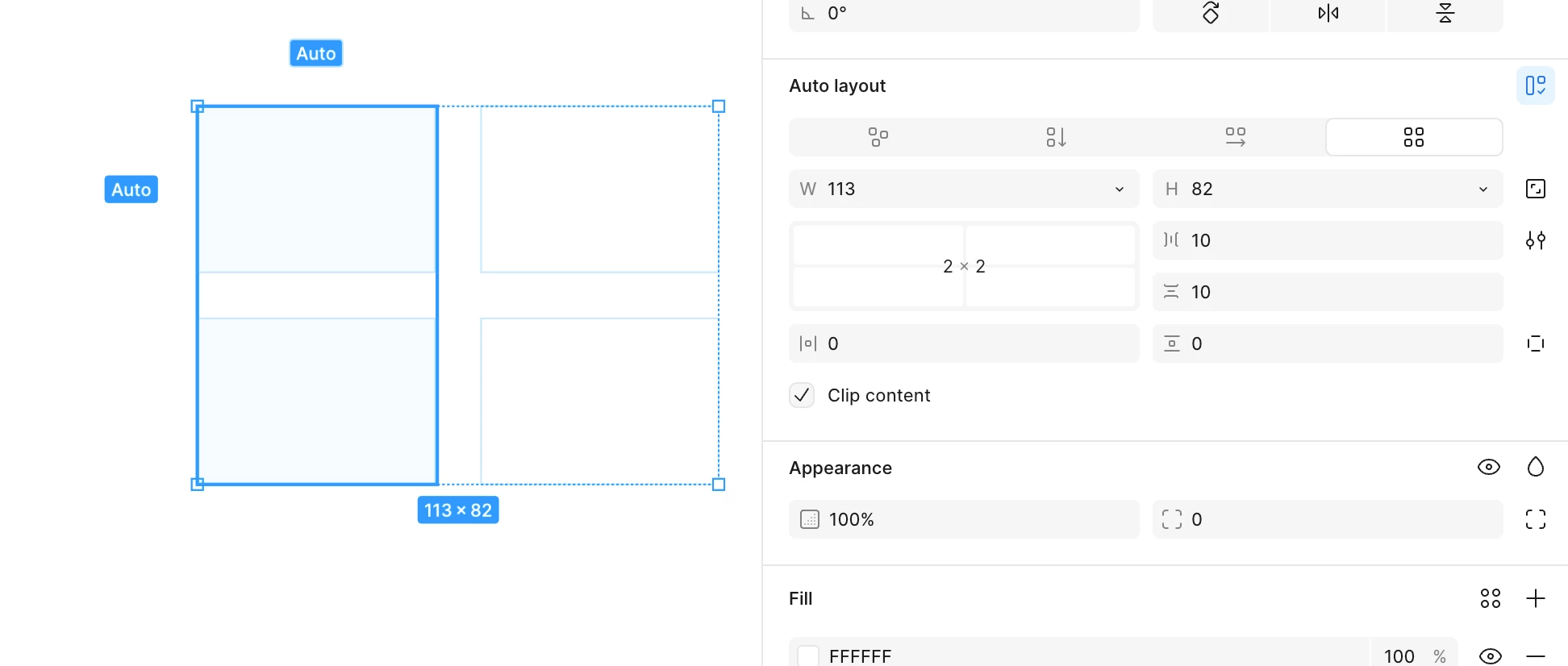
There is no direct way to enable this sizing option within the UI, however if you add a layer inside and then you duplicate it it would add another column with “Hug” sizing enabled


Not quite clear how to add more rows though...

Clever trick! Sadly, additional rows/cols initialize as “Auto”. I guess it’s a sign that it’s possible, but maybe it’s just not fully implemented yet.

Tried this, and doesn’t seem to work anymore. Maybe they patched this workaround. Do you have a file that still has this behavior in it?


Juan_Guzman
  • New Participant
  • November 6, 2025

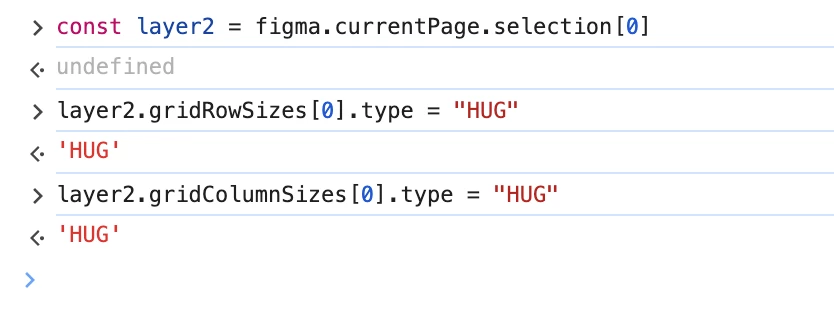
Workaround: set Hug on Auto-layout Grid rows/columns via the Plugin API
 

I ran into the same issue where the UI doesn’t expose Hug for Grid rows/columns. I was able to reproduce it reliably using the Plugin API. Sharing my notes in case it helps someone else.

Prerequisites

  • Use the Figma desktop app (the plugin console isn’t available on the web).

  • Your layer must be a Frame with Auto layout → Grid.

Steps

  1. Open the file in the desktop app.

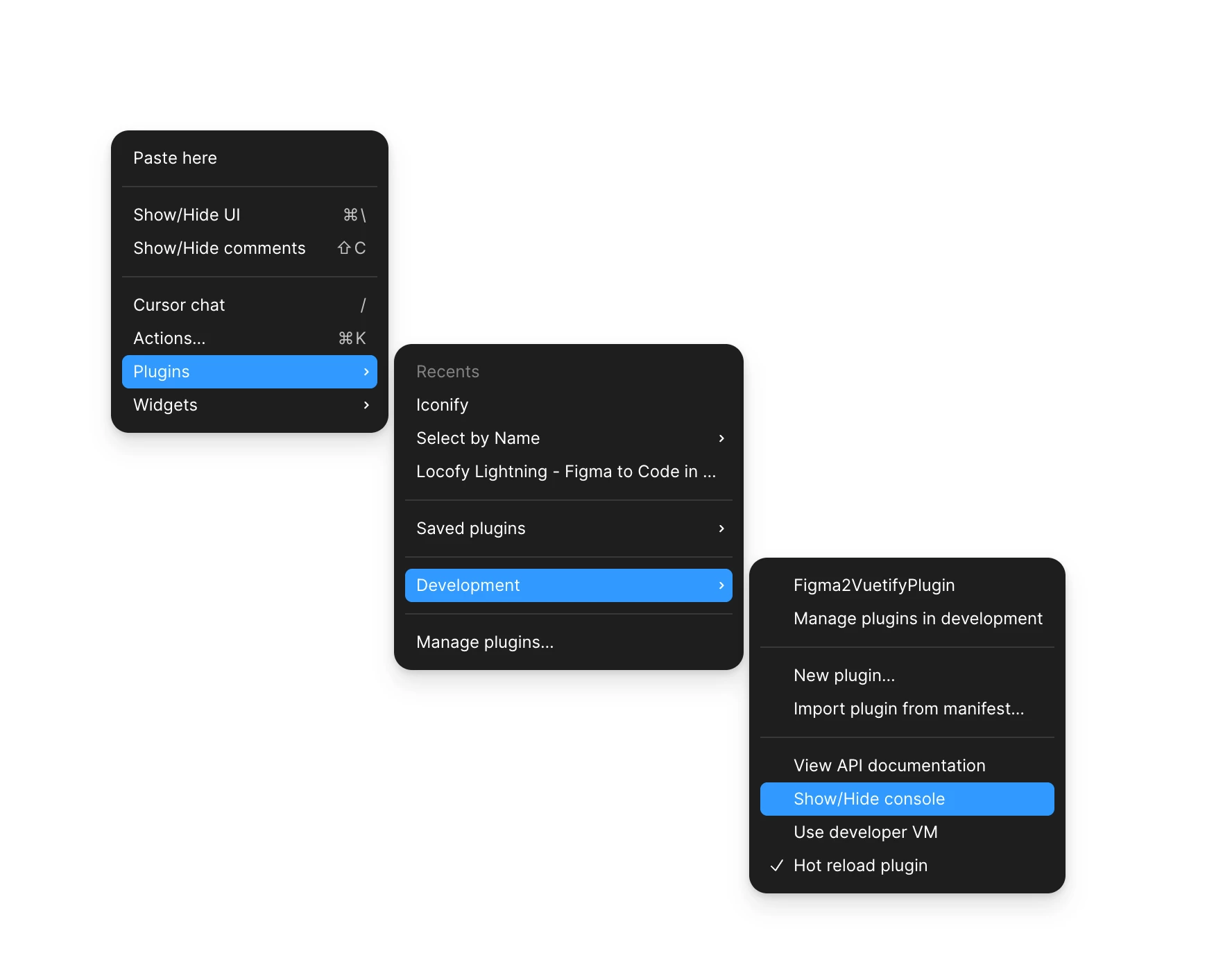
  2. Open the developer console: Right-click on canvas → Plugins → Development → Show/Hide console (see screenshots).

  3. Select the Frame that has Auto layout → Grid.

  4. In the console, paste one of the snippets below and run it.


    // 1) Target the selected frame

    const node = figma.currentPage.selection[0];

    // 2) Make the first ROW hug its content

    const rows = node.gridRowSizes;

    rows[0].type = 'HUG'; // 0 = first row, 1 = second, etc.

    // 3) Make the second COLUMN hug its content

    const cols = node.gridColumnSizes;

    cols[1].type = 'HUG'; // 1 = second column

  5. Adjust the index (0-based) to target the row/column you want.

  6. Done! The selected row/column will switch to Hug.

Notes & tips

  • Indexing is 0-based: 0 = first, 1 = second, etc.

  • You must re-assign gridRowSizes / gridColumnSizes to apply changes.

  • If you get “undefined” errors, the index you used doesn’t exist for that grid.

  • To undo, switch back to AUTO or FIXED (with a pixel value).

  • This is a workaround using the Plugin API; behavior could change as Figma evolves.


It’s a bit hacky, but it’s working great for me and makes Grid far more useful.
Cheers! 👋


Maybe I could create a little plugin to make this easier, let me know what you think. 😁


Shailesh Saravanan

I found the perfect use case to apply grid in my project and I was absolutely disappointed to see no “hug” for row. How can I scale the design without this simple feature?

Now I have to create multiple, static versions and document/talk to devs on how my design should work.

Would be nice if Figma started caring about designers again.


dixone
  • New Member
  • December 7, 2025

Bumping this, I feel vertical hugging is really important!

its there :-)


djv
Figmate
  • Community Support
  • February 17, 2026

Hey All, thank you for your feedback and patience! 

As mentioned by ​@dixone, the team has launched this feature. Please let me know you have any further questions or concerns, and I’ll be sure to pass it along to the team.