Create Folders/Categories/Tags for files

  • January 26, 2021
  • 295 replies
  • 78582 views

Show first post

295 replies

Ibro
  • March 11, 2022

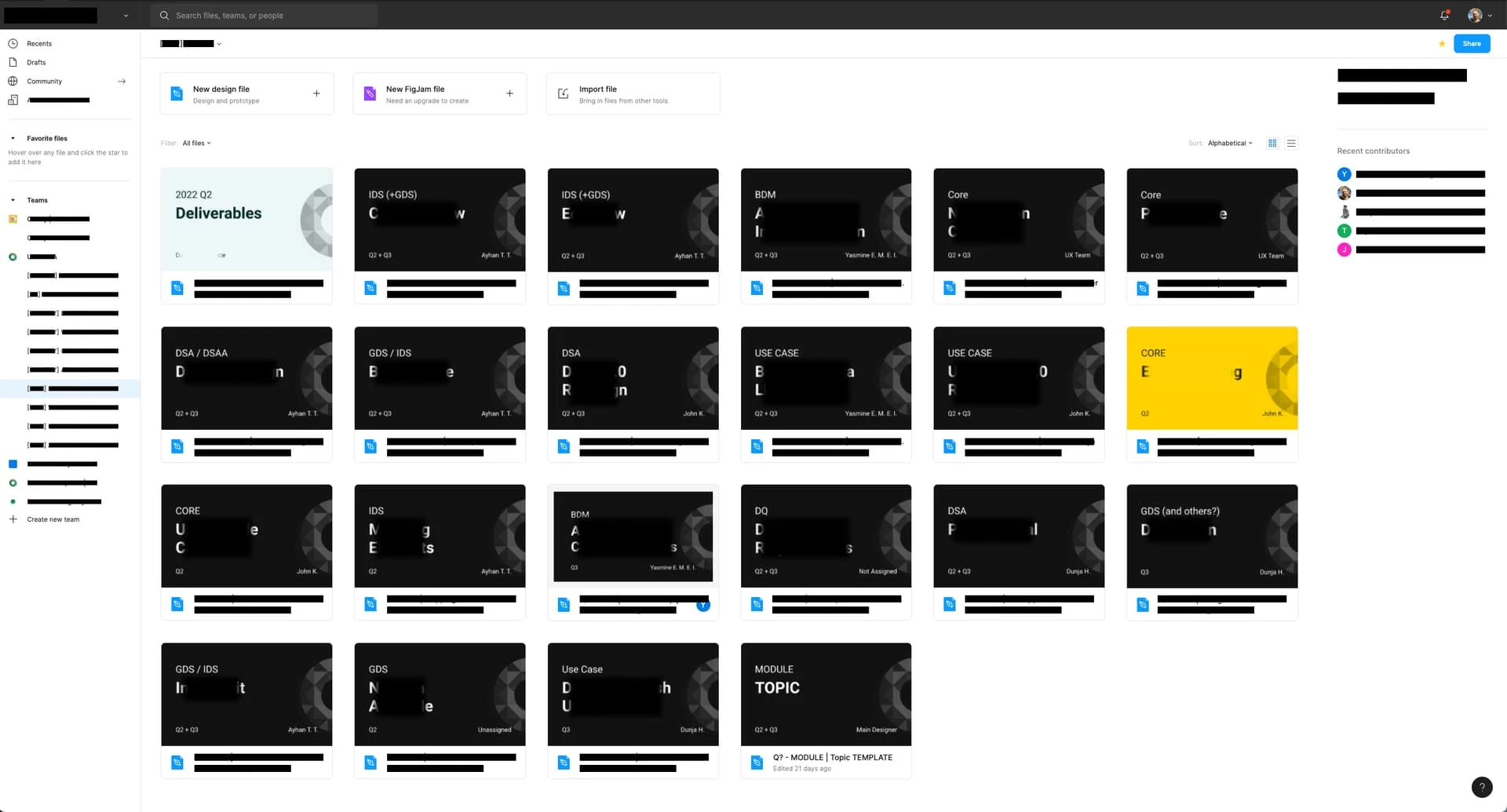
Just want to add I have this same problem as a solo freelancer. Sorting between different personal projects, experiments, templates, mockups, and archives of old work. Some need to be accessed daily while others are very infrequent. None need to be shared so they should be in Drafts but there is no structure there


Ting_Liu
  • March 22, 2022

Folders would be super helpful to manipulate files and help designers collaborate. It would be the best if Folders can be prioritized, Categories and Tags can come along later


Sarina_Katznelson1

This would be extremely useful for the issue we are currently facing in our organization. We want to create groups of files, like “Source Files,” “Design System Files,” and “Initiatives” within each project. We are exploring the workaround of moving everything up in hierarchy by moving projects to the team level, but this makes naming conventions a lot more difficult. It would require us to copy and paste the team name on each file to keep the file path understandable. Would love folders to fix this issue…


Hoby-Van-Hoose

Reading through more of these posts makes me realize that in addition to nested tags being most useful for file organization—they could also be useful for tagging frames and pages inside of files.

Those tags would of course show up in the file’s full list but tags placed so precisely could make searches results and smart folders much richer. 😀


Euna_Kwon
  • April 8, 2022

Voted. Our organization is growing, and the project folder structure is a little too restricted for us. We want to organize our Org folder with several teams, and teams can have their sub-pillar projects. Can we create at least one more subfolder feature?


Alamaki
  • April 11, 2022

Voted for folders. Everything in one junk drawer model does not work for big projects for obvious reasons.


s_fr
  • April 18, 2022

How much more is it going to cost us for folders? Are we going to be charged per folder or per who we share a folder with?
So many ways to monetization to consider…


Travis2
  • Active Member
  • April 18, 2022

I wish I knew whether or not Figma was looking into this, because people like Sarina are creating these wild and completely unnecessary hacks just to solve for something Figma should’ve let us do since the beginning. The workarounds we’re making for this take a lot of time and planning, and if we knew a fix was on the horizon that would change the way a lot of us look at it.


Miervaldis

Does Figma include this feature in their roadmap now ?


ChrisD
  • May 18, 2022

Upvote for this. Moving from Avocode to Figma and this would massively help when it comes to structuring our acocunt. EG GOLD/CONCEPT folders to differentiate between design/release stages and standards.


Jack_Vanstone

It’s becoming a bit silly this now, it’s a basic hierarchical feature which is clearly in high demand and still no date locked in by Figma? In the current structure users are expected to create:

Team > Project > Files

What use is this as a department lead when I am responsible for one team but several broad reaching, non-team specific projects? Am I expected to have a folder for ‘High-level Process Maps’ with every single business process map in it (soon to be in the high XX), or am I expected to have ‘DevOps - High-level Process Maps’, ‘WebOps - High-level Process Maps’, ‘Strategy - High-level Process Maps’ etc as different projects making a complete mess of a public team folder?

The whole thing is a complete mess and frankly completely unacceptable for a late stage SaaS product with broad adoption and not inexpensive pricing.

This requires a solution and quickly.


haze
  • June 3, 2022

Figma absolutely needs to create folders so we can create structure and organization of drafts. It’s a mess in there and over time gets more and more unwieldy, with things that don’t belong in organization or team or project folders, but it’s impossible to find things quickly. There are things I reference, that others don’t need. Personal starting frameworks to save time, etc. Large organizations may have needs beyond small ones that aren’t being looked at enough. There is a lot to keep track of personally to help with workflows.


Rocster
  • June 3, 2022

Something that is working for us: The teams created in Figma can’t follow Org Teams, the teams should follow a project category. Say Web Banners, and then all the people involved in creating web banners are part of that team.

However, tagging for files would be extremely helpful, because different people in the org look for files using different parameters. In our case some look for a file based on country, others on offer type or even color variation. For us, the way around that at the moment is to put those in the file name, so say UK-Banner-PromoXX and if we search for Banner it will show this file in the results. But sometimes we have too many to want to have in the file name.

If tagging is implemented, perhaps there can be a “Smart Bundle” like folders on Mac’s that let you create a folder that pulls files that match a particular group of tags. An example: Create Workflow “Smart Bundles” for drafts and approved and tag files with “draft” or “approved” to move them around.

Regardless, some more organization solutions would be nice!


Sina_Yaqubi

The “projects” are no solution at all !!!

we need folders. the management will expect you to have all the files for one project under guess what, a single danm project


isaozler
  • July 15, 2022

This is how we are organised.

Organisation > Team > [ DOMAIN ] SECTION

Within the section we have the following.

Latest
All latest works grouped by modules and in the files the pages are freeform


isaozler
  • July 15, 2022

Workgroup
Files for team members within one team


isaozler
  • July 15, 2022

CreaZone
Creative zone again with grouped by modules


siraniks
  • July 20, 2022

As a draft user / solo user … it’s good to have a folder where you can drop your works per month … would be really good addition to organize other than the default one


Muhammad_waleed1

I was surprised there was no way to organize by folders in main menu at start of app and all files are displayed in a grid. Please make a menu on the sidebar to create folders and and place particular files in those folders since these files are not stored locally!

Thanks!


Sajjad_Khalilian

I really want this feature to organize my files.


Mykola_Zomchak

@Gleb
Can you give a status update on this?

Seems like not very sophisticated feature:

Either add folders as a optional organisational unit between projects and files (super easy to implement)
Or replace projects with folders (seems much harder to implement)

The important thing i think is that folders can nest other folders inside

In general please let us know if figma is investigating/working on this. And if some general status of this issue if possible. Thanks


Mykola_Zomchak

I think this is a critical issue since introduction of figjam

Because you can’t even create pages in figjam so you’re stuck with 1 level organisational structure for your project figjams


Gleb
  • Power Member
  • August 5, 2022

Why me? I don’t work for Figma. Also they almost never announce or tell any future updates even if you ask the team directly, so nobody ever knows what they are working on.


S.T
  • Active Member
  • August 31, 2022

This is so simple. I don’t want to see 30 recent files. Give me options. On the left let me create folders and drag in what I choose. I want an empty area not 30 files I am messing with. This is basics.


Andrea_Pinon

Also, a Shared with Me section, please 😩… So annoying to have to look for shared files in the messy Recents section