Apply Multiple Effect "Style" to a frame
Hey there.
As you know, we can already apply multiple fill color or apply multiple variable color to a single frame. But we can only apply one “style” to a single frame.
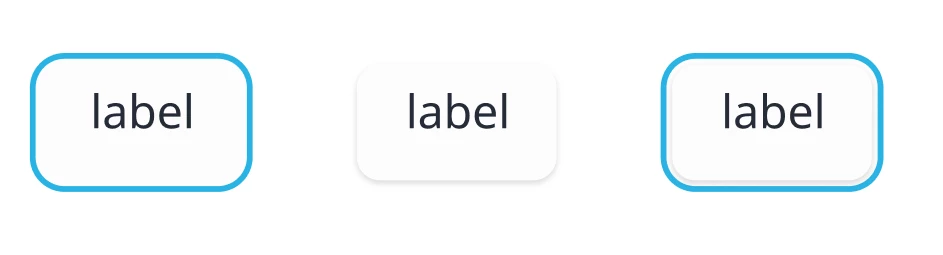
The problem comes when you want to give a single frame multiple effect. assume I have a focus ring, and a subtle shadow. my elements might sometimes have shadows, and sometimes have a focus ring, and in some cases, they might have both. for now, if I want to create styles, I need to make 3:
focus-ring-neutral
shadow-sm
focus-ring-shadow-neutral
I understand that the logic behind the style was to make layers of attributes (styles) all saved as one name. but in cases you want to mix a few things, you have to save all combinations that you might use.
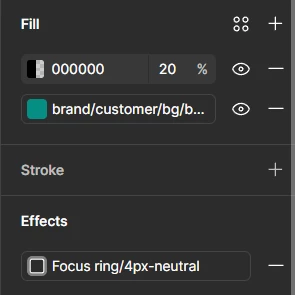
is it possible that to be able to add multiple effect style to a single frame instead of creating more customized styles? Image below shows how “Fill” has a plus button and can have multiple values (Variable or raw value), but Effects, like other “Style” only can be applied once:
here is an example of focus ring and shadow that I am talking about: