

I present to you my first plugin. Export/Sync variables without breaking aliases.
Hello everyone,
The story started pretty simply.
I had to give a teammate a .csv export with all the strings from a mobile app flow, so they could translate everything into another language.
Technically it worked — but in practice it was frustrating.
I kept having to explain where each label lives, what screen it belongs to, and what context it’s used in.
A CSV full of strings without context is just… confusing.
At first, I tried mapping everything to modes, but that still wasn’t abstract or stable enough.
I needed something unique, something that wouldn’t change if a variable was renamed or reorganized.
That’s when the idea clicked:
instead of relying on names, what if each variable had a stable anchor?
And that’s how anchors were born.
So I built Anchored Variables .
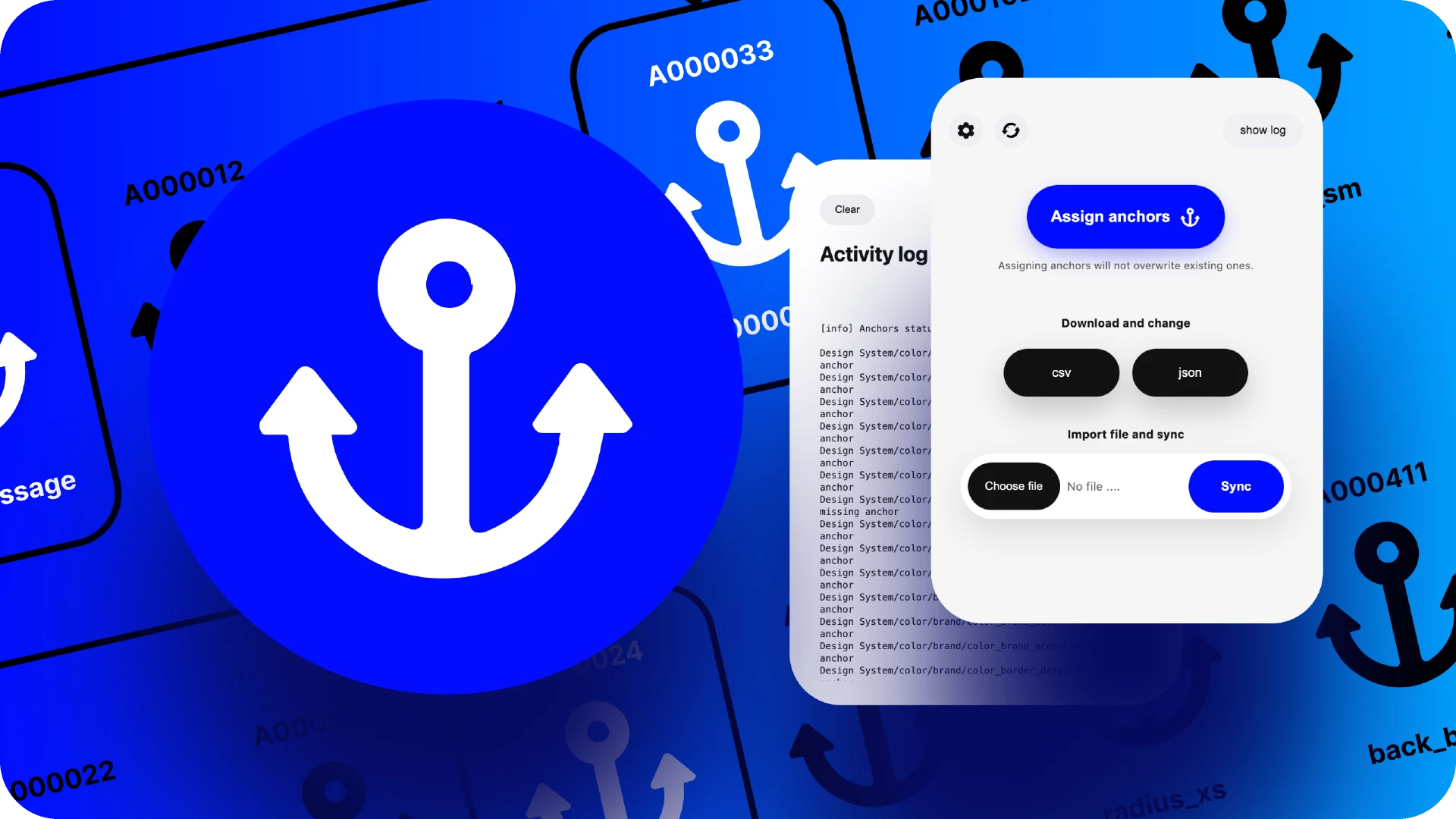
The idea is simple: each variable gets a stable “anchor” (a unique ID you can even manually control), so even if you rename a variable or move it around, the plugin can still match it correctly when you import again.
What it does
-
Export Variables to JSON or CSV (including modes/values)
-
Import / Sync back from JSON/CSV
-
Match by anchor (not just by name), so renames don’t break your mapping
-
Works well for keeping variables in sync between files or when editing tokens outside Figma
How you may use
-
Token workflows (edit in a file → sync back)
-
Refactoring variable names without losing your aliases
-
Keeping a “source of truth” export you can roundtrip
-
Keep backups of your design system locally
-
New anchors mode for strings variables
I’d love feedback
This is still evolving and in trying to test as many scenarious I can, so if you try it and hit any edge cases (aliases, modes, naming collisions, etc.), I’d really appreciate bug reports or suggestions. I’m actively iterating on it, learning and breaking my brains over it. I have many ideas to add, but now I am more than happy that I got aproved to have it published.
Thanks!