

Check Mobile UI Testing Figma Plugin - Maybe it can safe your time
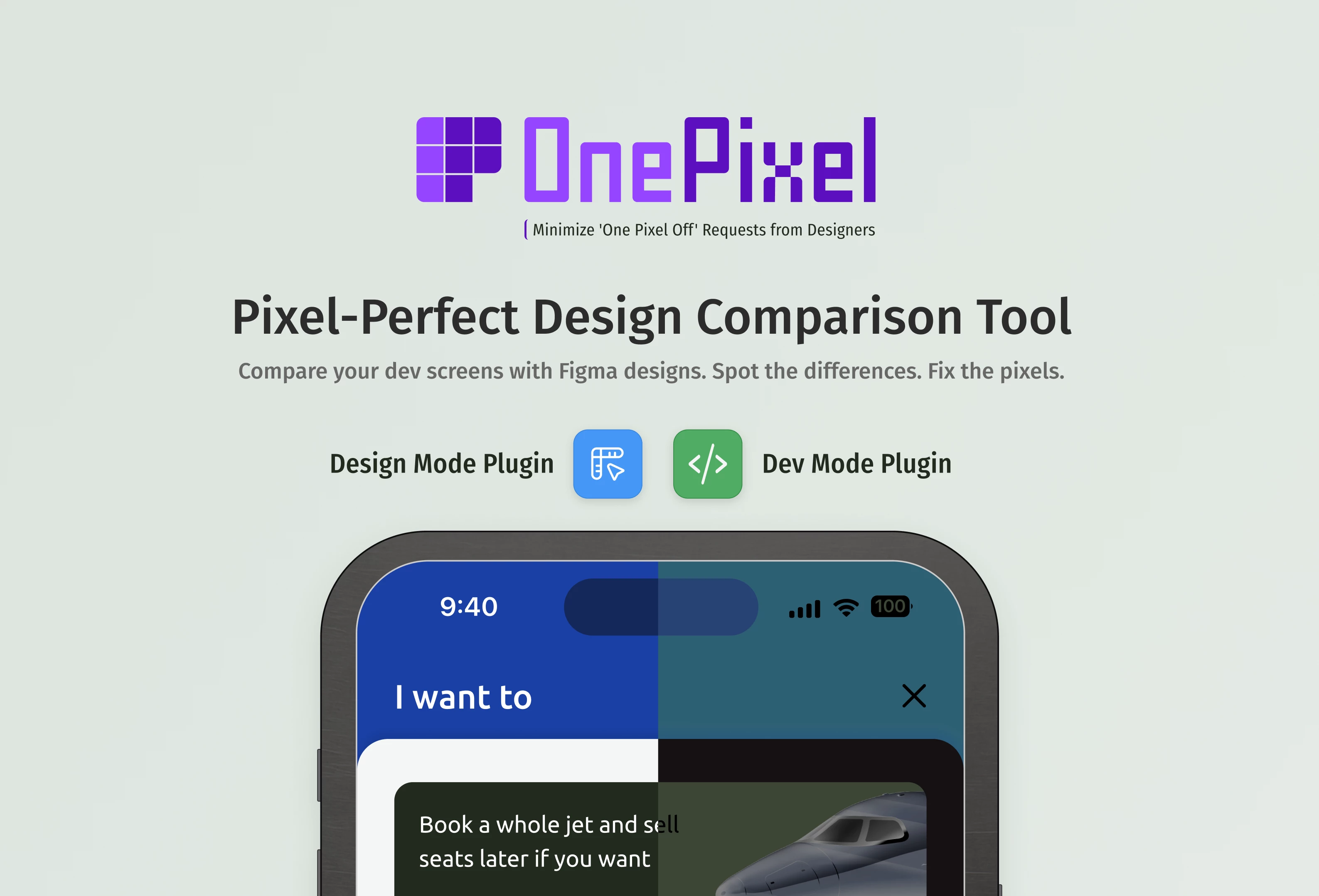
OnePixel - QA Tool for Mobile Design Implementation
As a designer, I spend a significant portion of my time testing mobile designs that developers send me. What a developer considers "design-ready" is often far from finished. For developers, it's important that it works. For designers, it's important that it works exactly as envisioned — with every pixel in place.
How do I visually test screenshots? Typically, these are screenshots from Xcode simulators at 3x scale for iOS. I need to save the screenshot, resize it to 1x (since my designs are originally in 1x), overlay one screenshot on another, and check for differences — those subtle discrepancies that aren't visible to the naked eye. Naturally, this all needs to be done outside the original design file, or at least on a separate page, to avoid cluttering the design file. Ultimately, this process takes time.
I thought: why not create a plugin that automatically overlays one design on another?
The main requirement for such a plugin is viewport awareness. If I'm working with a 1x viewport and receive a 3x screenshot, I shouldn't have to resize it manually. I simply upload it to the plugin, and it automatically scales it down.
Beyond viewport matching, the plugin can adjust opacity and supports pixel-precise movement using arrow keys — similar to Figma's native controls: one arrow key press equals 1 pixel, Shift + arrow key equals 10 pixels.
That was stage one. Then I thought: wait, why am I building this only for myself? This could work for developers too.
This process isn't particularly difficult for designers — it's straightforward, just time-consuming. But developers can't do this. Most developers either lack Figma design skills (and trust me, most don't have them) or, more commonly, don't have access to Figma Design files at all. They can't manipulate screens.
That's why this plugin works not only in Figma Design but also in Developer Mode. This means any developer without Figma Design access can test their own work in Dev mode.
Personally, I find this plugin extremely useful. It's not free, but when you compare the time a designer spends on back-and-forth comments with developers, the plugin pays for itself. Time is far more valuable, and testing those small details that designers catch immediately but developers miss takes up valuable designer’s time.
The plugin is available in the Figma Community. Plugin Page
What it does:
Overlays your development screenshots on top of Figma designs
Real-time pixel-perfect comparison with blend modes (normal, difference, multiply)
Precise alignment tools and coordinate tracking
Works even when screen heights don't match exactly (as long as viewport width is the same)
Plugin works in both Design and Dev Mode in Figma
Key features:
As long as your design and build viewport widths match, you don't have to worry about resizing or adjusting your dev screen to design
Multiple overlay styles: Normal, Difference, and Multiply blend modes
Zoom in/out functionality with manual fit control for detailed inspection
Arrow keys for 1px precision movement (Shift+arrow for 10px jumps)
Floating coordinate panel shows exact pixel deviations
Intuitive tutorial system to get you started quickly
No more squinting at designs wondering "did I get this spacing right?" - now you can see exactly where your implementation differs from the original design.