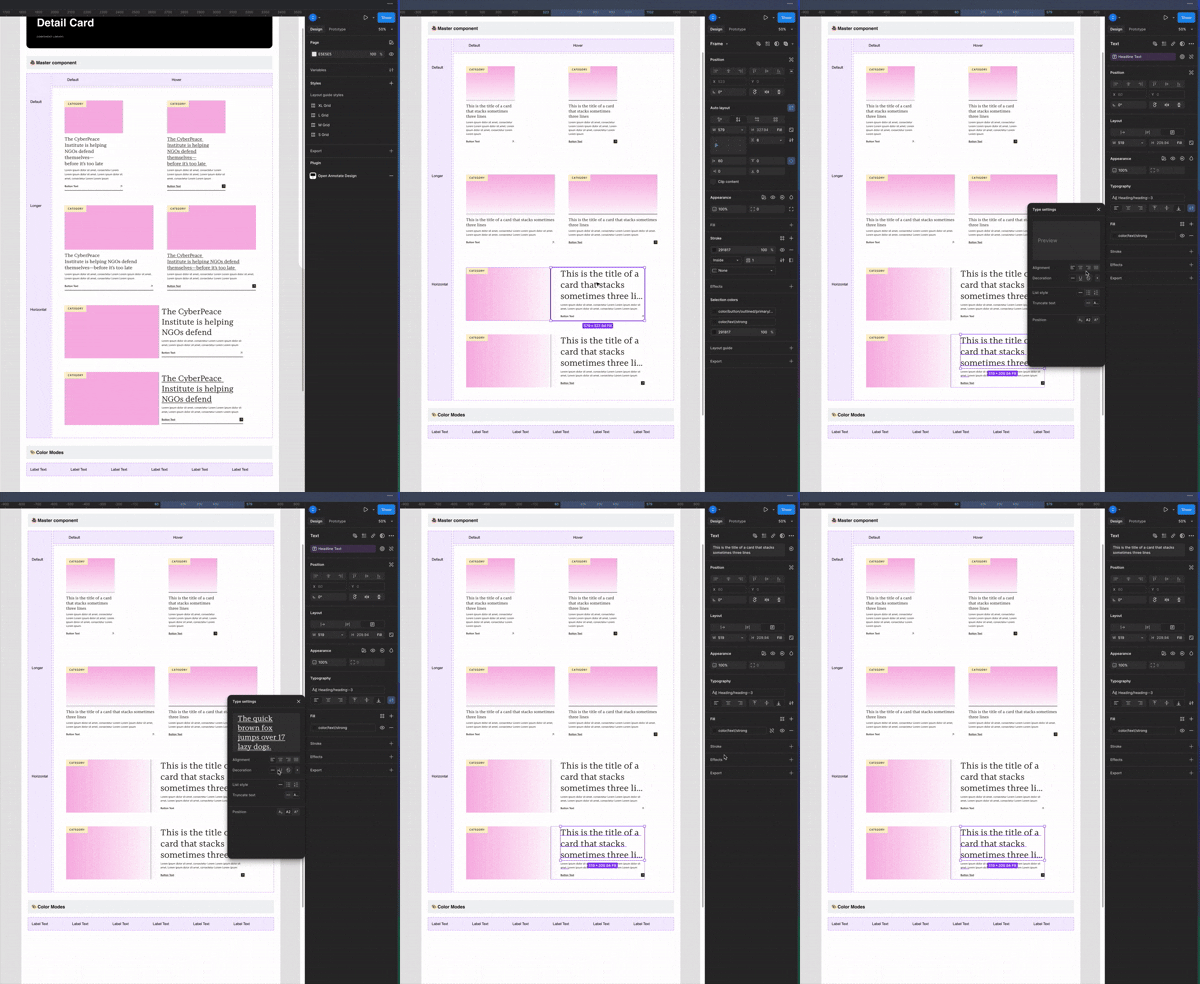
Type styles can't override with input properties attached
I have created a card component that has a default and hover variant. I have attached all my text styles and created input properties so that a user can easily change the headline of the card. I want my hover state to have an underline for the headline text, but when I click on the hover headline and Cmd+U it applies to underline to all variants or vise versa removes it.
In order to get it to work I have to detach the type layer from the property which obviously isn’t what I want because then the text won’t change. 🙄 OR I have to make a separate input property for hover which is dumb because then a designer has to input the same text twice (and I haven’t tested what that does in prototyping but I would imagine something would be funky there)
This seems like a newer update because I didn’t have this issue maybe just a few months ago and I haven’t changed my process at all. I have tried naming the layers differently and that also doesn’t do anything. But I can still create overrides like text ellipse or some cards can have different text styles applied to it…. why is it just the freaking underline