

Ingore auto layout doen't work
Hello everyone, I have a problem with a component and the ignore auto layout command.
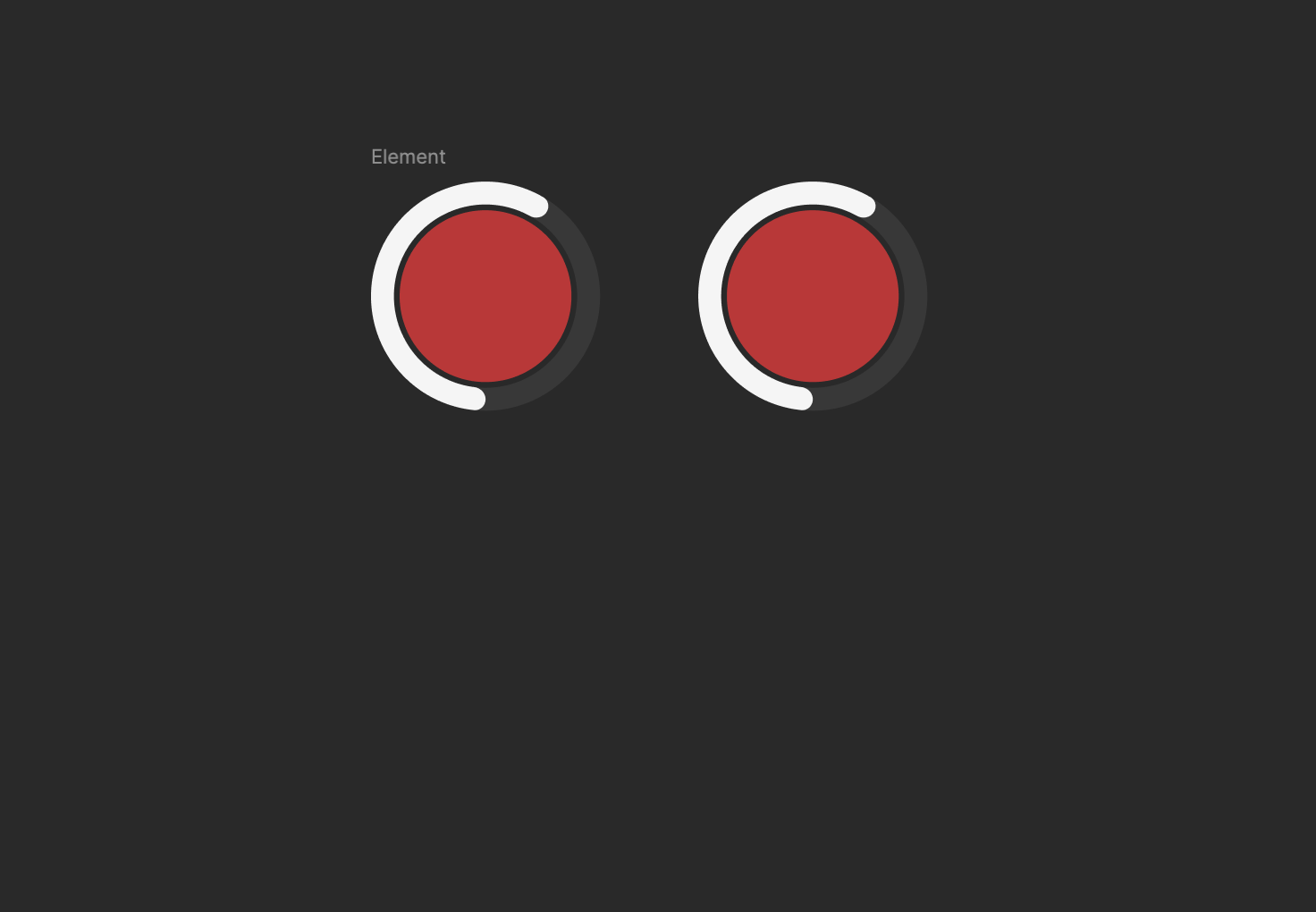
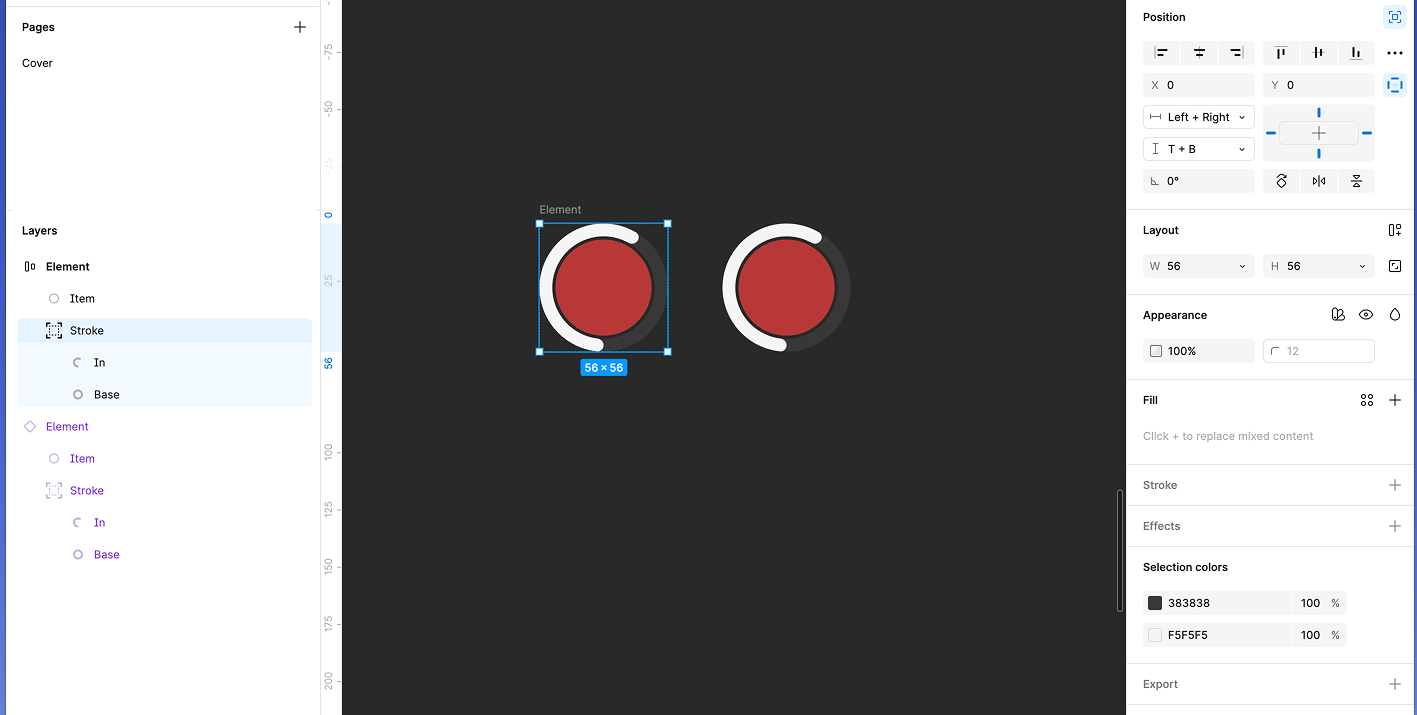
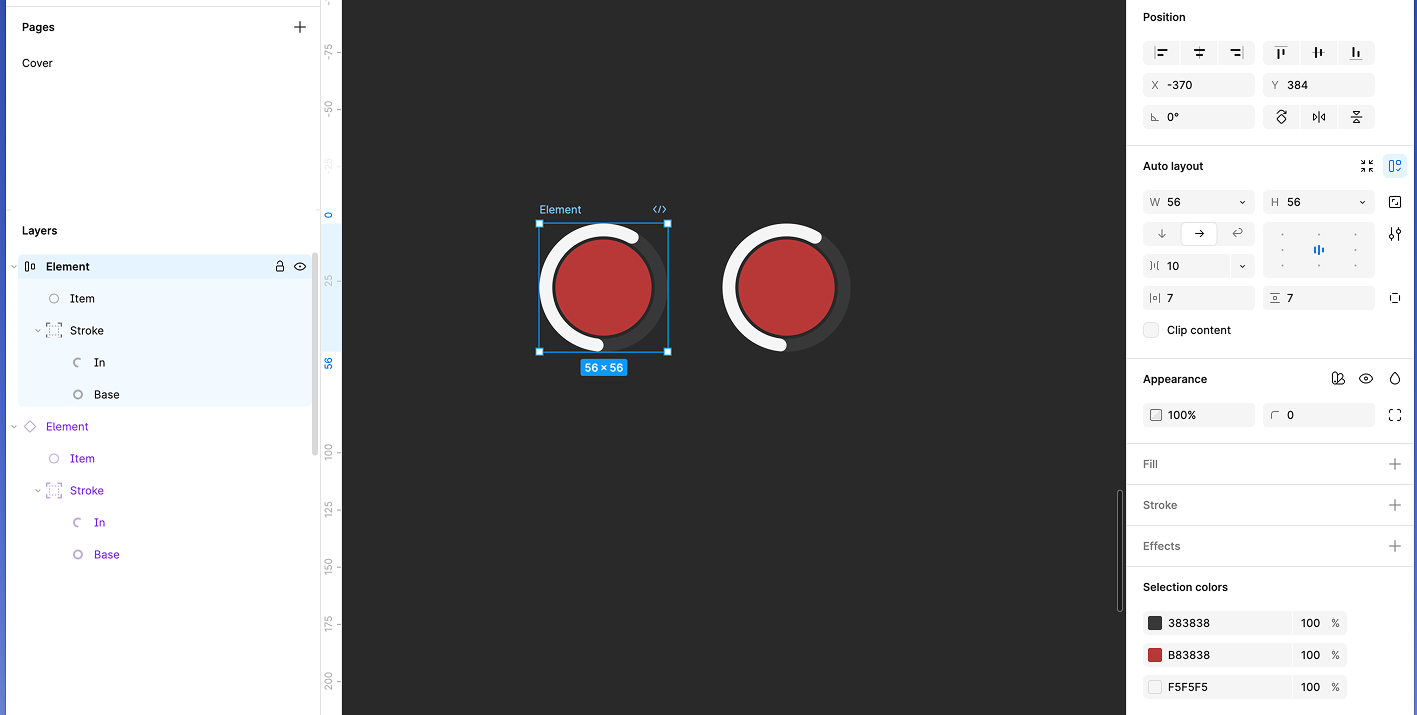
I have constructed a component of two elements, a circle and a group, the latter consisting of two circles.
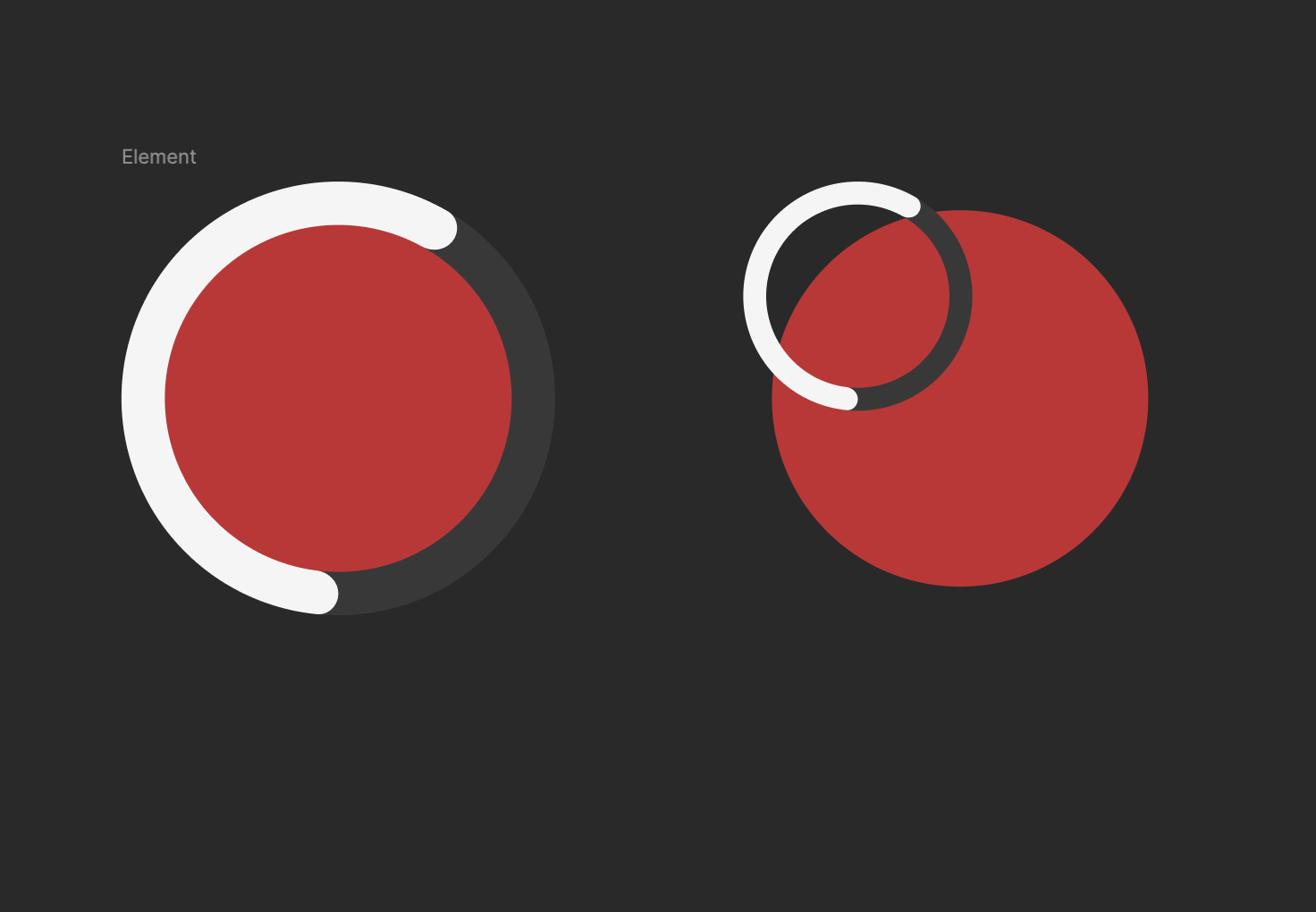
I have a problem when I resize the component. When I resize the component the red circle changes size, but the spinner (where the ‘ignore auto layout’ is applied) remains the same fixed size, despite the fact that the component has the constraints set to left/right and high/low.
If I detach the component, it works fine.
If I modify the component within the component set, it works fine.
I need to use the component with these two constraints because I use a system with variable collections and without this, if I change the dimensions, the whole system explodes.
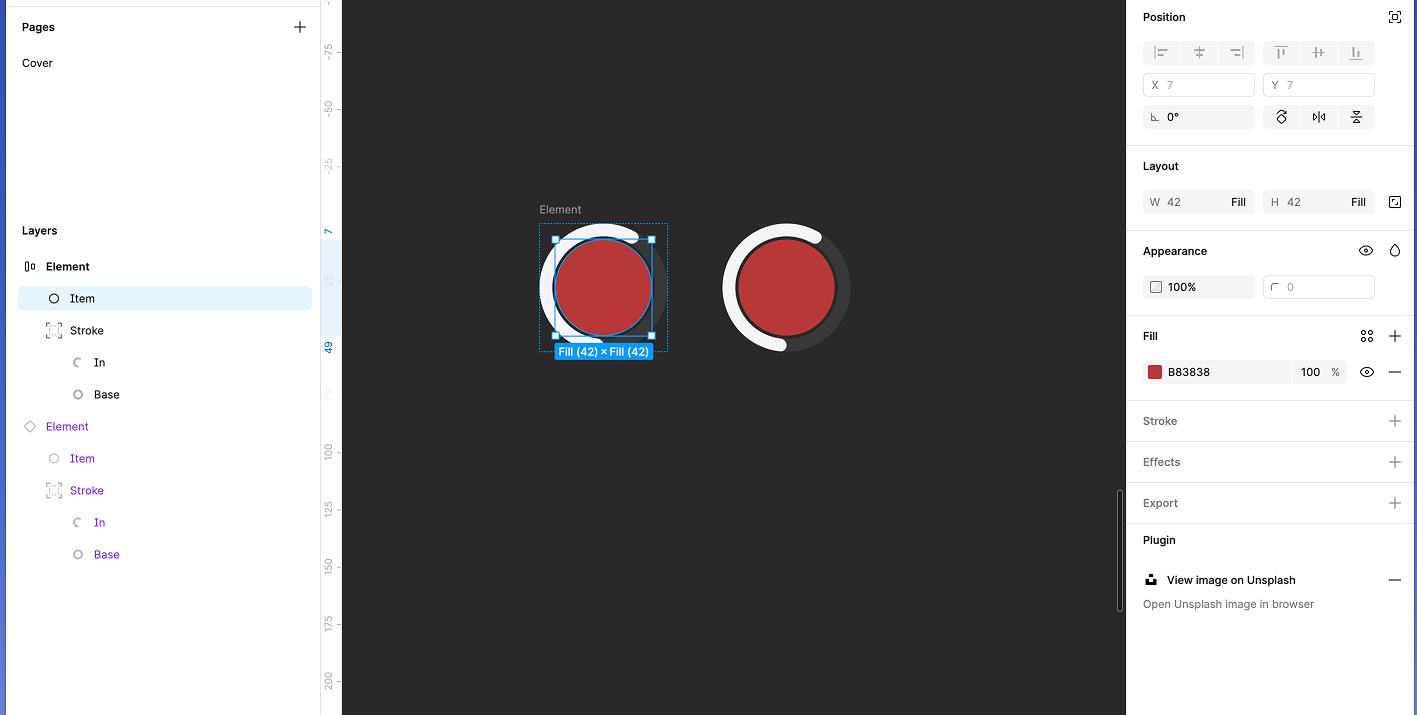
Anyone with the same problem as me or with a suggestion to solve it?
