Solved
Why do shadows look different on auto layout vs. shapes?
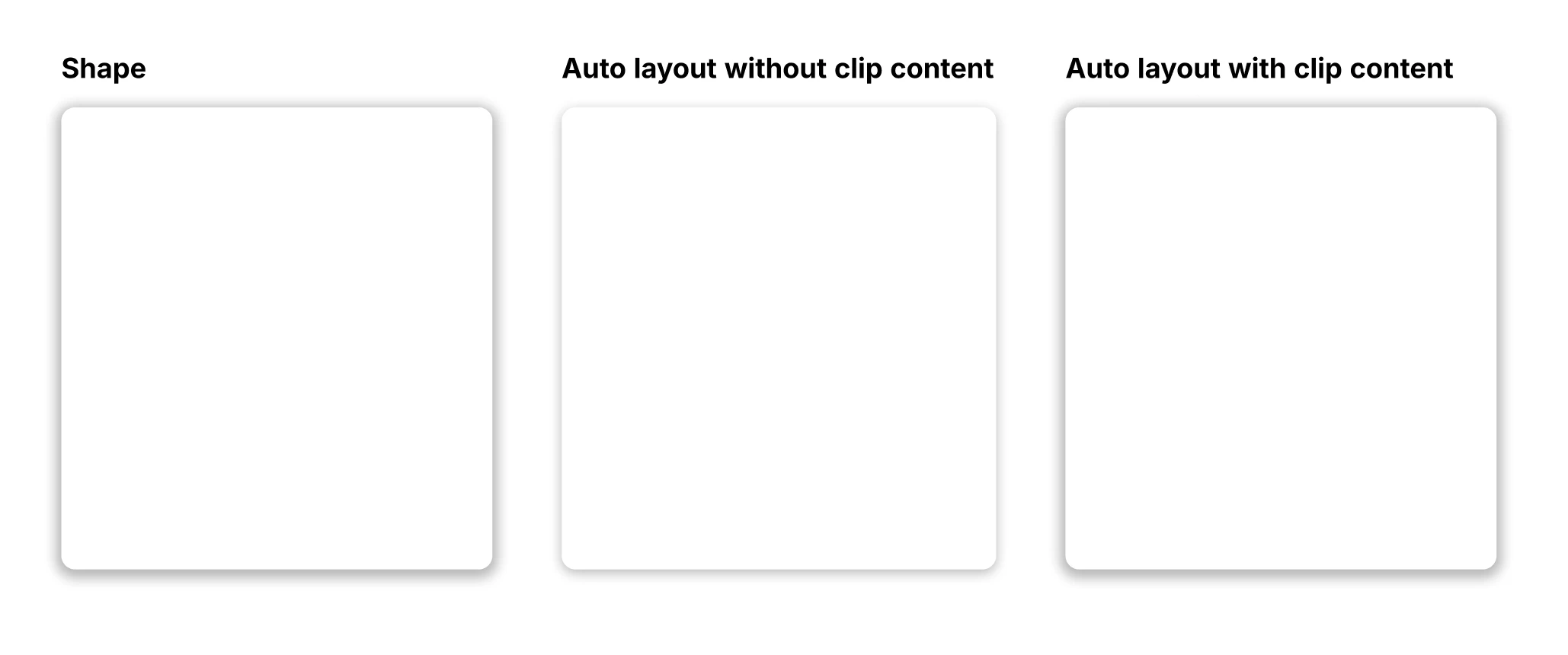
I don’t know if this is a bug or simply a feature I don’t get: Shadows look completely different when applied to a shape with a fill vs. an auto layout of the same dimensions with the same fill. Even stranger, when clip content is applied to the auto layout the shadow looks the same as it does on the shape.
Is there anything I can do to ensure a shadow renders the same whether or not it is applied to a shape, a frame or other object? And what’s with the clip content difference? I would have expected the shadow to look different with clip content enabled, not the other way around.
I’d be much obliged if anyone could enlighten me.