ismael
Mar 24, 2023 4:48 PM UTC
Solved

Reproducing Apple's Card Shadows in Figma

Hello,

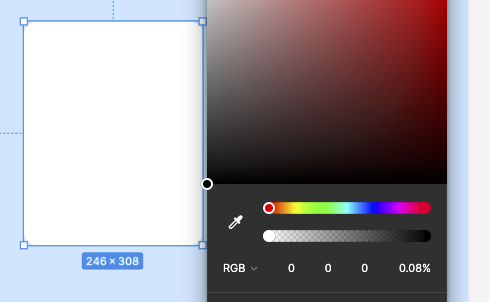
I would like to reproduce the shadow of the cards from the Apple website on Figma, and I am having trouble recreating what I find in the browser’s inspector. I would like to first understand the meaning of the information in the inspector to be able to enter it into the drop shadow. Could you tell me in this screenshot where the x, y, and blur values are, and regarding the RGB color, when I enter it into the effect color, the shadow is invisible.
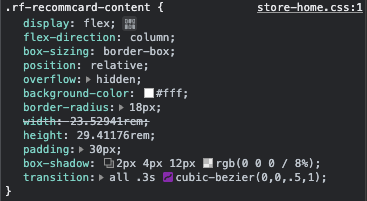
Capture d’écran 2023-03-24 à 17.37.27
Capture d’écran 2023-03-24 à 17.46.45

Thank you in advance for your help.
This topic has been closed for replies.
tank666
tank666Solution
Mar 24, 2023 5:18 PM UTC

Chrome Developers

And you entered the wrong opacity value. Instead of 0.08%, you should have entered 8%.

UX/UI designer. Figma expert. Creator and developer of plugins and widgets for Figma and FigJam. Check out my resources in Figma Community: figma.com/@tank

3 replies

tank666
tank666Solution
Mar 24, 2023 5:18 PM UTC

Chrome Developers

And you entered the wrong opacity value. Instead of 0.08%, you should have entered 8%.

UX/UI designer. Figma expert. Creator and developer of plugins and widgets for Figma and FigJam. Check out my resources in Figma Community: figma.com/@tank
ismael
ismaelAuthor
Mar 25, 2023 1:14 PM UTC

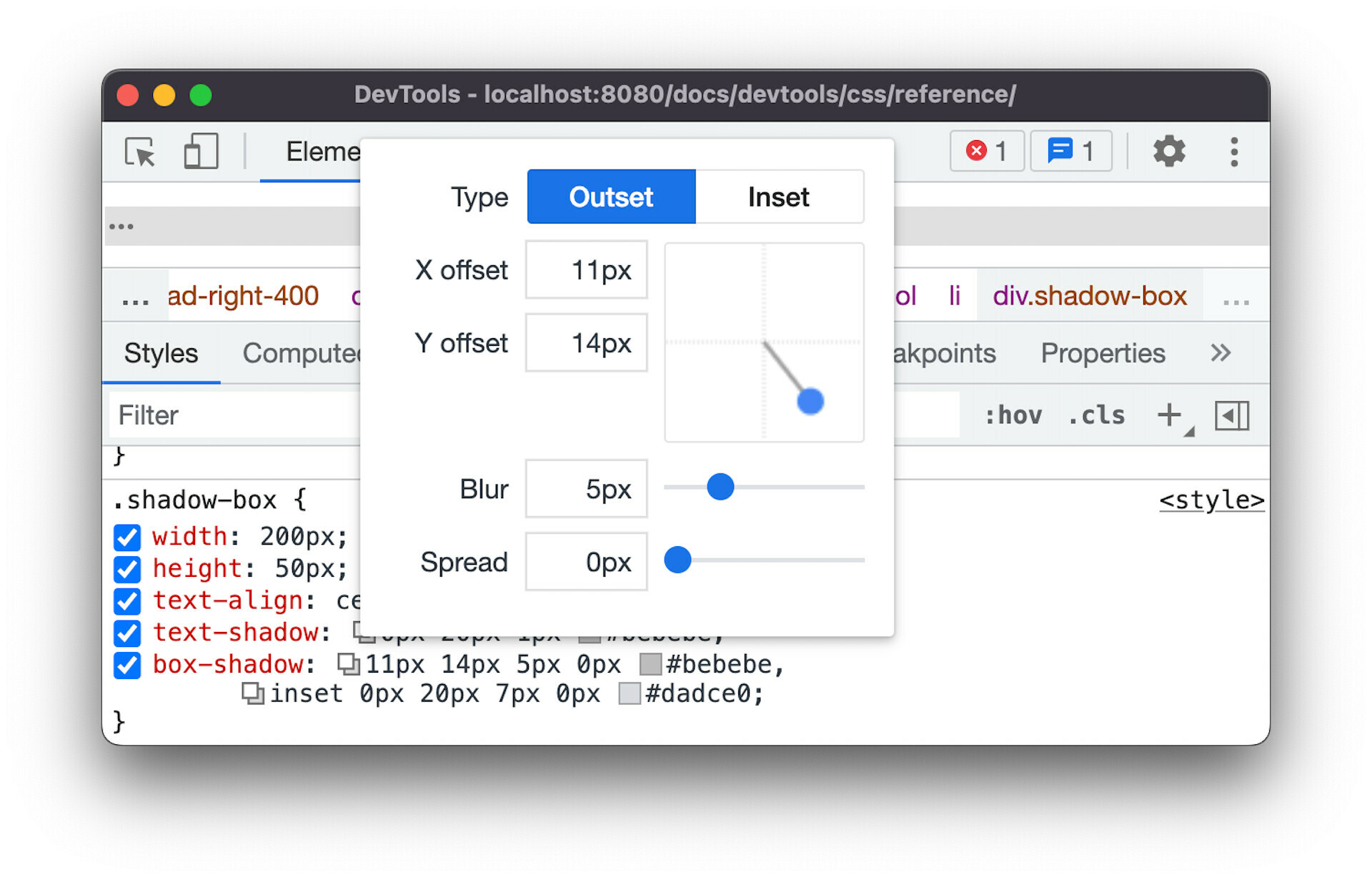
Thank you for your help, and how do you manage to have this popup box with all this information?
Capture d’écran 2023-03-25 à 14.13.45

tank666
Mar 25, 2023 2:13 PM UTC

Please follow the link in my post above.

UX/UI designer. Figma expert. Creator and developer of plugins and widgets for Figma and FigJam. Check out my resources in Figma Community: figma.com/@tank