Question

Prototyping: what's the logic behind showing some links and hiding others (please check the video)?

  • January 18, 2024
  • 1 reply
  • 217 views

EugeneReznik

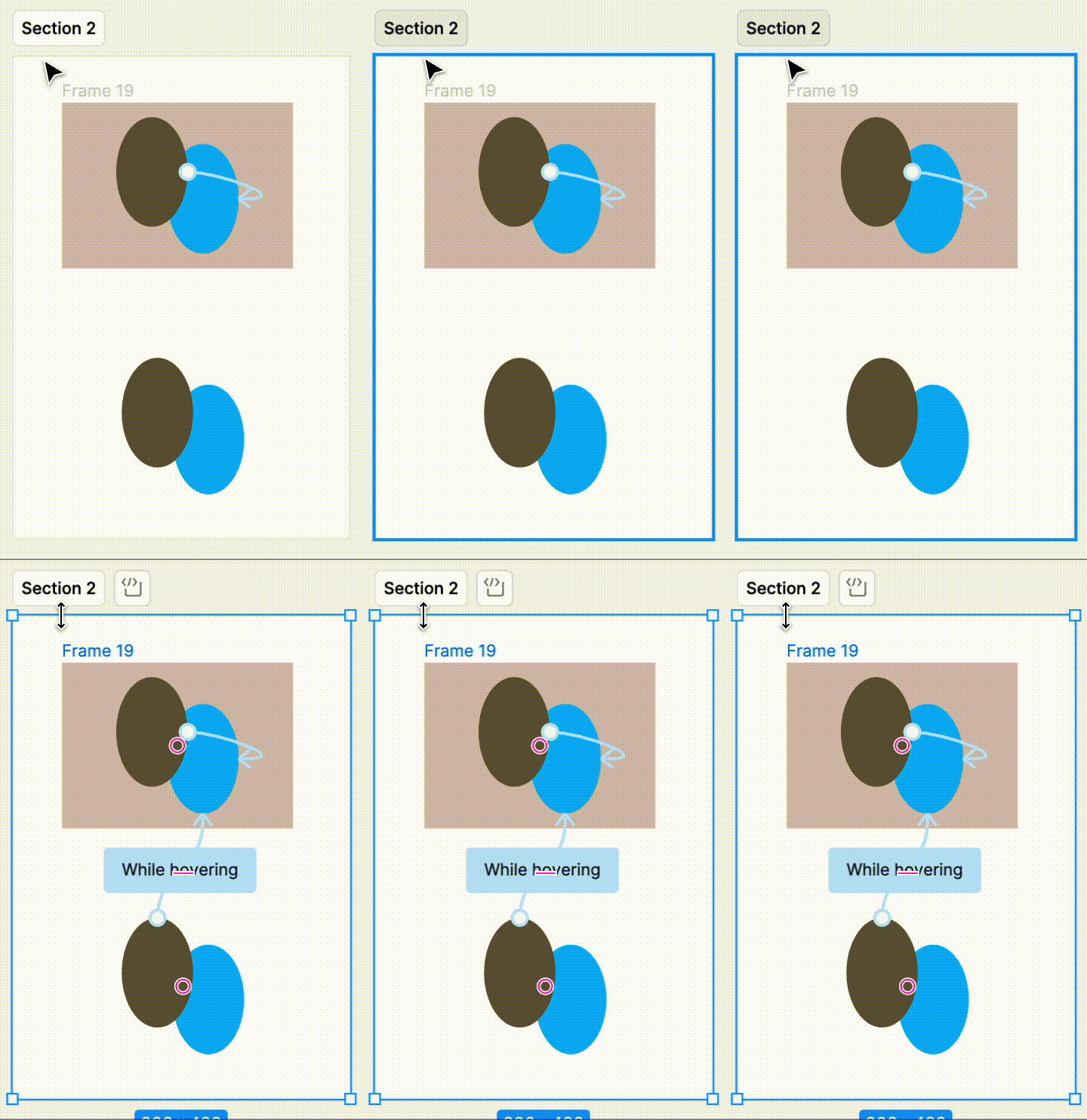
I don’t quite get how it works. When creating a prototype some links are shown (when nothing selected) and some are hidden until you select a frame or layer that contains a link.

Here’s the video for clarification

This topic has been closed for replies.

1 reply

  • Figmate
  • January 19, 2024

Hi EugeneReznik, Thanks for asking and I appreciate the video! I understand you’re curious about this logic.
By default, Figma doesn’t show inherited connections - connections between objects when they’re copied from another place on the canvas.
I have confirmed that if I select a frame containing inherited connections, those connections are displayed as well.
Screen Recording 2024-01-19 at 14.19.35

You can find information about this behavior at the bottom of our help center article here: View prototype connections
Hope this clarifies things!

Thanks,