Artem Shamli
New Member
Mar 13, 2025 5:09 PM UTC
Solved

Interactive buttons and snackbar

Hello everyone, I need help solving a problem. I created an adaptive button using variants and connected them with “On Click.” I need the overlay with the message “Item added to wishlist” to appear when clicking the “+” button, and at the same time, the “➕” should change to “✔️.” However, this doesn’t work as expected. I understand that the issue is that the button can’t respond to two different triggers at the same time, but I don’t know how to solve this problem

Here’s the link to the video 

 

This topic has been closed for replies.
Nate_G
Nate_GSolution
Power Member
Mar 13, 2025 7:18 PM UTC

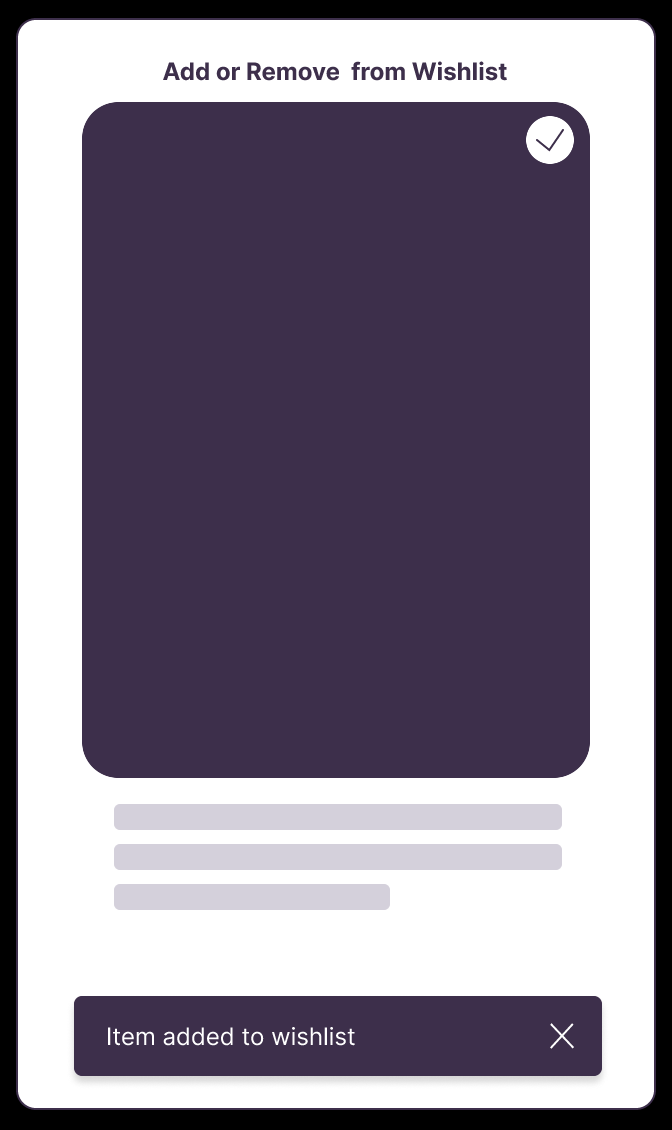
​@Artem Shamli It may be a little more advanced than you are needing, but here is an example where I use variables + conditionals to change the button state and bring in the snackbar message. This allows you to add or remove something from a wishlist.

View Figma File >
View Prototype Example >


Nate G

1 reply

Nate_G
Nate_GSolution
Power Member
Mar 13, 2025 7:18 PM UTC

​@Artem Shamli It may be a little more advanced than you are needing, but here is an example where I use variables + conditionals to change the button state and bring in the snackbar message. This allows you to add or remove something from a wishlist.

View Figma File >
View Prototype Example >


Nate G