Question

How to use SVG as a fill for `AutoLayout` or `Frame`? Vector graphic as background

  • April 28, 2023
  • 4 replies
  • 2939 views

Aaron_Rogers

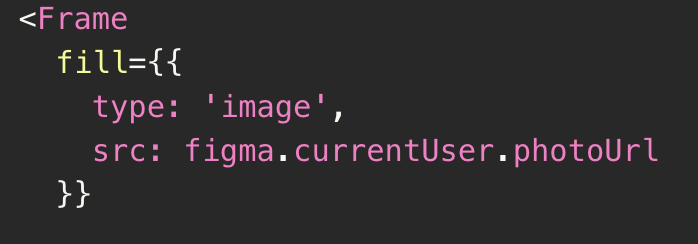
I’d like to have a vector graphic as the background of my widget. I see how I can put rasterized items for fill. How would I go about using something like SVG? Do I have to do some absolute positioning trickery to put it into the background?

This topic has been closed for replies.

4 replies

Stephane_Popout

You can upload your svg online & use css on your widget background

.element {
  background-image: url(https://MY_ABSOLUTE_URL/images/image.svg);
}

Aaron_Rogers
  • Author
  • New Member
  • May 1, 2023

Oh, I wasn’t aware that widgets can use CSS. Where would I find the documentation for that?


Stephane_Popout

My mistake, I read too fast… I thought it was the background of a plugin (not a widget)

Did not build a widget yet so, but after searching in the doc it seems you can pass a url to the fill property → maybe would work with an svg url ?


Aaron_Rogers
  • Author
  • New Member
  • May 1, 2023

Thanks! I saw that as well. I was hoping not to host images anywhere as I’d like to keep my widget all in one nice little bundle.