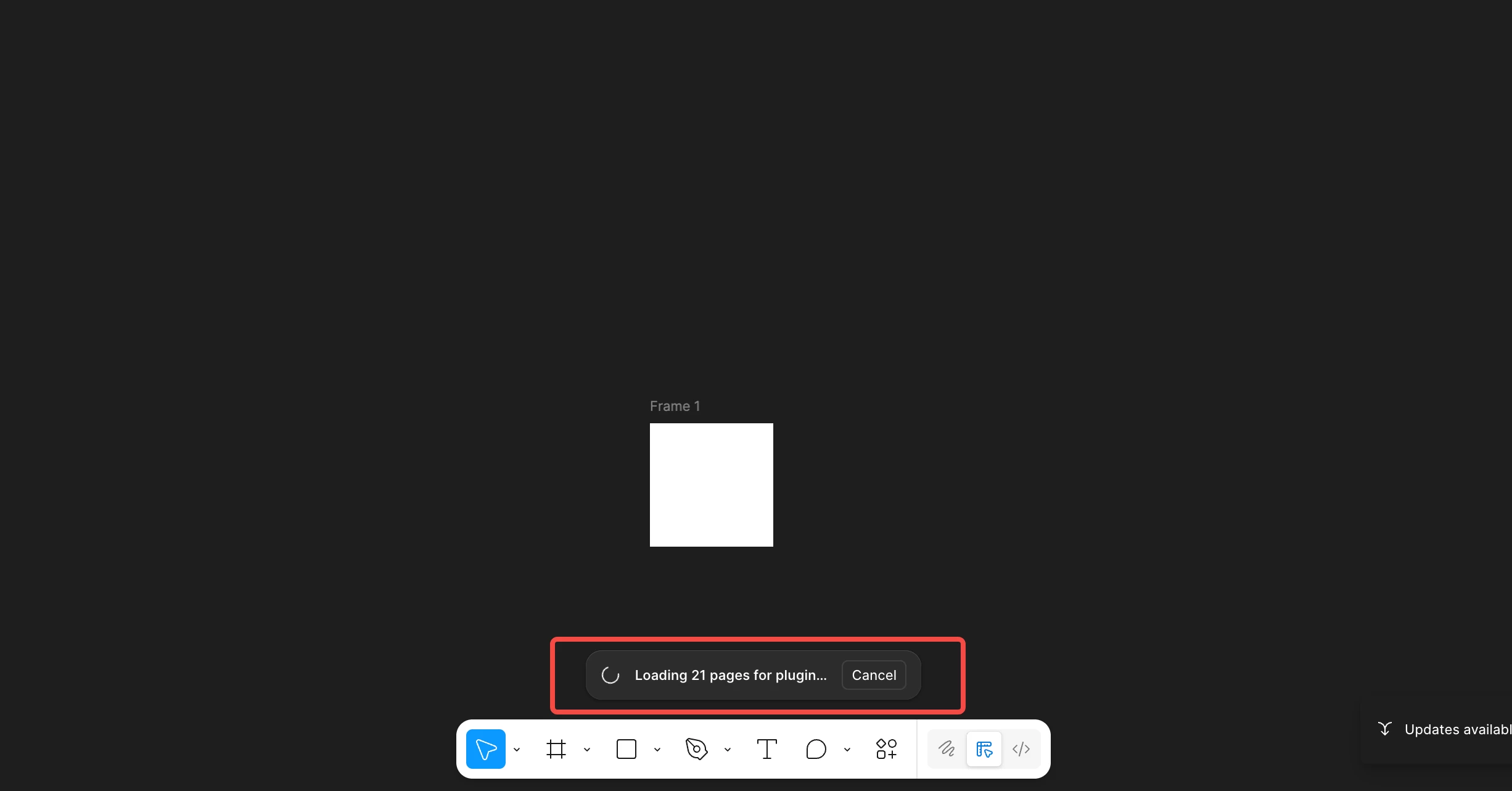
Does Figma automatically load all pages when any plugin starts?
Hi Figma Plugin Team and Community,
I'm experiencing a behavior where Figma shows "Loading 21 pages for plugin..." when I run my plugin for the first time after opening a Figma file with 21 pages.
Background:
• My Figma file has 21 pages
• When I first run my plugin, I see: "Loading 21 pages for plugin..."
• This happens BEFORE my plugin UI appears
• After the first run, running the plugin again does NOT show this loading message
What I've tested:
I created a minimal test version that ONLY calls figma.showUI():
figma.showUI(__html__, {
width: 878,
height: 631,
});Result: The "Loading 21 pages" message STILL appears.
My Questions:
1. Is this Figma's default behavior when ANY plugin starts?
2. Why does this happen? The docs say "pages are only loaded as needed"
3. Is there any way to prevent this?
4. Why do some other plugins NOT show this message?
The official docs state: "Figma files are loaded dynamically. Plugins must use asynchronous APIs to access parts of the file outside of the currently-viewed page."
However, it doesn't clarify what triggers loading of all pages.
I'd appreciate confirmation from the Figma team or experienced developers about whether this is expected behavior.
Environment:
- Figma Desktop App
- Plugin permissions: currentuser, activeusers, fileusers, teamlibrary