

Converting touch screen UI prototype to physical button with "soft key" type interface
I have created a set of wireframes to simulate the user interface of a scientific instrument we are developing. Initially we were designing for a touch screen but now we need to convert to physical buttons with adjacent “soft” keys, and I am trying to figure out how to convert the prototype to this input paradigm without having to re-create the entire Figma prototype.
Below is a sample frame suitable for touch:
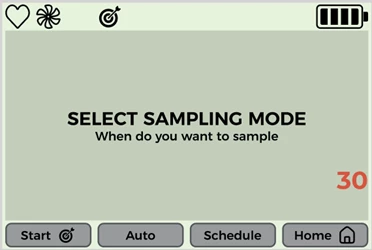
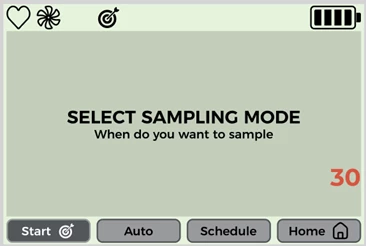
You can see the “pressed” state on the “Start” button which is invoked by clicking on the button in the prototype.
I would like to convert to the style below with physical buttons and soft keys:
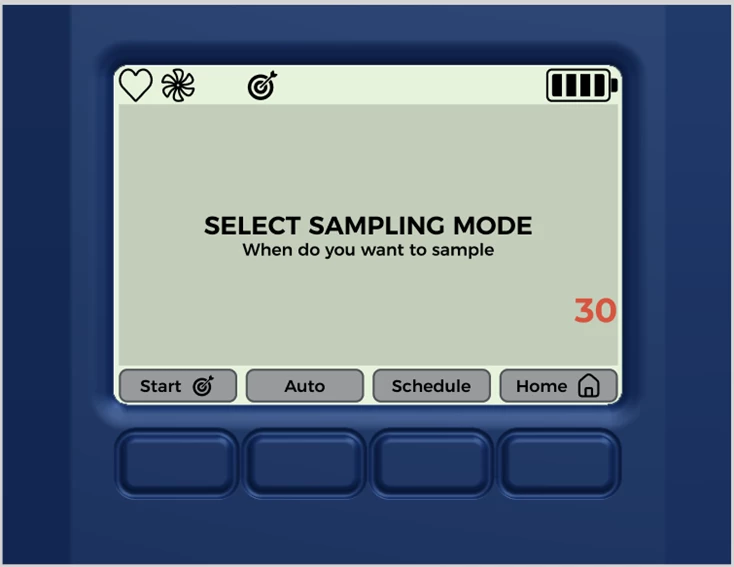
However, in the prototype I would like to click on the physical buttons rather than the on-screen buttons for a more authentic user experience and have the on-screen button change state as the adjacent physical button is clicked. What is the easiest way to do this? I was hoping I could create a frame with no fill or outline and place it over the physical button and act as a “remote” for the on-screen button – when the physical button frame is clicked the on-screen button changes state and activates any interactions/variables.
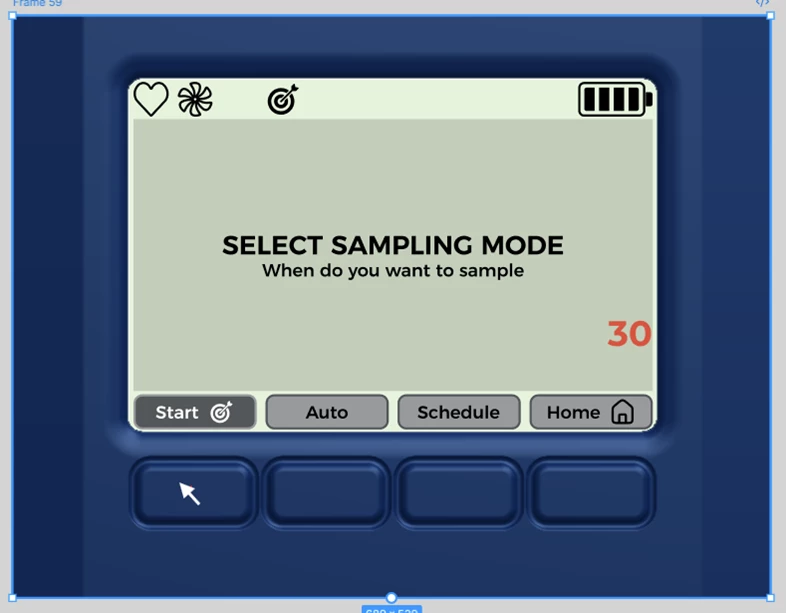
I know I can re-create all the buttons with an invisible frame that extends down to cover the physical button area, but the wireframes are quite advanced in terms of UI flow:
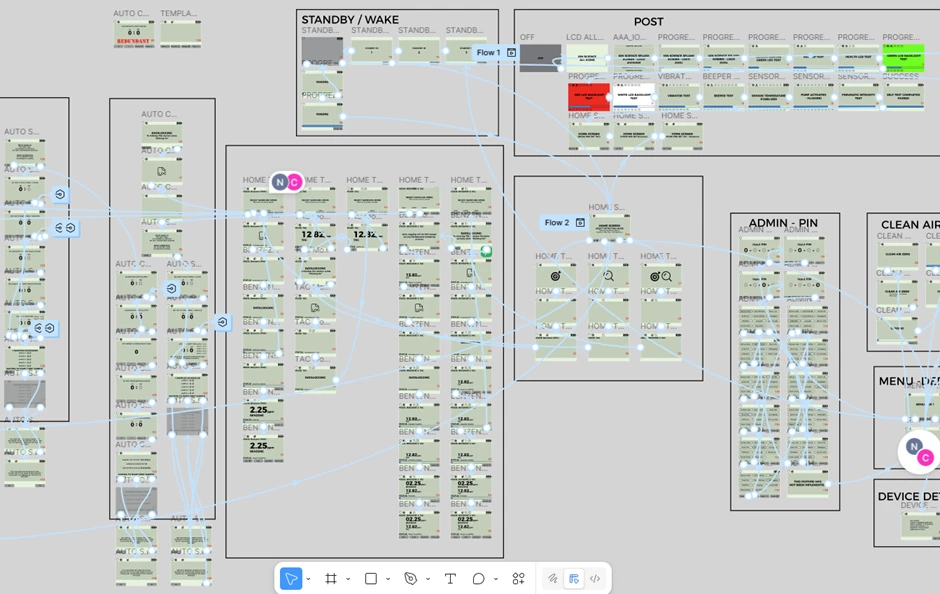
Any advice/suggestions on the easiest way to achieve this?