기미르
New Member
December 9, 2025
Question

Auto layout issue
  • December 9, 2025
  • 5 replies
  • 212 views

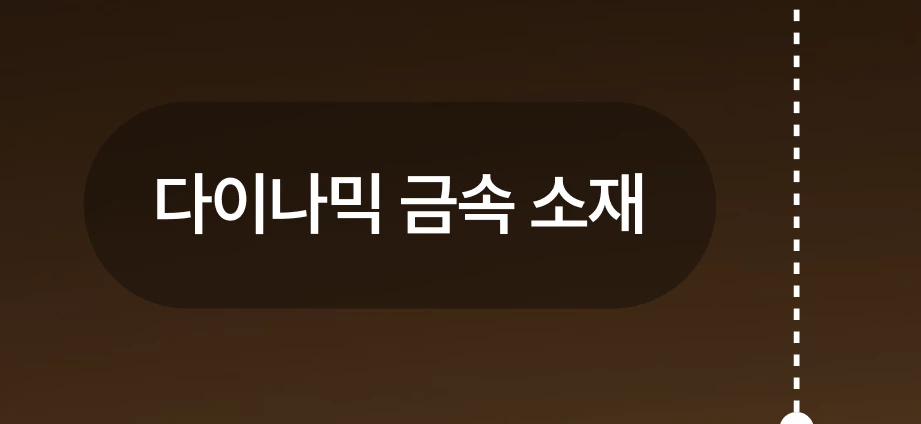
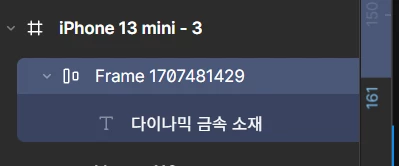
If you look at photos 1 and 2, the auto-layout is hanging.

If you modify the text in that state, the length of the figure should change according to the length of the text, but it hasn't changed. Why doesn't the length change when the auto-layout is hanging?

This topic has been closed for replies.

5 replies

Nellya
Power Member
December 9, 2025

Hi. Make sure the auto layout width is set to Hug, not Fixed

기미르
기미르Author
New Member
December 9, 2025

Hi. Make sure the auto layout width is set to Hug, not Fixed

Thank you. I checked the problem, but do I have to set it as a hug every time I call auto layout? I want to change the default value

Nellya
Power Member
December 9, 2025

Thank you. I checked the problem, but do I have to set it as a hug every time I call auto layout? I want to change the default value

It’s actually hug by default for me, not sure why it was fixed in your case. Did you change the width after auto layout was applied?

기미르
기미르Author
New Member
December 9, 2025

Thank you. I checked the problem, but do I have to set it as a hug every time I call auto layout? I want to change the default value

It’s actually hug by default for me, not sure why it was fixed in your case. Did you change the width after auto layout was applied?

I didn't apply the width separately, I just modified the text after applying the auto layout, but that's what happened. You're saying that I still have to set it as a hug until now, but there's no way, right? ㅠ.ㅜ

Nellya
Power Member
December 9, 2025

I didn't apply the width separately, I just modified the text after applying the auto layout, but that's what happened. You're saying that I still have to set it as a hug until now, but there's no way, right? ㅠ.ㅜ

I mean hug  should be the default after applying auto layout. If it isn’t, you’ll need to manually set it to hug