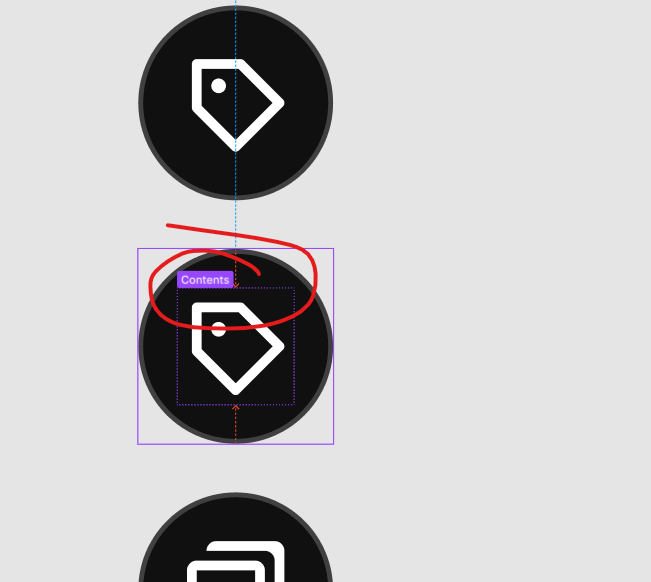
check this image, i don’t know what this feature or thing is called. but its annoying. whenever I select anything on canvas. It shows container. I don’t know if I activated this by accident or its a new update.
UX/UI designer. Figma expert. Creator and developer of plugins and widgets for Figma and FigJam. Check out my resources in Figma Community: figma.com/@tank
Thanks! It makes a lot more sense now and I can see it in action. Is there any way to turn it on and off, like a toggle? It would be great if there were since seeing the name of the layer you’ve selected (on canvas) can be quite useful.
UX/UI designer. Figma expert. Creator and developer of plugins and widgets for Figma and FigJam. Check out my resources in Figma Community: figma.com/@tank