

Solved
Element set to 180 degrees when grouped or Auto Layout applying
When I select an element and create a group or apply the Auto Layout, the rotation property is set to 180 degrees. This occurs whether I select a single element or multiple elements.
Has anyone else experienced something similar? I searched the forum but couldn’t find any posts about this issue.
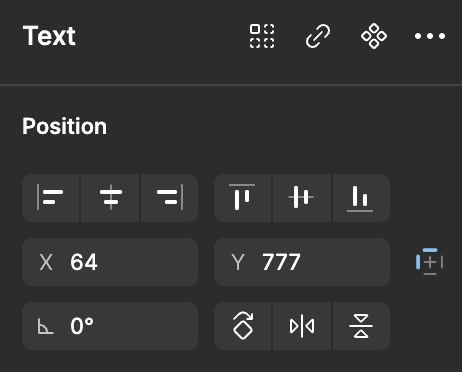
this is normal
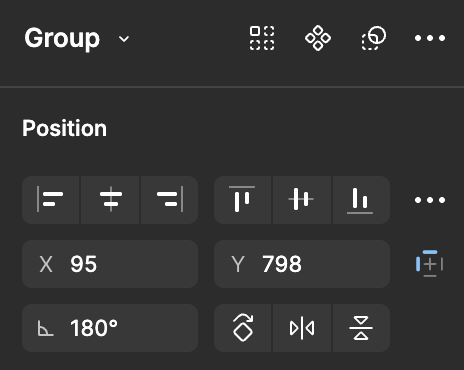
this is group
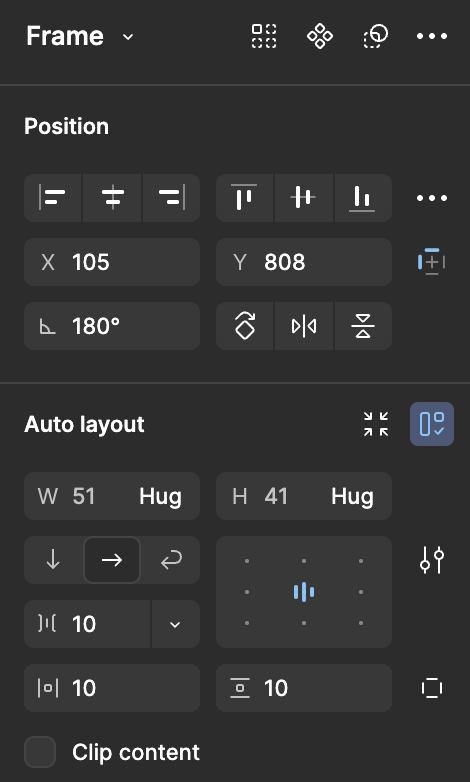
this is auto layout