

koyali
December 13, 2022

Show pixel preview in prototypes

  • December 13, 2022
  • 4 replies
  • 1450 views

Hi everyone, I’m a teacher using Figma in a design class. We’re currently working on retro-engineering design prompts. For example, “design Spotify on Game Boy Classic”.

The “pixel preview” option is perfect for that while in design mode, however, it doesn’t seem to be available on prototypes. This is 1980, we don’t want super smooth x4 retina anti-aliasing here!
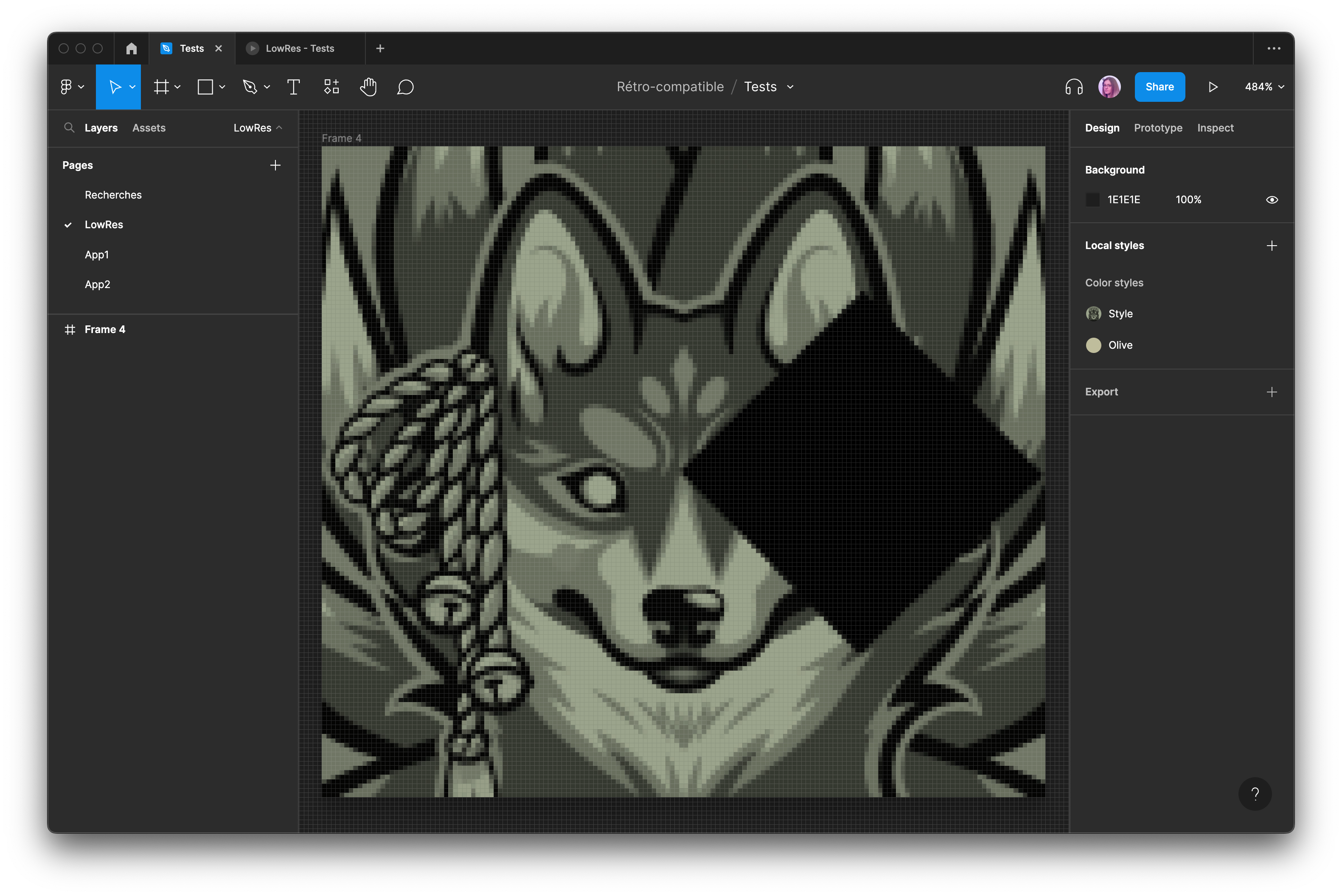
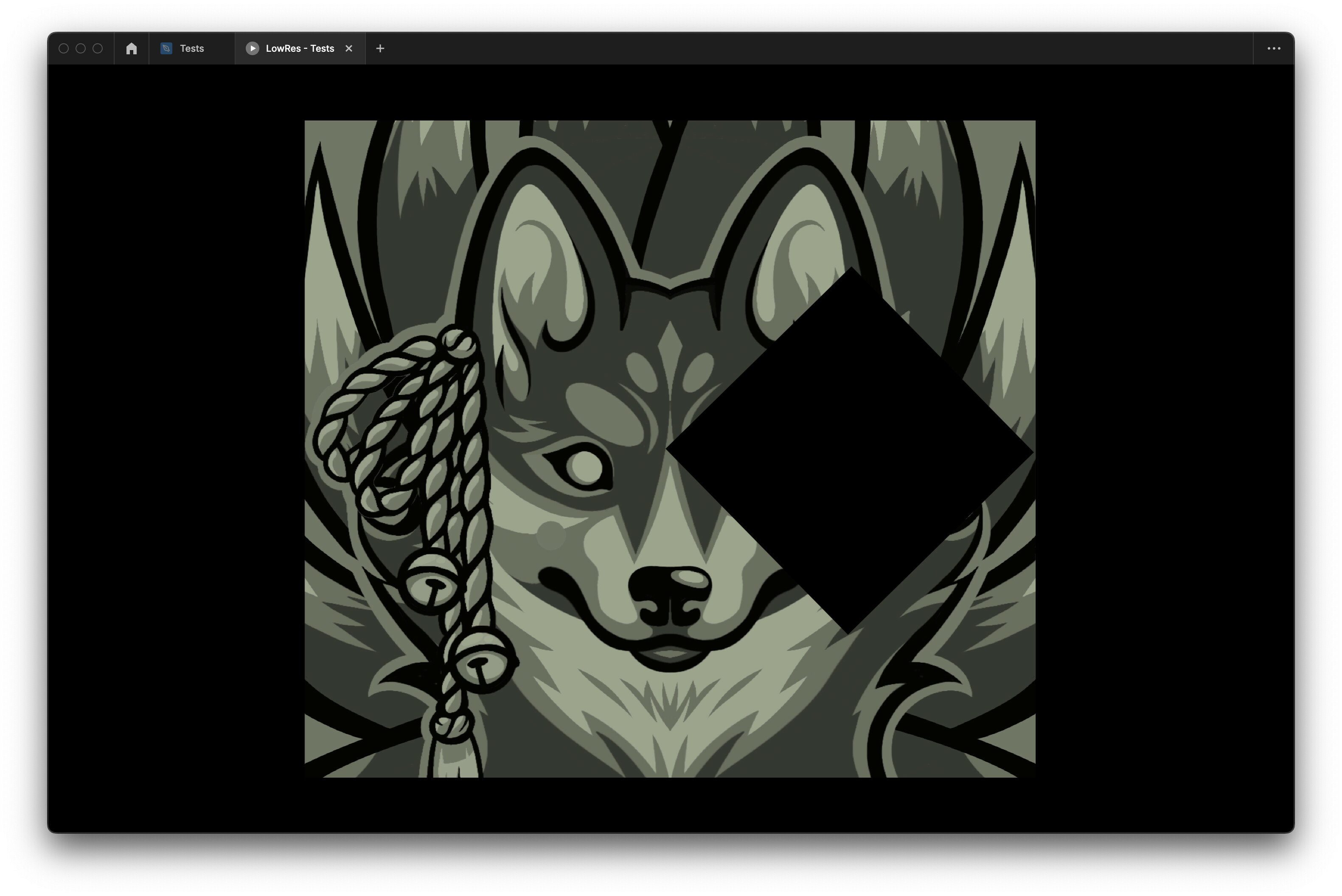
Any idea how to enable “pixel preview” in prototype mode?

Thanks so much in advance!

4 replies

Dimitri6
January 31, 2023

I would love to know this too!

Tascha
Active Member
February 20, 2024

Old post but I’d want to know this too!
I’d need this to pixel preview icons; if the vectors are properly made to display nicely on actual pixel displays in 1:1 size

Celine_
Figmate
Community Support
February 22, 2024

Hi everyone! Thanks for your feedback. This is not possible at the moment, but we’ll be happy to pass along your feedback to the team for consideration!

I’ve also switched your topic from “Ask the community” to “Share an idea” so you can vote up for the idea (next to the topic’s title 🗳️ )

twyzeas
New Member
June 18, 2026

As someone who designs primarily on Retina/HiDPI displays (MacBook + 5K monitor), it's frustrating not being able to see what my users on standard office monitors actually experience when interacting with a prototype. The same issue applies to Figma Make.

This is especially true to font rendering.