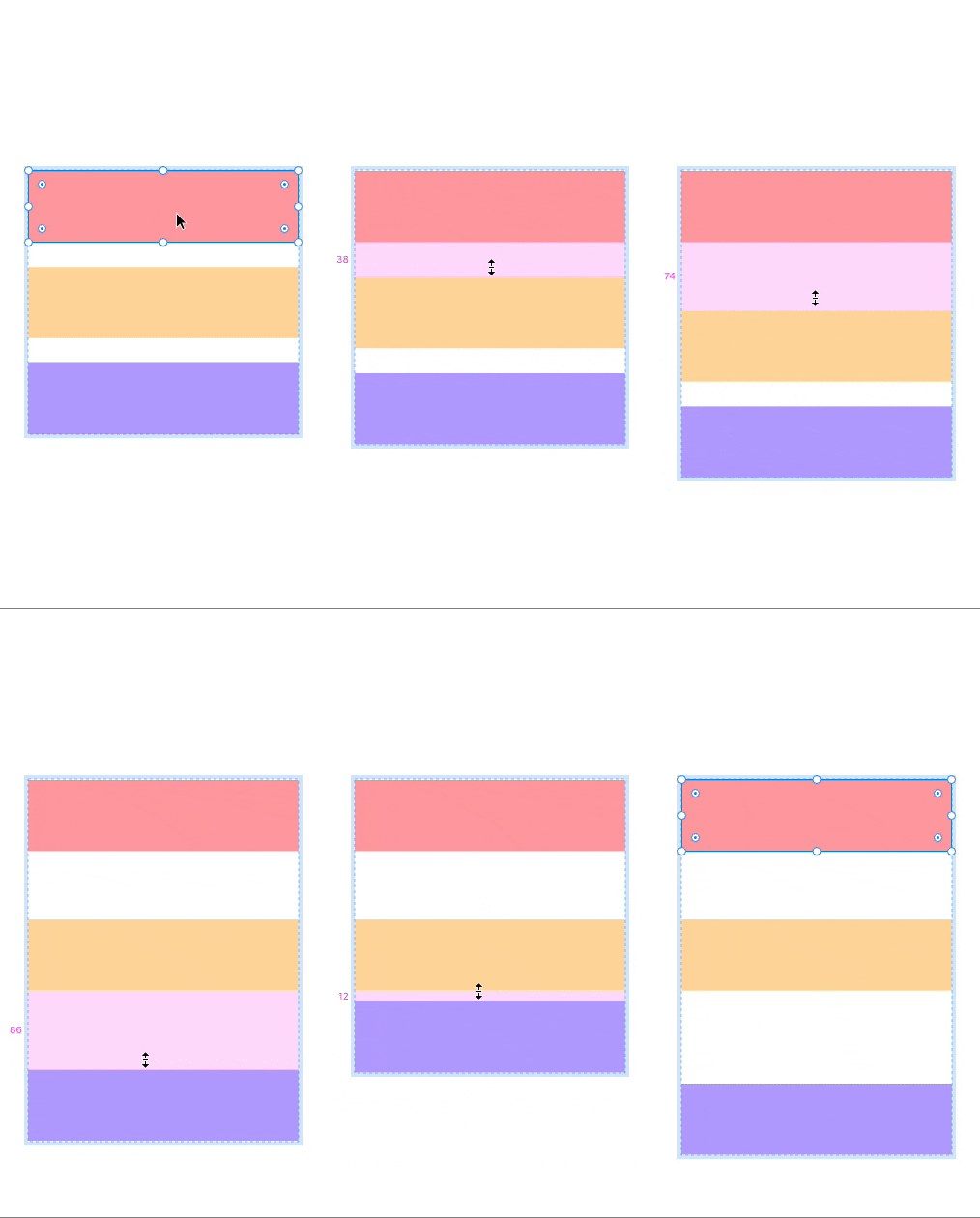
Edit the space between items (paddings) in auto layout independently

  • January 28, 2021
  • 38 replies
  • 40114 views

Show first post

38 replies

this is a must I guess hope they add it someday


In Adobe XD it is perfect. However here you can achieve something similar by setting the gap between rows to 0 and controlling the space between blocks with the padding bottom of each block that can be individualized.


Thamara_Tarek

" It would be great if we could edit the space between items in an auto layout independently. Adobe XD handles this by allowing the user to click on the space between elements and drag up or down to adjust the amount of space. Then the user can reset to equal spacing by entering a value in the Space Between Items field."

… and have the option to set a maximum or minumum gap.


ca-sey
  • New Member
  • November 4, 2023

Is there any news or updates on this? It’s so sad that we can’t have different spacing between multiple items if we select auto-layout. It’s so convenient yet so frustrating!


Diego_Casiano

Yes! It works. I think it’s a good solution. Anything to avoid creating more frames


ca-sey
  • New Member
  • November 25, 2023

How do you do this?


Vincent_Huss
  • Active Member
  • March 5, 2024

in CSS, we definitely wouldn’t add an extra layer just to push a flex child further, we would use something like margin-top:auto.


  • New Member
  • March 8, 2024

Please add this as a feature


Please add this feature 🙏


Amit10
  • March 27, 2024

Please add this feature, Figma!


French_David_A_Aslan_CTR

Please add this feature


FigmaFred
  • New Participant
  • October 8, 2024

Please add this. Items need individual controls.


Connor_Gaunt

+1 This problem has been causing our team so much frustration for many years now.