

Harald_Skogland
Active Member
March 4, 2024
Solved

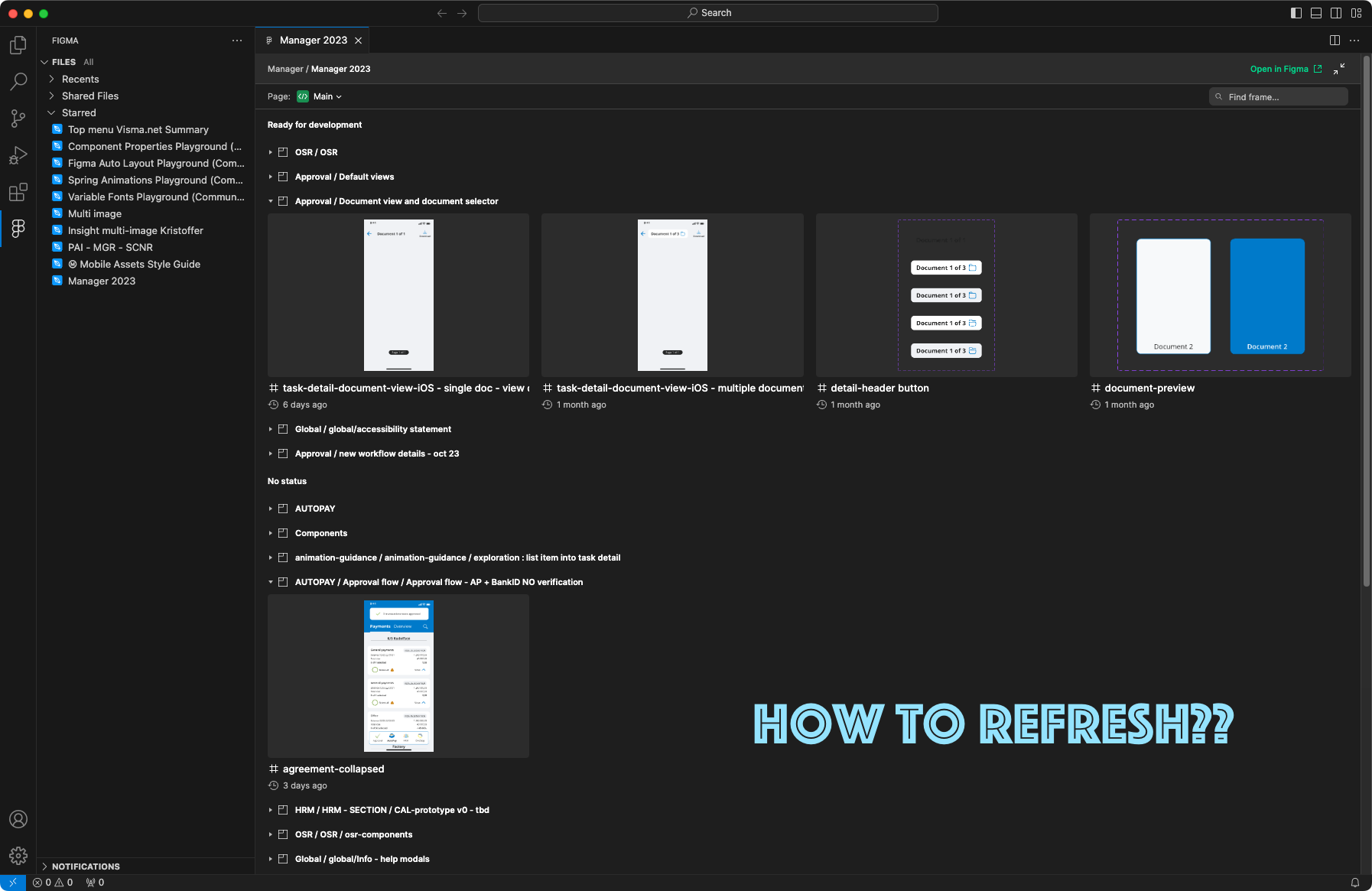
Visual Studio Code Figma plugin: How to refresh? And give feedback

  • March 4, 2024
  • 1 reply
  • 473 views

Hi, inside Visual Studio code with the Figma plugin running and a file open:

How can I refresh the file to load any changes that has happened in my Figma file?

It seems to me the only way is to close file and reopen it.

Also, how can I give feedback on the Figma plugin in VS Code?

thanks,
This topic has been closed for replies.
Best answer by djv

Hey @Harald_Skogland, thanks for reaching out!

We confirmed with the team that currently the only way to close and reopen the file. We’ve passed this feedback onto the team though, so they’re considering adding a refresh icon in the future.

1 reply

djv
Figmate
djvAnswer
Community Support
March 6, 2024

Hey @Harald_Skogland, thanks for reaching out!

We confirmed with the team that currently the only way to close and reopen the file. We’ve passed this feedback onto the team though, so they’re considering adding a refresh icon in the future.